GIF basics · 4 min read
What does GIF mean in a text message?
Quick answer
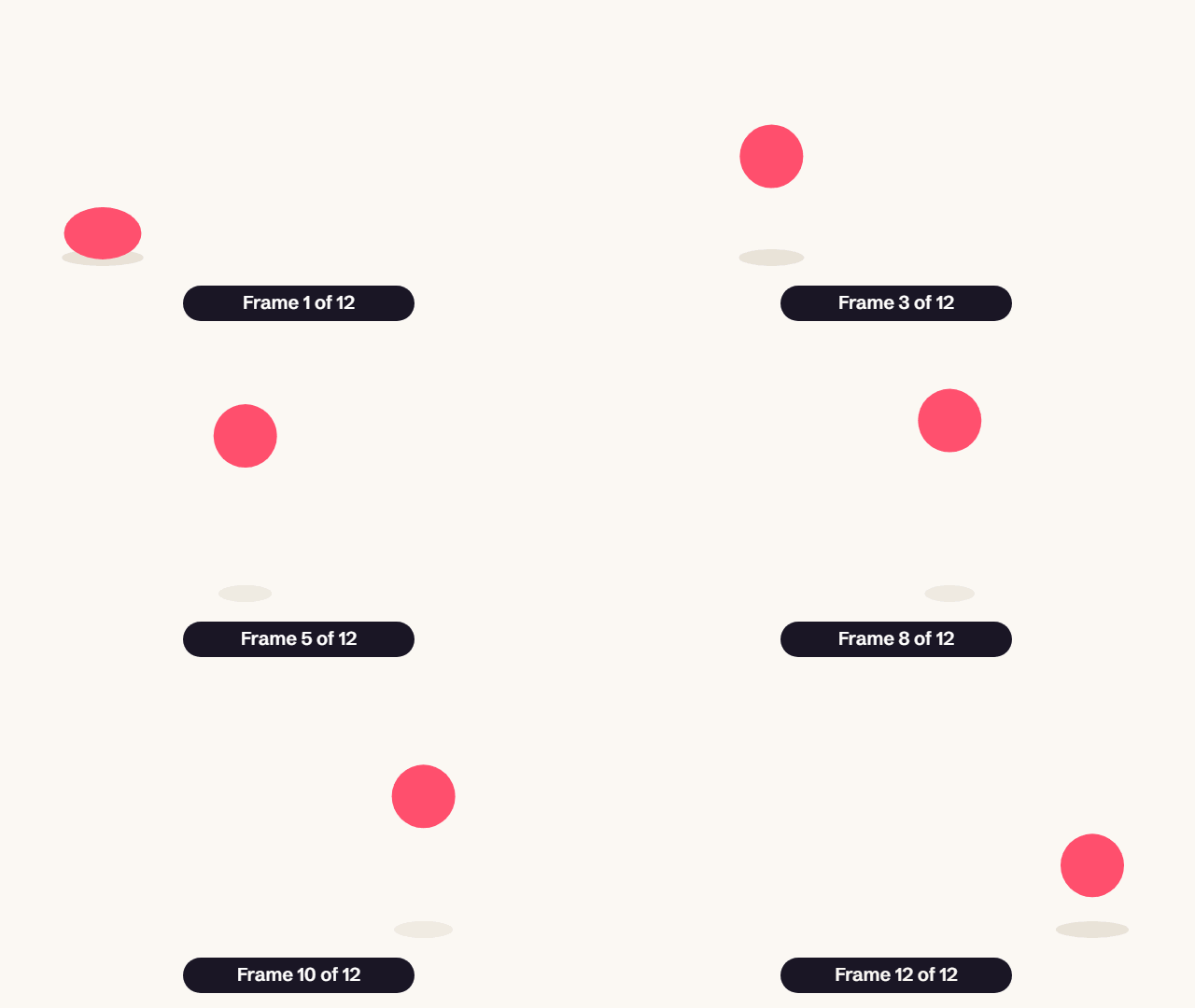
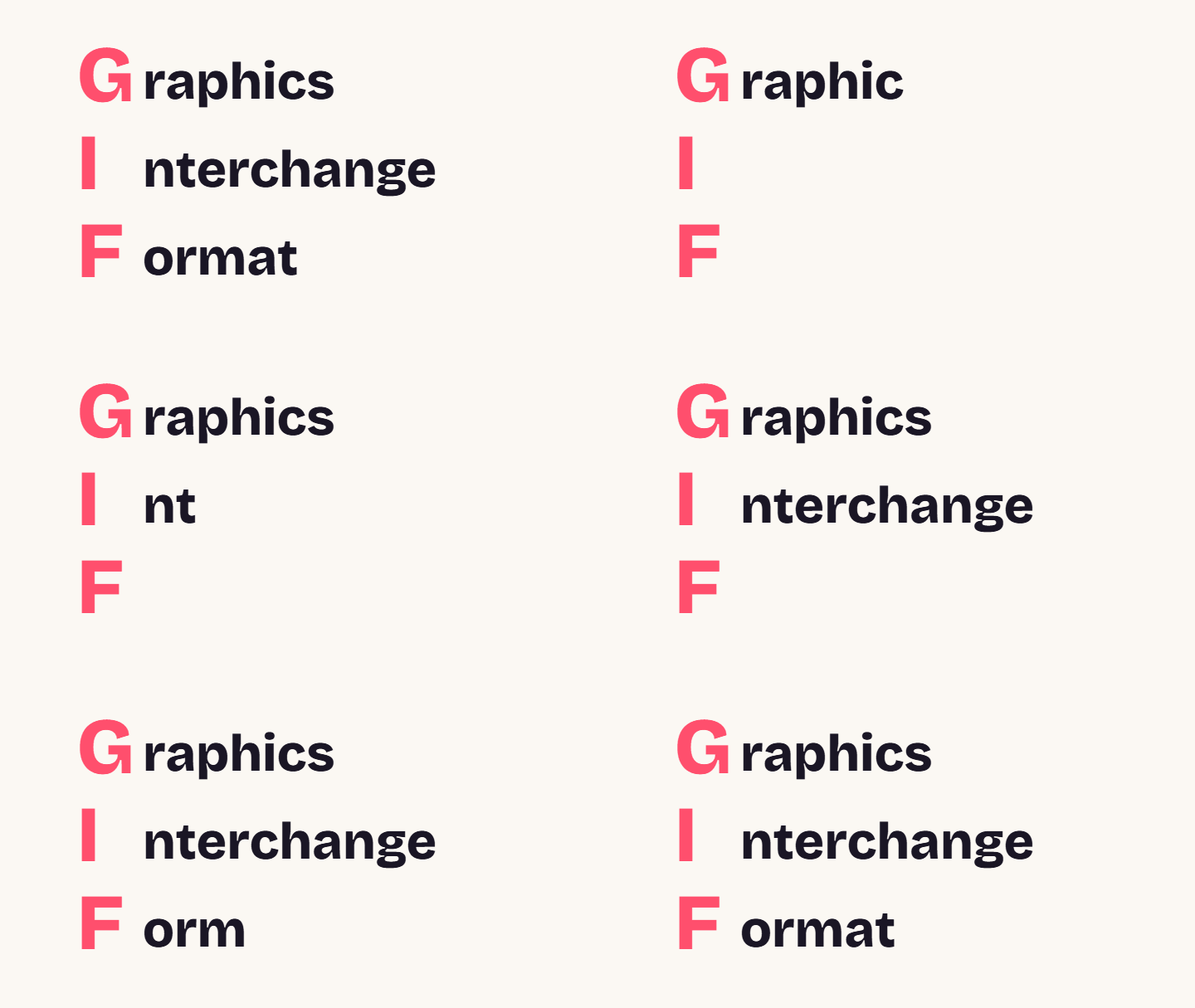
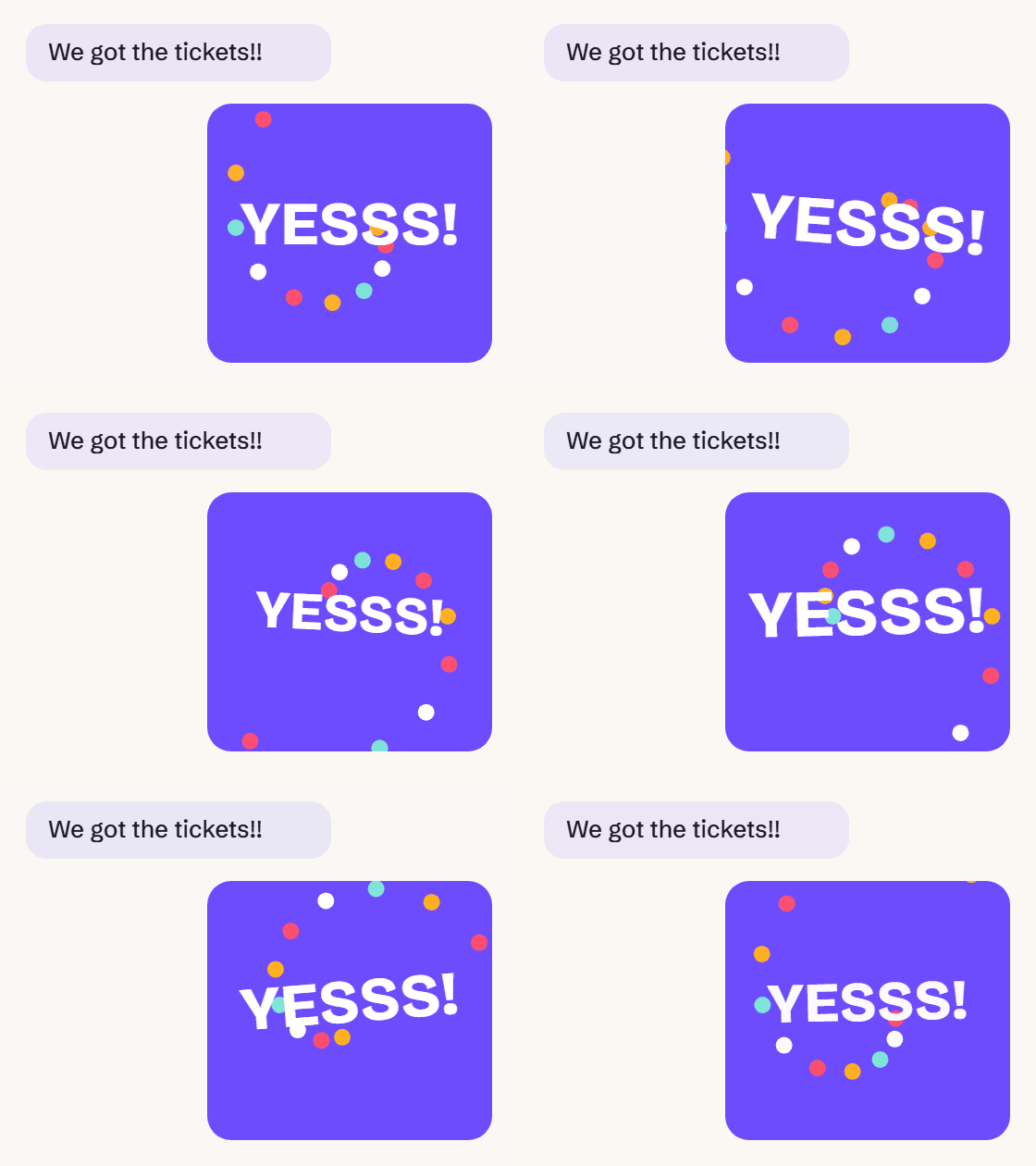
In a text message, a GIF is a short, silent, looping animation sent instead of or alongside words, usually to show a reaction. GIF isn’t slang or an abbreviation of a phrase in this context. It’s the name of the image format, short for Graphics Interchange Format.
Key takeaways
- A GIF in a text is a small looping animation, not a piece of slang.
- People send them to add tone: excitement, sarcasm or sympathy that plain text can’t carry.
- On phones, look for a GIF tab in your keyboard or #images in iPhone Messages.
- Mind your audience, and avoid flashing GIFs, which can affect people with photosensitivity.
What does GIF mean in a text?
When someone says “send me a GIF” or a GIF appears in your chat, they mean a short moving image that loops without sound. Common sources include clips from shows and films, animated stickers and homemade videos.
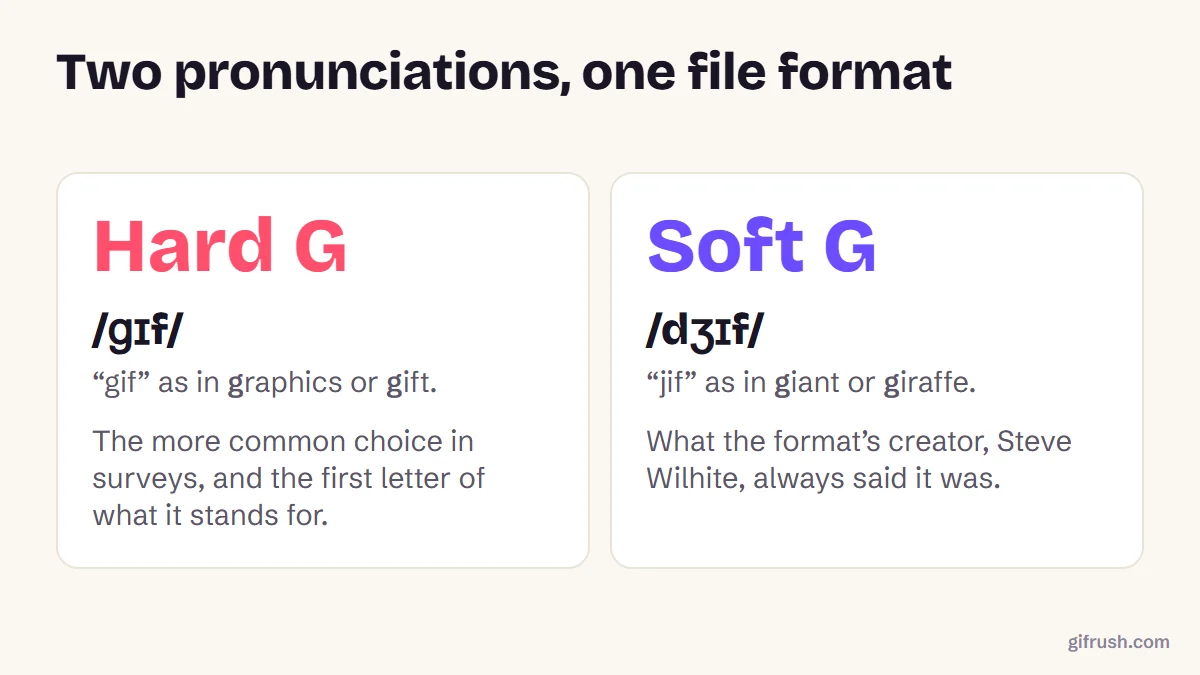
Unlike LOL or BRB, GIF isn’t texting shorthand for a phrase like “got it, friend”. It’s simply the name of a file format, Graphics Interchange Format. It works as a noun (“she sent a GIF”) and, increasingly, a verb (“I’ll GIF that moment”). For how the animation itself works, see what a GIF is.
Why do people send GIFs in texts?
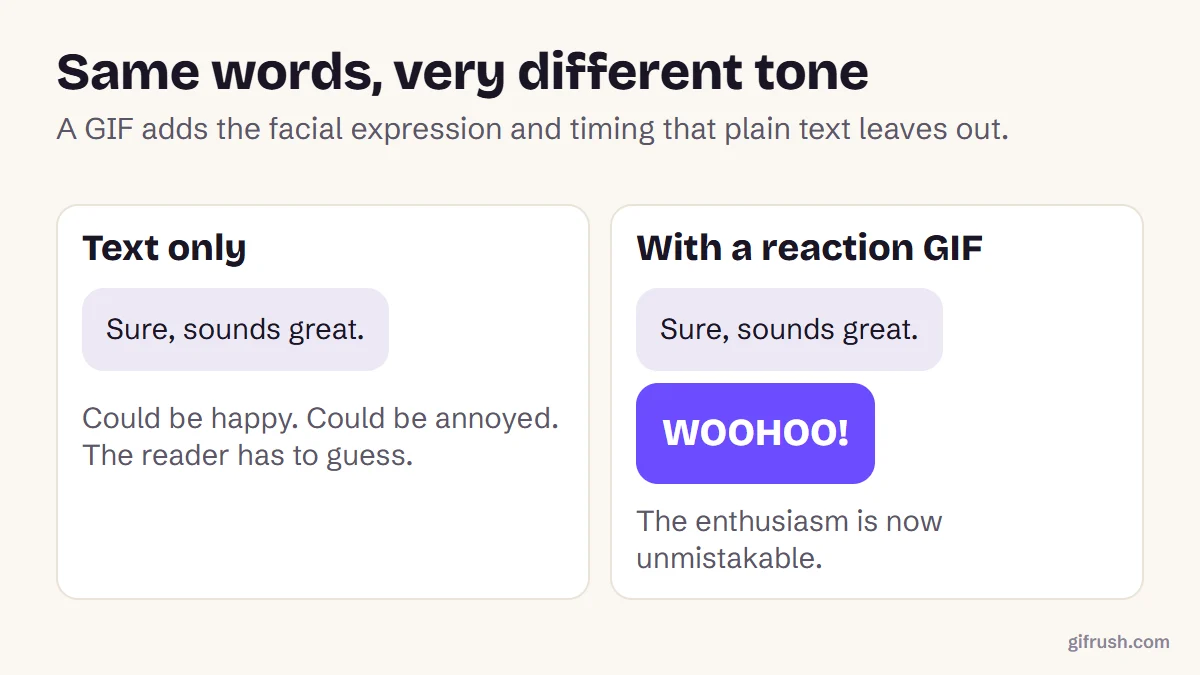
Text is missing nearly everything that gives speech its meaning: expression, gesture, tone of voice. A well-chosen GIF puts some of it back. A three-word message can read as warm or as furious, and a small looping face removes the doubt.
| You want to say | A typical GIF shows | Works best when |
|---|---|---|
| “I’m thrilled” | Someone jumping or cheering | Sharing good news with friends |
| “I can’t believe this” | A slow, shocked stare | Reacting to surprising gossip |
| “I’m being sarcastic” | An exaggerated slow clap | You know the person well |
| “I’m here for you” | A warm hug or a gentle pat | Being kind, though words should come first |
| “Goodbye, I’m done” | Someone walking away or vanishing | Lightly ending a chat |
How do you send a GIF in a text message?
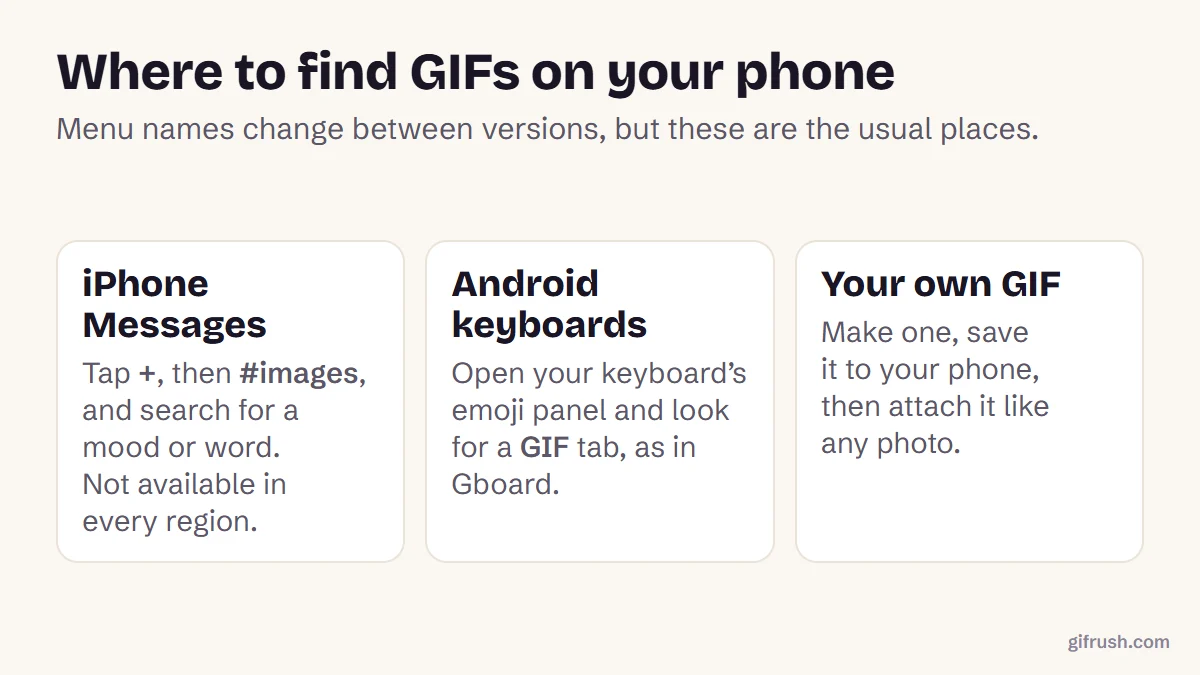
Menus vary between phones and app versions, but the path is usually short:
Open a conversation
Use Messages, WhatsApp, Telegram or whichever app you normally text in.
Find the GIF picker
On iPhone Messages, tap the plus button and choose #images, which isn’t available in every region. On Android, open your keyboard’s emoji panel and look for a GIF tab.
Search for a feeling
Words like “yes”, “awkward” or “thank you” work better than descriptions of a scene.
Tap and send
Tap the GIF to add it. Most apps let you add a message alongside it.
Apple notes that #images GIFs animate only inside Messages on Apple devices. Sending to other kinds of phone, or by plain SMS, can reduce a GIF’s quality or size, so if yours arrives looking wrong, a smaller file usually helps. Our GIF Compressor can shrink it.
Nothing beats a reaction GIF made from your own clip. Learn how in how to make a GIF from a video.Open GIF Maker
GIF etiquette: when not to send one
- Serious news. A cartoon hug isn’t a substitute for real words when someone’s grieving or upset.
- New work contacts. Humour varies between workplaces, so follow what others do first.
- Long threads. Five GIFs in a row push the actual conversation off the screen.
- Flashing or strobing clips. Fast flashes can trigger seizures in people with photosensitive epilepsy, which is why accessibility guidelines limit content to three flashes per second.
New to this topic? Start with our main guide: What is a GIF and how does it work?
Frequently asked questions
What does GIF mean in texting?
It means a short, silent, looping animated image sent in a message, usually as a reaction. GIF is the name of the file format, short for Graphics Interchange Format, rather than slang.
What does it mean when someone sends you a GIF?
They’re usually expressing a reaction or a mood. Treat it the way you’d treat a facial expression: it adds tone to the conversation, and you can reply with words or another GIF.
Why does my GIF not move in a text?
The receiving phone or the messaging route may not support animation at that size, or it may have been reduced to a still image. Try sending it through a messaging app, or send a smaller file.
How do I send a GIF on iPhone?
In Messages, tap the plus button, choose #images, search for a word, then tap a GIF and send it. Apple notes #images isn’t available in all countries or regions.
Do GIFs use a lot of data?
More than text, but usually little. Most reaction GIFs are a few megabytes or less, and many messaging apps deliver them as compressed video behind the scenes.
Sources
- Send and save GIFs in Messages on iPhone (Apple Support)
- Understanding Success Criterion 2.3.1: Three Flashes or Below Threshold (W3C)
- GIF (Wikipedia)