GIF basics · 5 min read
What is a GIF and how does it work?
Quick answer
A GIF is an image file that can hold many pictures and show them one after another, like a digital flipbook. Each frame stores its own display time, a setting tells it how often to loop, and every frame can use up to 256 colours. GIFs have no sound.
Key takeaways
- A GIF is a stack of pictures with timers, not a video.
- Each frame can use up to 256 colours, which is why photos can look grainy or banded.
- GIFs have no audio, and they can loop forever without a play button.
- They’re great for short reactions, demos and simple animation, and poor for long clips.
What is a GIF, in plain English?
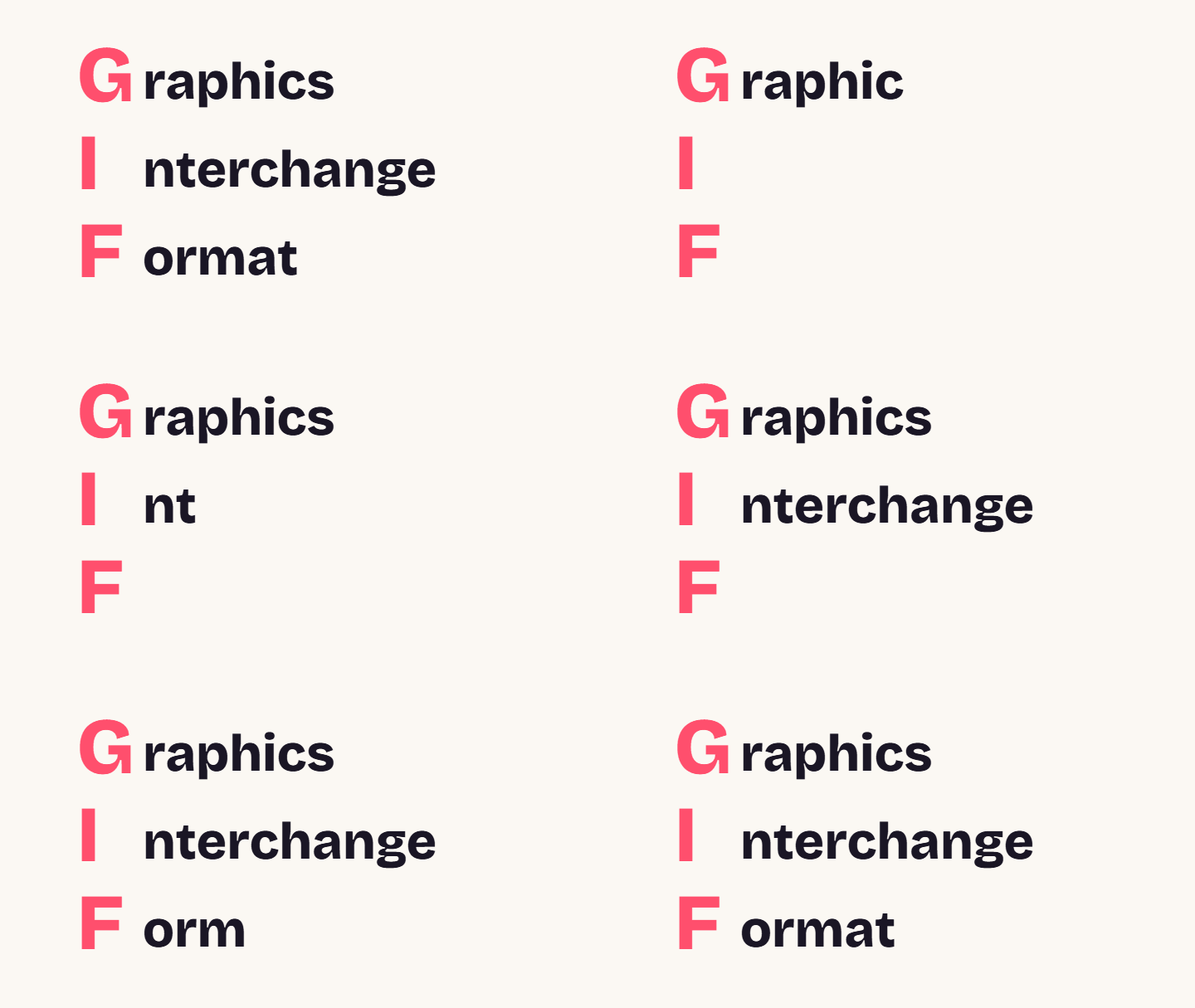
A GIF is an image file that can contain more than one picture. Show those pictures quickly, one after another, and your brain reads them as movement, exactly as it does with a flipbook. The name is short for Graphics Interchange Format.
A GIF doesn’t have to move at all. A single-frame GIF is just a still image. But the animated kind is what made the format famous, and it’s what nearly everyone means by “a GIF” today.
How does GIF animation work?
There are only three moving parts, and together they explain almost everything about how GIFs behave:
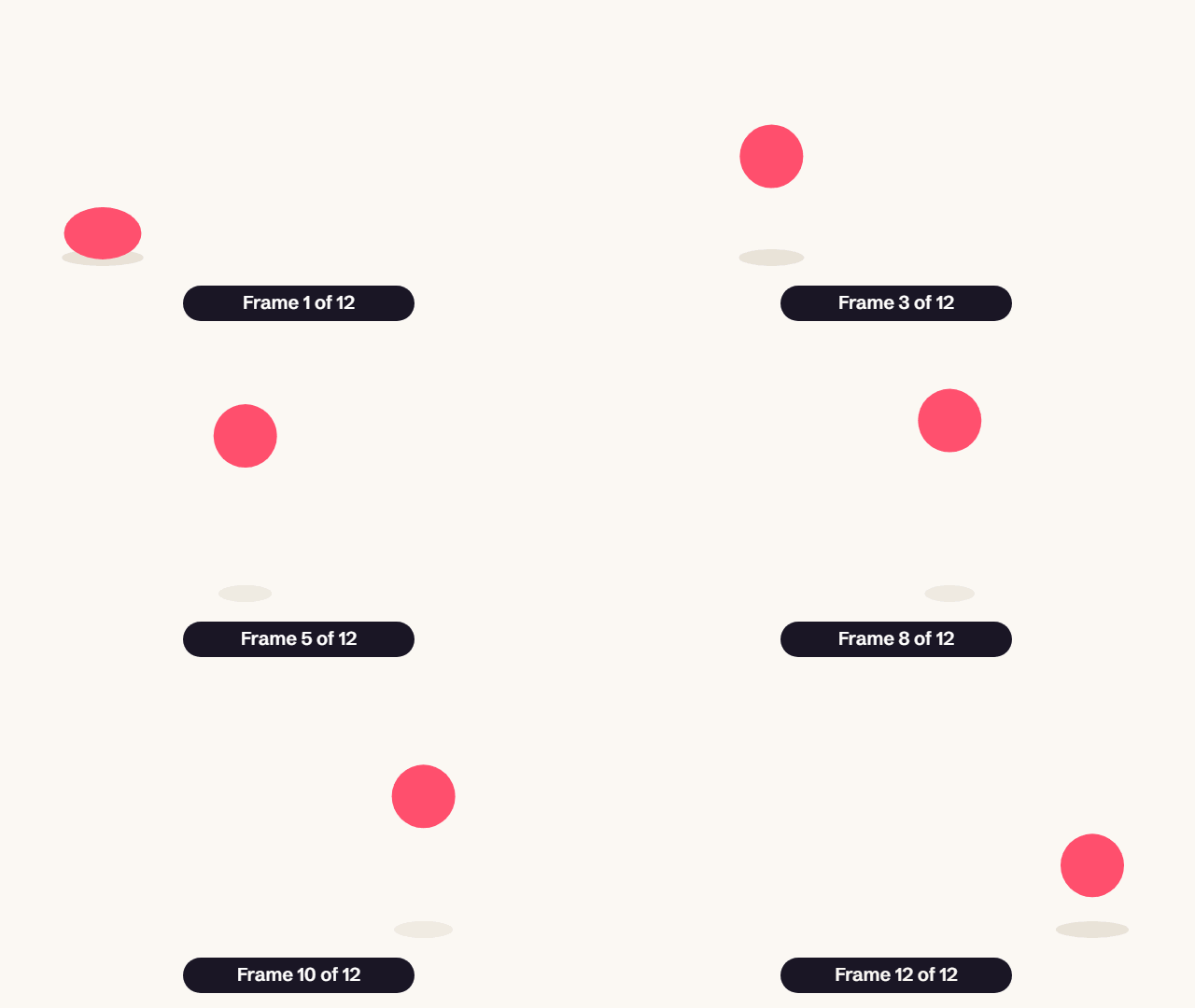
- Frames. The file stores a sequence of images. To save space, a frame can store only the pixels that changed.
- Delays. Each frame carries its own wait time, stored in hundredths of a second. A delay of 10 means 0.1 seconds, or about 10 frames per second.
- A loop setting. An optional extension says how many times to repeat. It’s usually set to forever.
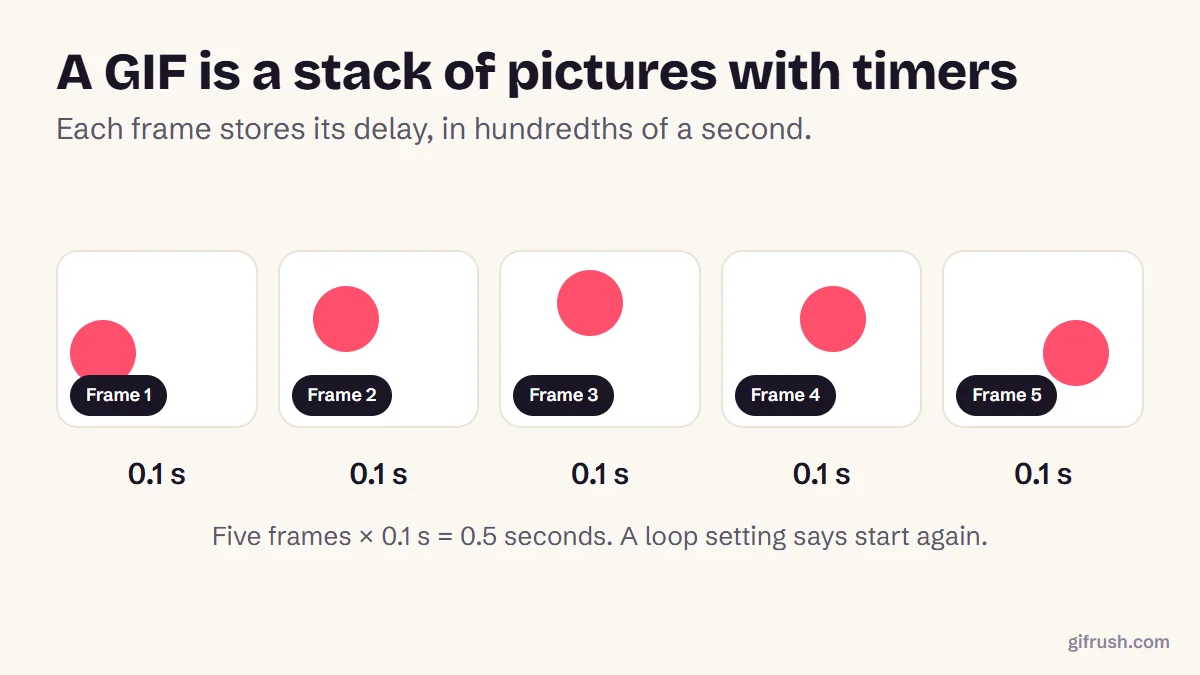
Because every frame sets its own timing, a GIF can hold on a punchline for two seconds and then race through the next ten frames. Video can’t do that as simply. Want to look at a real GIF’s frames and delays? Our GIF Tester lists them, and Pause GIF lets you step through one frame at a time.
Why do GIFs look grainy?
Each GIF frame is limited to a palette of 256 colours, chosen from millions. That’s plenty for a logo or a cartoon, but a photo or sunset contains far more shades than that. The encoder has to approximate them, and you see the result as banding (visible stripes in smooth gradients) or dithering (a speckled pattern).
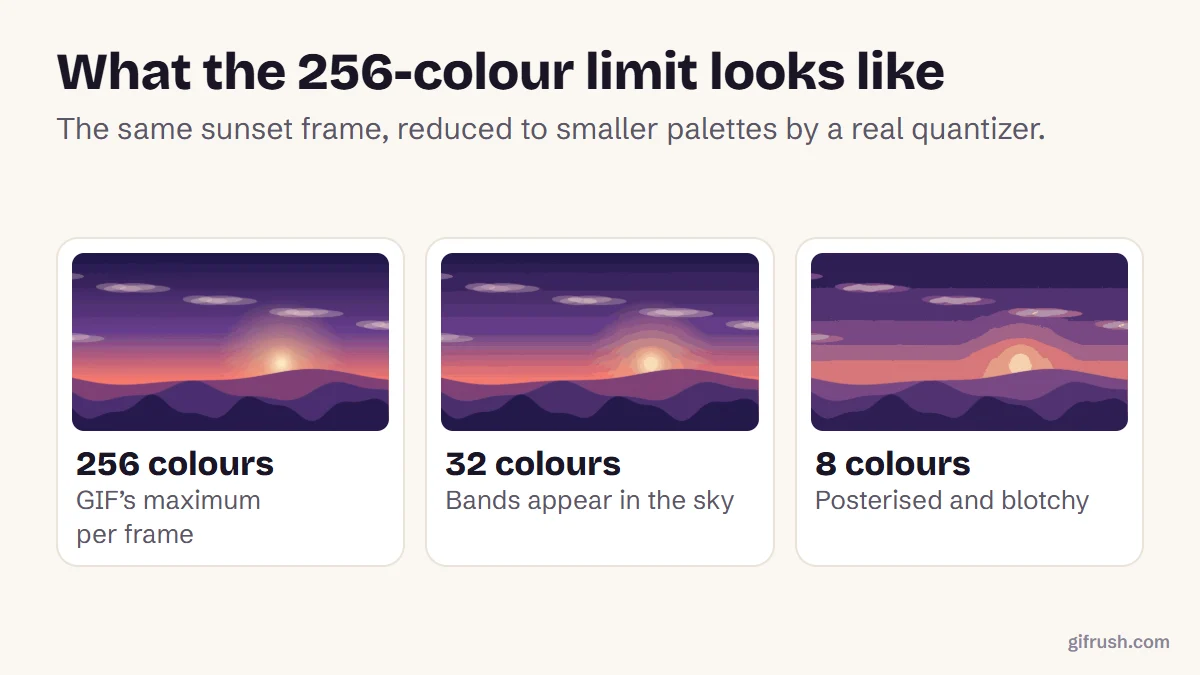
A good encoder softens this by building a separate palette for each frame, so a GIF that fades from blue to orange can spend its 256 colours differently over time. That’s why two GIFs of the same clip can look very different in quality.
What are GIFs used for?
| Where | Example | Why a GIF works |
|---|---|---|
| Messages | A reaction to good news | Shows emotion instantly, with no sound to play |
| Social media | A looping joke or highlight | Plays automatically and catches the eye in a feed |
| Presentations | A quick product demo on a slide | Plays inside the slide without a video player |
| Software help | A recording of where to click | Shows a short process better than a screenshot |
| A moving banner or product shot | Many email clients show GIFs but won’t play video | |
| Art | Pixel art and looping illustrations | Flat colours suit the 256-colour limit |
For the most common use of all, see what GIF means in a text message. If you’re wondering how far you can push one, read how long a GIF can be.
GIF vs video: what’s the difference?
| GIF | MP4 video | |
|---|---|---|
| Sound | None | Yes |
| Colours | Up to 256 per frame | Millions |
| File size | Large for its length | Often around 10× smaller |
| Autoplay and loop | Built in | Depends on the player |
| Transparency | Yes, on or off per pixel | No |
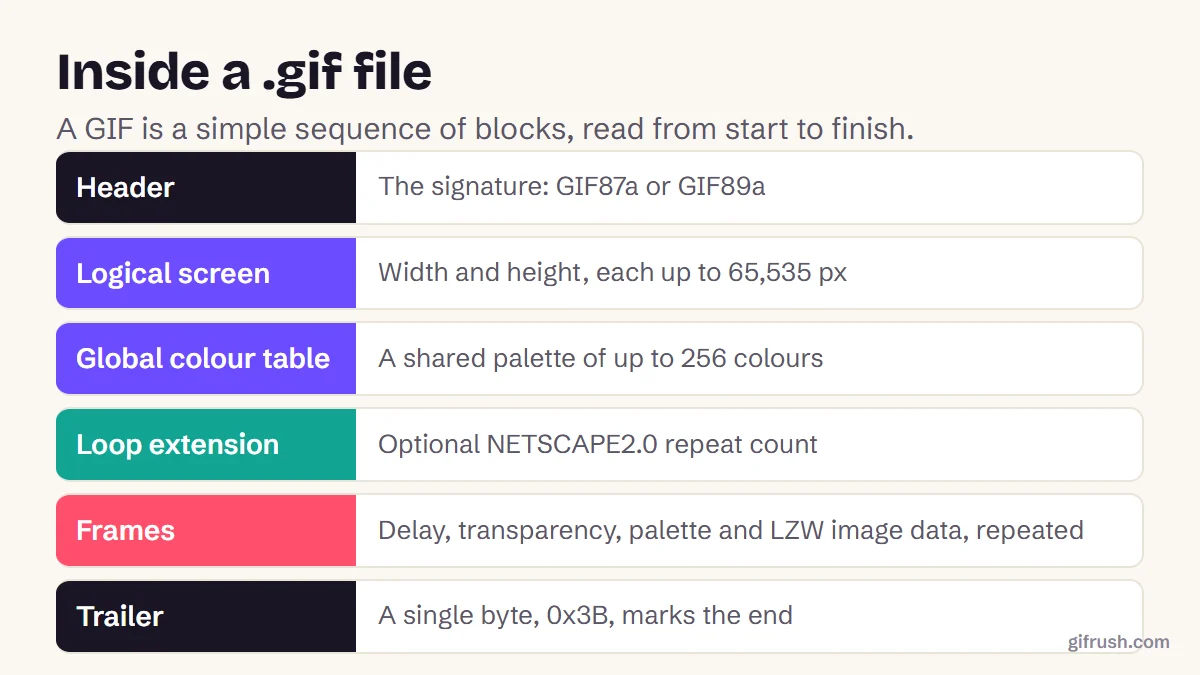
The technical details of the format, including what’s inside the file, are in our guide to the GIF file. And you can convert in either direction: turn a video into a GIF, or a GIF into a video.
Where to go next
This guide is the starting point for our GIF basics series. These answer the questions people ask most:
- What does GIF stand for?
- How do you pronounce GIF?
- What does GIF mean in a text message?
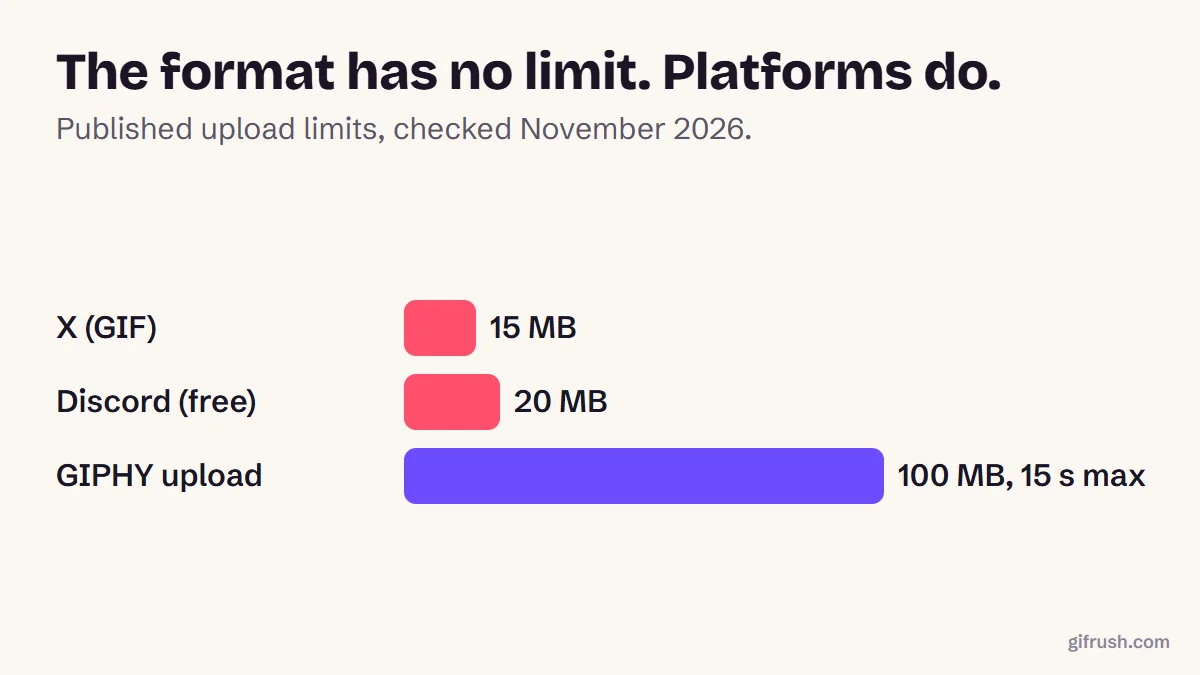
- How long can a GIF be?
- What is the longest GIF ever made?
- What is a GIF file, and when should you use one?
The fastest way to understand a GIF is to make one. Ready for that? Our step-by-step guide is how to make a GIF.Open GIF Maker
Frequently asked questions
What is a GIF?
A GIF is an image file that can hold a sequence of pictures and show them in order, creating a short, silent animation that usually loops forever.
Is a GIF a picture or a video?
Technically it’s an image format, not a video. It stores separate pictures with timing, has no audio track and doesn’t use video compression, though it looks like a short silent clip.
Do GIFs have sound?
No. The GIF format can’t store audio. If you need sound, you need a video format such as MP4.
Why do GIFs loop?
A small extension in the file tells the viewer how many times to repeat the animation. It’s usually set to forever, which is why GIFs keep playing with no play button.
Are GIFs high quality?
Not usually. Each frame is limited to 256 colours and files get large quickly, so GIFs tend to be small and short. They look best with flat colours and simple motion.
Sources
- Graphics Interchange Format, Version 89a (W3C archive of the CompuServe specification)
- GIF (Wikipedia)
- Replace animated GIFs with video for faster page loads (web.dev)
Free tools for this
GIF Maker
The all-in-one animated GIF maker: build a GIF from photos, images or a video clip.
GIF Tester
Inspect any GIF: frames, delays, loop count, palettes, file size and platform checks.
Pause GIF
Play, pause and step through any GIF frame by frame, change speed and save any frame.
GIF to MP4
Convert an animated GIF to an MP4 video that’s much smaller and plays everywhere.