GIF creation · 4 min read
How to turn a GIF into an MP4 video
Quick answer
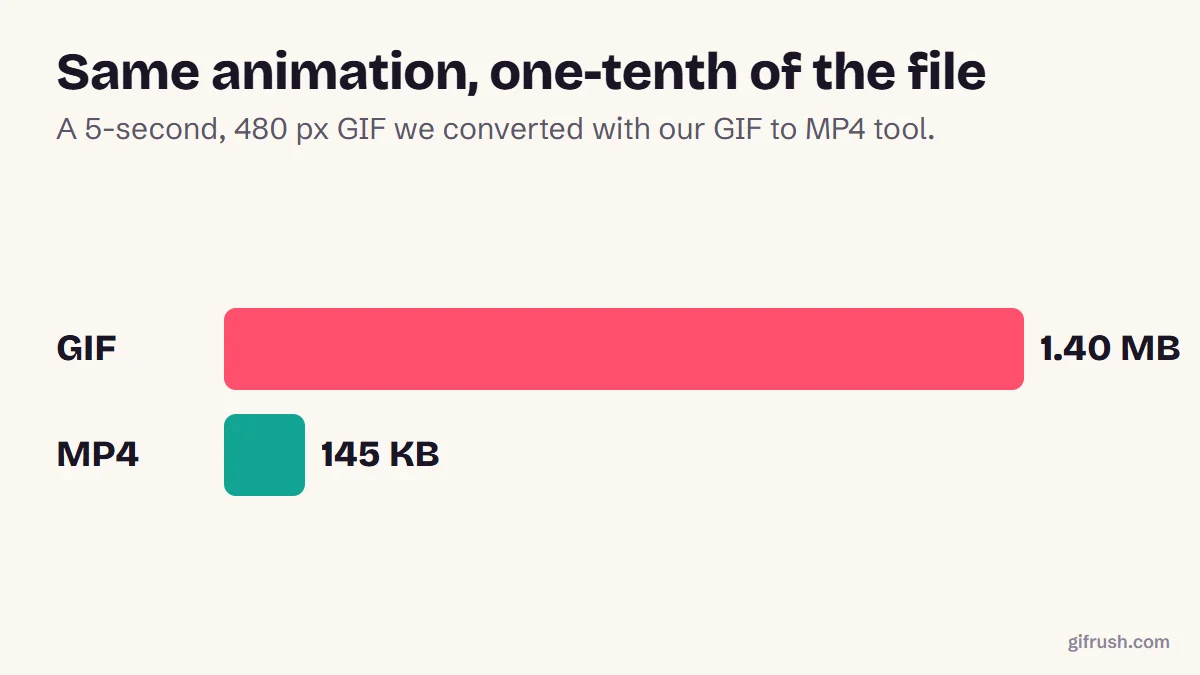
To turn a GIF into a video, upload it to a GIF-to-MP4 converter, choose how many times it should repeat and a background colour for any transparent areas, then convert and download. The MP4 is usually far smaller: our 1.40 MB test GIF became a 145 KB video.
Key takeaways
- An MP4 version is often around 10× smaller than the GIF, and it plays on platforms that reject large GIFs.
- Use the repeat setting to make a short loop long enough for a video post.
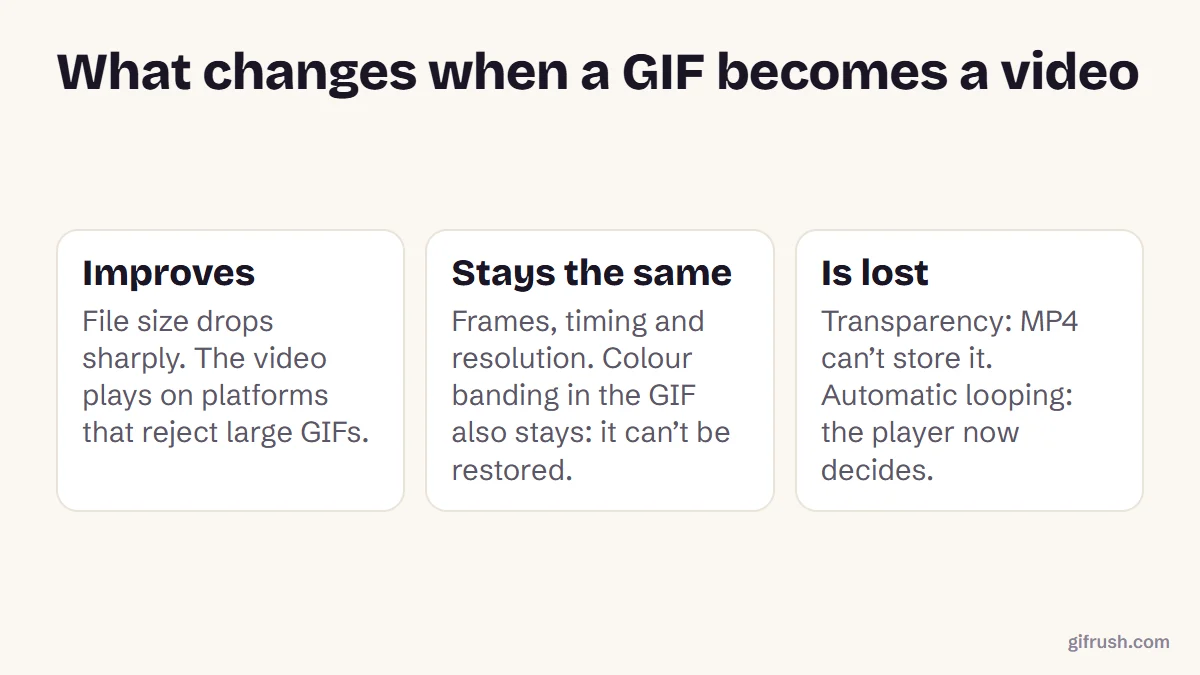
- Transparency and auto-looping don’t carry over. Pick a background colour, and expect the player to control looping.
- Converting can’t restore colours. Banding in the GIF stays in the video.
How do you turn a GIF into a video?
Add your GIF
Open GIF to MP4 and drop in the GIF. It’s processed on your device, not uploaded.
Set how many times it plays
A 2-second GIF makes a 2-second video. Use “Play the GIF” to repeat it up to 10× for a longer video.
Choose a background
If your GIF has transparent areas, pick the colour to show behind them, because MP4 doesn’t support transparency.
Convert and download
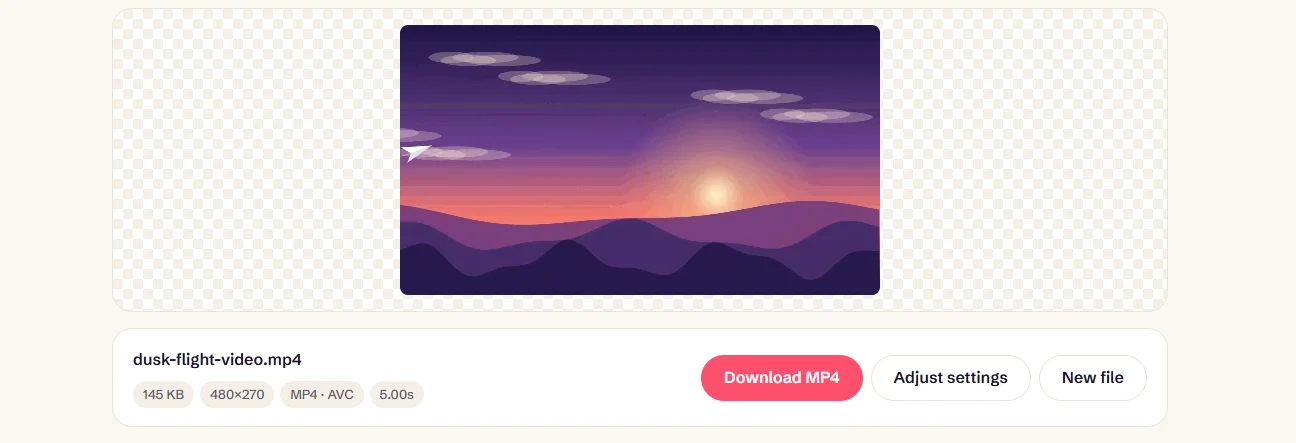
Press Convert to MP4 and check the result. The tool encodes H.264 using your browser, or WebM if H.264 isn’t available.
Need a QuickTime file for iMovie or Final Cut Pro? Use GIF to MOV instead. To add a soundtrack as well, try Add Music to GIF.
Why turn a GIF into a video?
The main reason is efficiency. GIF compresses each frame largely on its own, while video can predict what changes from one frame to the next. Our test GIF shrank about 10×, and web.dev’s own example went from 3.7 MB to 551 KB, about 7×.
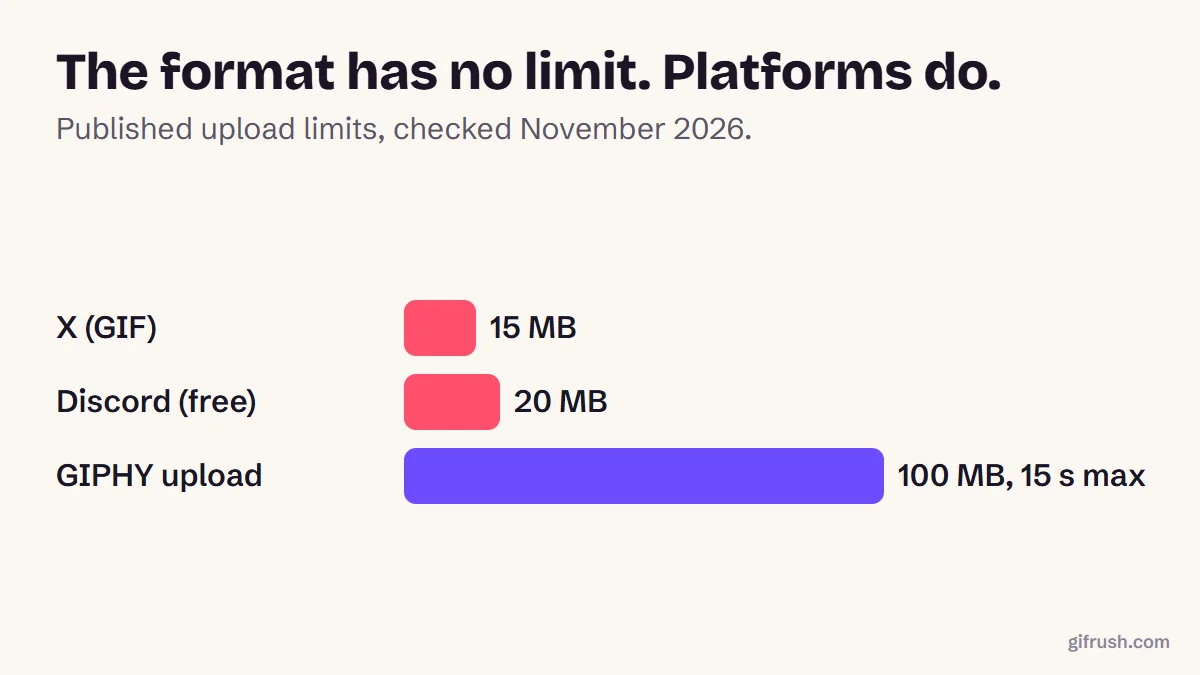
- Platform rules. Some places accept video but not GIFs, or they set low limits for GIFs.
- Faster websites. A looping muted video loads much quicker than a large GIF.
- Editing. Video apps handle MP4 far better than GIF.
- Adding sound. A GIF can’t have audio, but a video can.
Many apps already make this swap behind the scenes. You might post a GIF and find it’s been stored as a short video, so saving it gives you an MP4 instead.
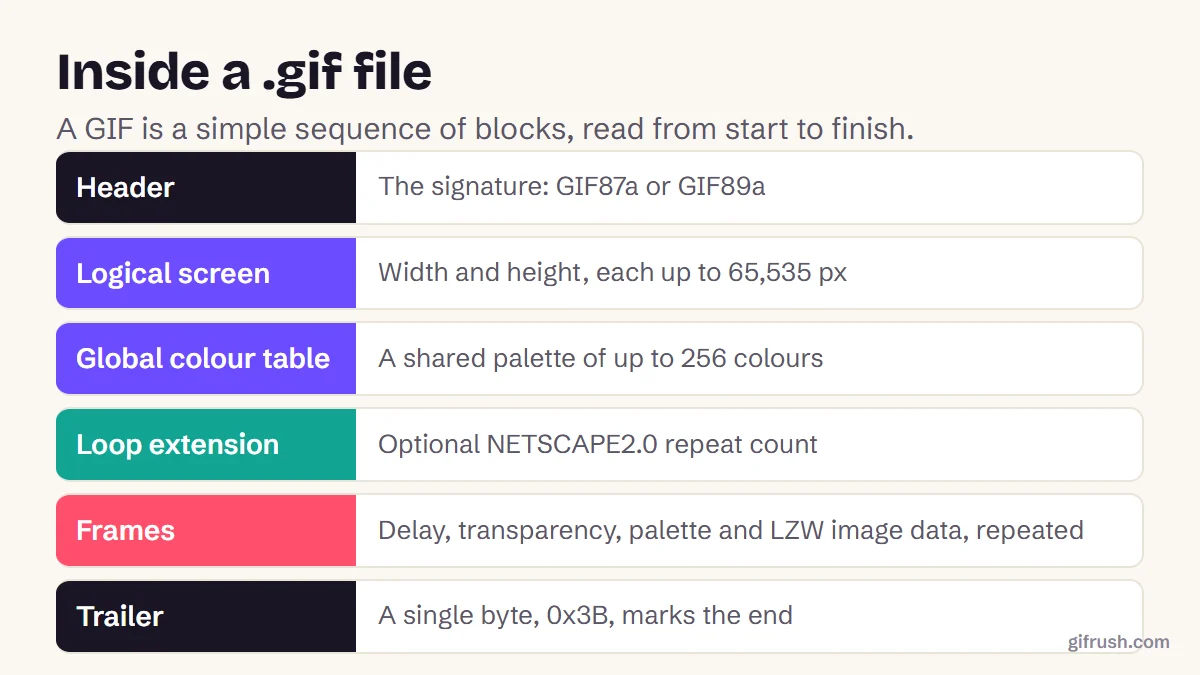
What changes when a GIF becomes a video?
How to check the final video
Run through this short list before you post:
- Play it through to the end. Check that the motion and speed match the GIF.
- Check the length. Some platforms require a minimum duration, so increase the repeats if it’s rejected as too short.
- Look at the edges. Transparent areas will now show your background colour.
- Test the destination. Upload it privately first, because platforms re-compress video, sometimes heavily.
- Expect different looping. Whether the video repeats now depends on the player. On a website, add loop, muted, autoplay and playsinline attributes to the video tag.
Try it on your own GIF. There’s no upload and no watermark.Open GIF to MP4
How do you turn a video into a GIF?
If you actually wanted the reverse, add your video to Video to GIF, select a few seconds, then convert. Our step-by-step guide to making a GIF from a video covers it, and how to convert MP4 to GIF has more on keeping quality high.
New to this topic? Start with our main guide: How to make a GIF from scratch
Frequently asked questions
How do I turn a GIF into a video?
Upload it to a GIF-to-MP4 converter such as GifRush GIF to MP4, set how many times it should repeat, choose a background for transparent areas, then convert and download the video.
How do I convert a GIF to MP4 for free?
GifRush GIF to MP4 is free with no sign-up or watermark. The conversion uses your browser’s video encoder, so your file stays on your device.
Does converting a GIF to MP4 reduce quality?
It usually looks nearly identical to the GIF. It can’t improve on it, though: colour banding stays, and transparent areas take on a background colour.
Why is the MP4 so much smaller than the GIF?
Video codecs like H.264 store the differences between frames very efficiently, while GIF uses older compression. Our test file went from 1.40 MB to 145 KB.
Will the video loop like a GIF?
Not automatically. MP4 files don’t carry a loop instruction, so the app or video player decides. You can repeat the animation inside the video to make it play for longer.
Can I add sound to a GIF?
Yes, by converting it. GifRush’s Add Music to GIF tool loops your GIF over an audio file and creates an MP4 with sound.
Sources
Free tools for this
GIF to MP4
Convert an animated GIF to an MP4 video that’s much smaller and plays everywhere.
GIF to MOV
Convert GIFs to QuickTime MOV (H.264) for iMovie, Final Cut Pro, Keynote and QuickTime Player.
Add Music to GIF
Put a song or sound on a GIF — creates an MP4 with the GIF looping over your audio.
Video to GIF
Turn MP4, WebM or MOV clips into smooth looping GIFs. Trim, resize and set the frame rate.