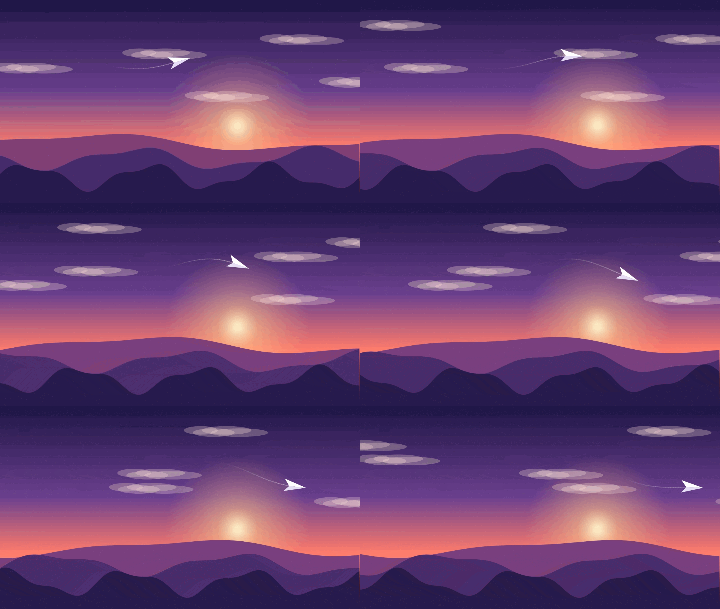
GIF creation · 5 min read
How to create an animated GIF that loops smoothly
Quick answer
To create an animated GIF that loops smoothly, make your frames so the last one leads naturally into the first. Add them to a GIF maker, set a delay of about 60–100 ms per frame and set Loop to Forever. For clips with a visible jump, a forward-and-back boomerang hides the join.
Key takeaways
- A smooth loop means the step from last frame to first is no bigger than any other step.
- Don’t duplicate the first frame at the end. It causes a small stutter on every loop.
- Boomerang is the easiest fix for video clips that don’t loop naturally.
- A delay of 60–100 ms suits most motion. Test at actual speed before you share it.
How do you make an animated GIF?
Create your frames
Draw them, export them from an animation app, or capture them. Use PNG for the cleanest result and keep every frame the same size.
Add them in order
Drop the frames into Images to GIF, which accepts up to 200. Check the order, because any file sorted out of place will show as a flicker.
Set the frame delay
Use about 80 ms to start with. Go lower for quick motion, and higher for a relaxed or stylised look.
Set Loop to Forever
This writes the standard repeat setting browsers and apps read. Choose “Play once” only if the animation is meant to end.
Create, then watch it loop
Press Create GIF and watch several full cycles. Any jump is easiest to see at the moment it restarts.
Prefer starting from video? Use Video to GIF, then the techniques below. New to this? Our main guide on how to make a GIF covers the basics.
What makes a GIF loop smoothly?
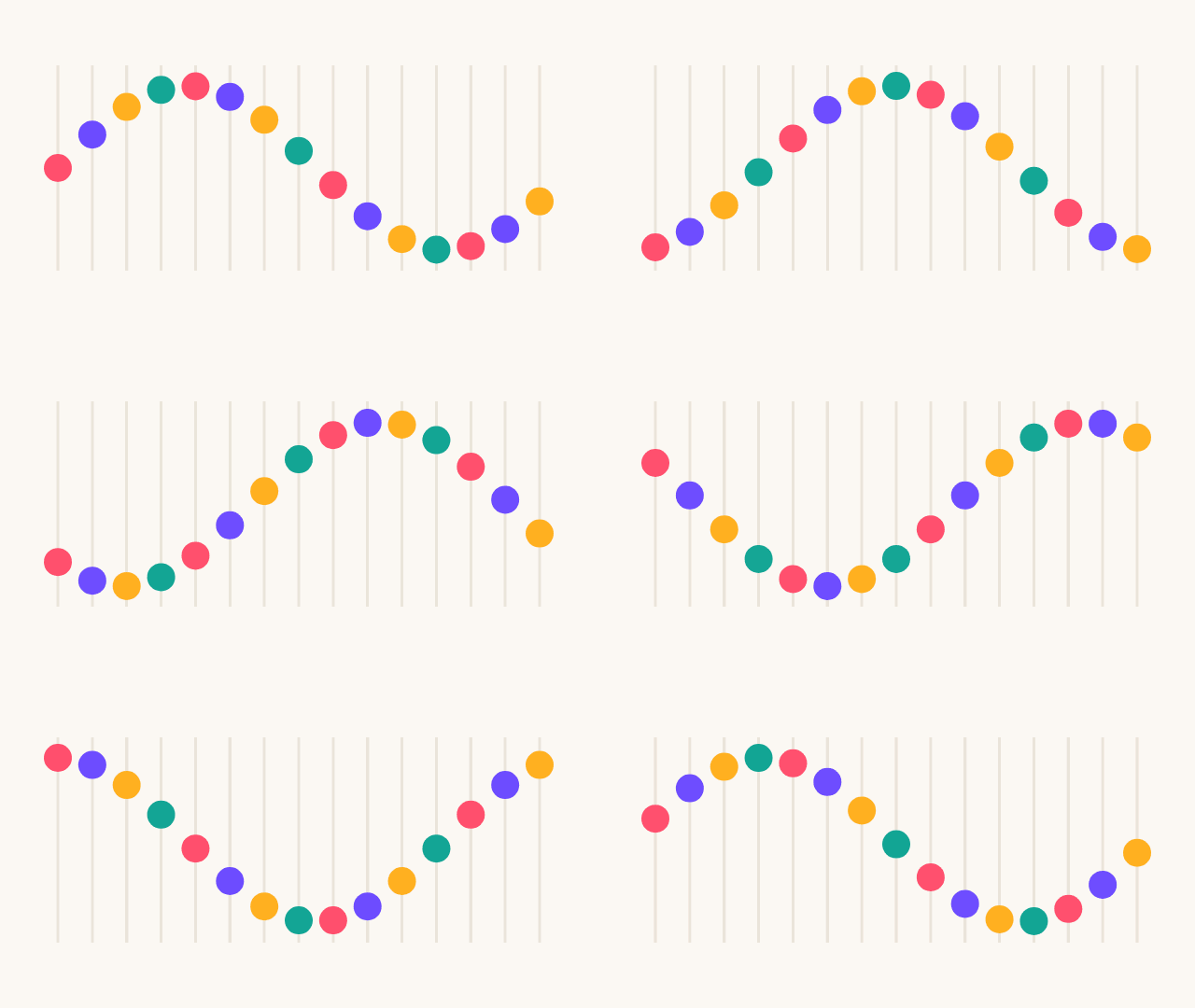
Your eye tolerates a lot of movement, but it picks up sudden changes. A GIF that restarts with an object in a new position looks broken, however good the rest is. Compare these two:
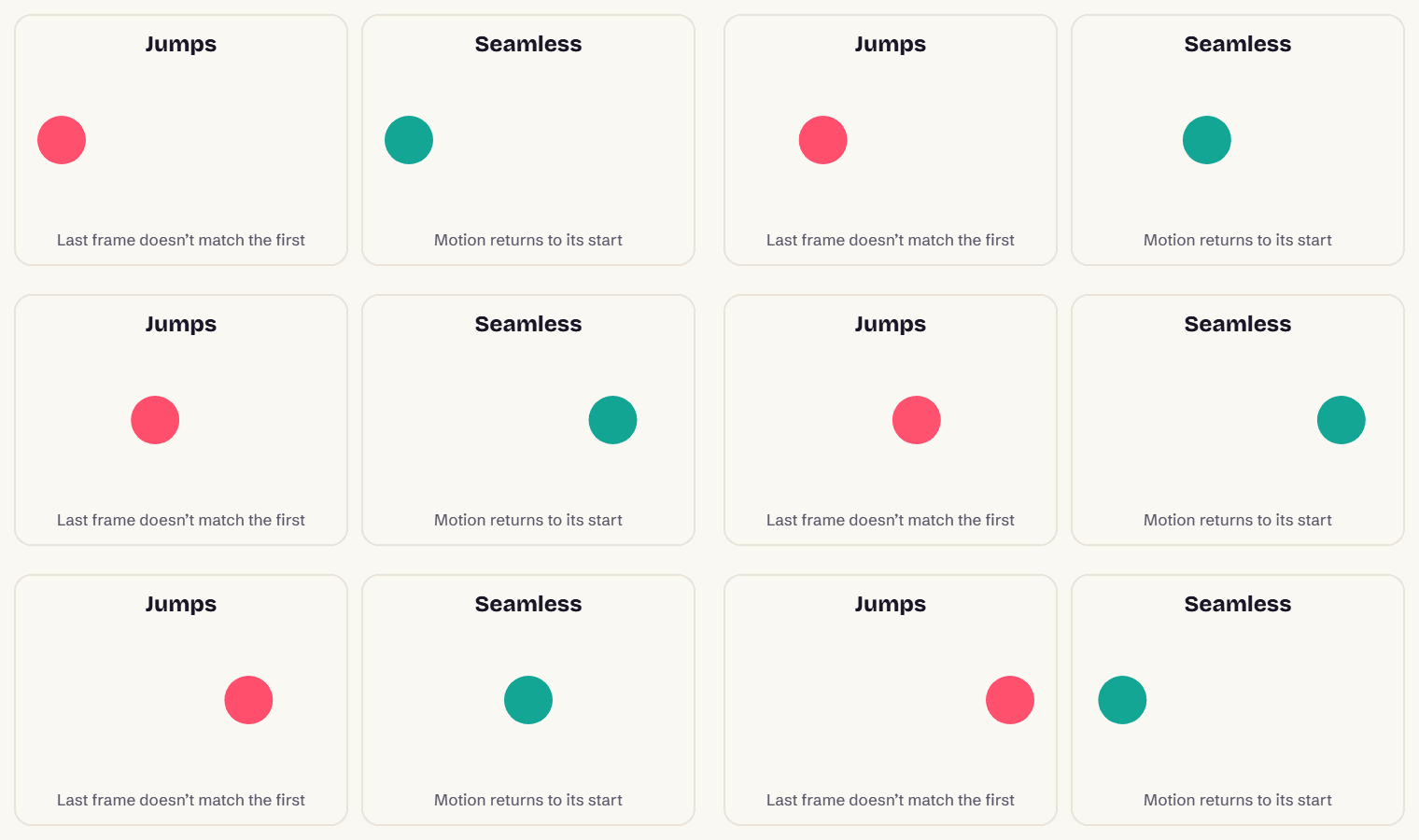
The fix is to think of your animation as a circle, not a line. There’s no real “end”: the last frame is simply the one before the first.
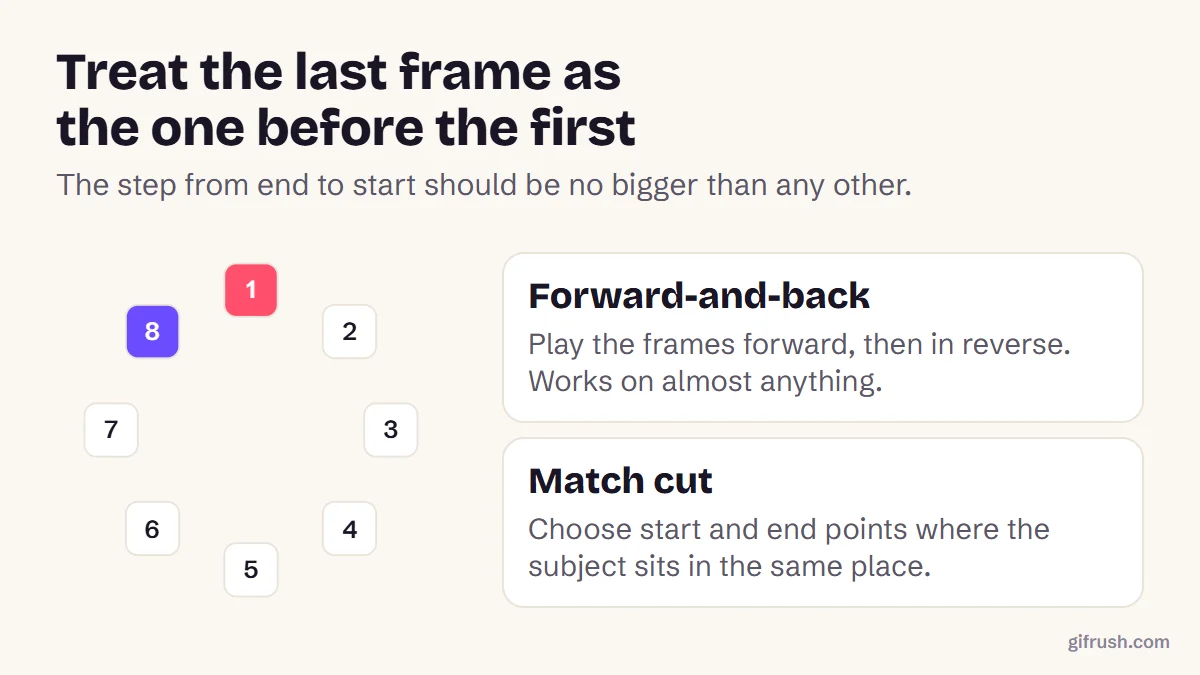
Four ways to get a seamless loop
| Technique | How it works | Best for |
|---|---|---|
| Cyclic motion | Movement that repeats naturally: rotation, waves, walk cycles | Illustration and code-generated art |
| Boomerang | Play forward, then in reverse | Almost any short video clip; use Reverse GIF |
| Match cut | Choose start and end frames that look nearly identical | Repeating actions, such as a swing or a wave |
| Hold | Pause on the last frame before restarting | Text reveals and slideshows; use the GIF Looper |
Looking for a match cut in a video? Our Pause GIF player lets you step one frame at a time to compare candidates, and the GIF Trimmer can then cut to exactly those frames.
What timing and loop settings should you use?
| Animation | Delay per frame | Notes |
|---|---|---|
| Smooth motion | 40–60 ms | More frames mean a larger file |
| General animation | 80–100 ms | A good default for most GIFs |
| Pixel art or stop-motion | 100–200 ms | A slower pace can suit the style |
| Text or slides | 1,000 ms or more | Allow enough time to read |
GIF stores delays in hundredths of a second, so 83 ms becomes 80 or 90 ms. Each frame can have its own delay, which is useful for holding on a key pose. Avoid going under 20 ms, because browsers slow down frames that short.
For loop count, Forever is standard. A set number of plays suits an animation that should settle after a moment, such as an email banner. You can change this at any time, without re-making the GIF:
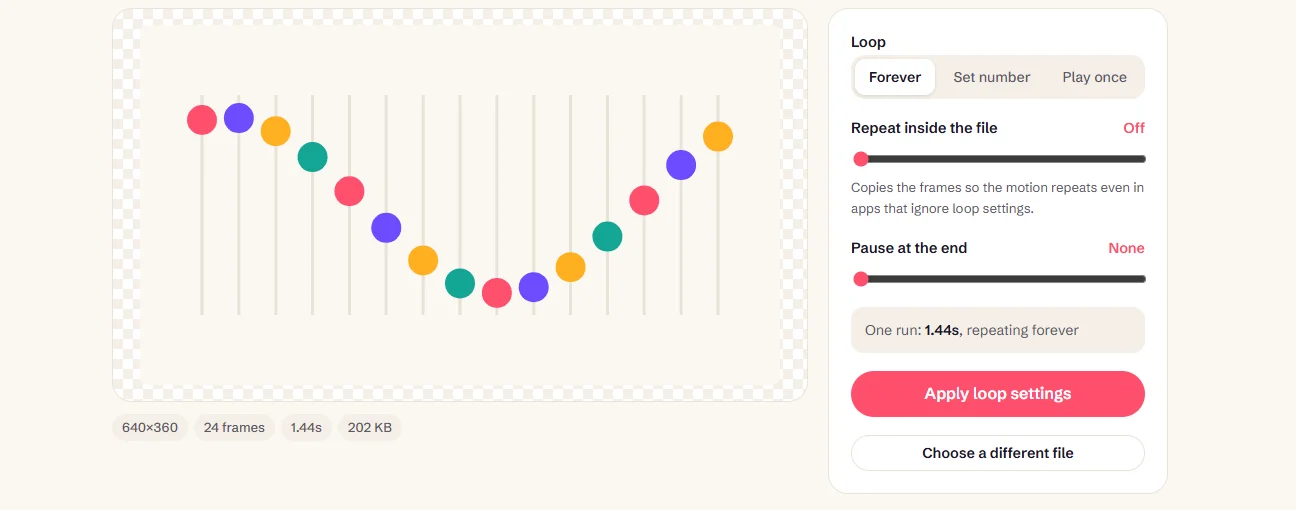
Export tips for smoother playback
- Keep it small. Large GIFs can stutter on phones, because each frame takes longer to decode. See how long a GIF can be.
- Use flat colours where you can. They stay crisp within GIF’s 256-colour limit, and compress better too.
- Avoid fine noise and gradients. They use up palette colours and add a lot of size.
- Avoid rapid flashing. It can be dangerous for people with photosensitive conditions.
- Inspect the result. The GIF Tester reports real delays and warns you about too-fast frames or a missing loop setting.
Got your frames? Turn them into an animated GIF in your browser.Open Images to GIF
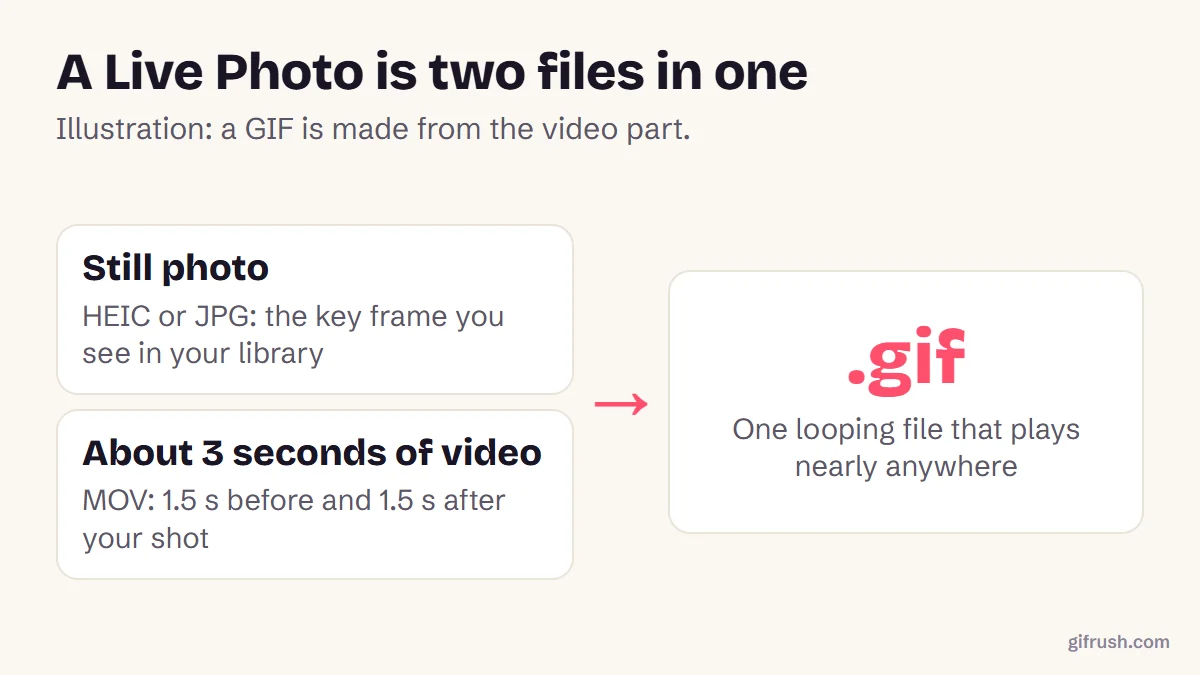
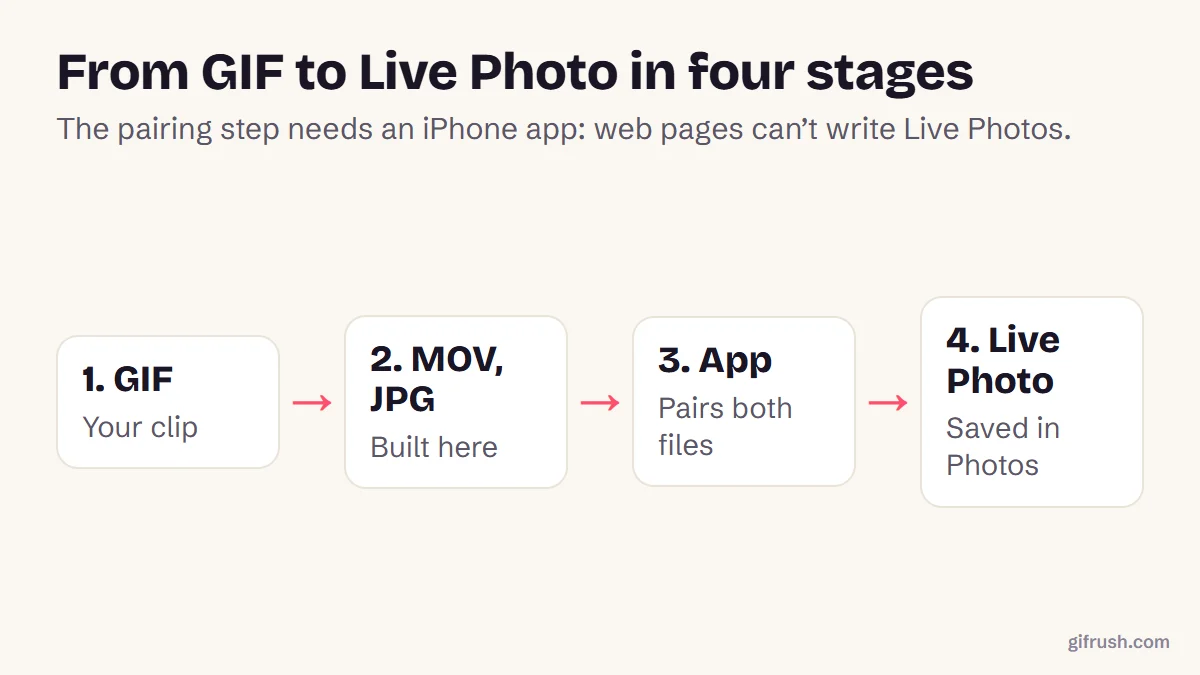
Want to use your loop on an iPhone? Read how to turn a GIF into a Live Photo.
New to this topic? Start with our main guide: How to make a GIF from scratch
Frequently asked questions
How do I make an animated GIF?
Create or collect your frames, add them to a tool like GifRush Images to GIF, set the delay per frame and the loop setting, then create and download the GIF.
How do I make a GIF loop perfectly?
Make sure the movement from the last frame to the first is as small as any other step. Use cyclic motion or a match cut, or use boomerang mode for clips that don’t loop naturally.
Why does my GIF stutter when it loops?
The usual cause is a duplicate frame, where the last frame is the same as the first. Remove it. The file may also be too large for the device to play smoothly.
How do I make a GIF loop forever?
Set the loop option to Forever when you create it. For an existing GIF, use GifRush’s GIF Looper to change the setting without rebuilding it.
What is the best frame delay for a GIF?
About 80 to 100 milliseconds suits most animation, which is 10 to 12 frames per second. Use 40 to 60 milliseconds for smoother motion, but expect a larger file.
What software do I need to make an animated GIF?
You don’t need to install anything. A browser-based tool can build the GIF, and you can draw frames in any image editor or animation app.
Sources
- Graphics Interchange Format, Version 89a (W3C archive of the CompuServe specification)
- Understanding Success Criterion 2.3.1: Three Flashes or Below Threshold (W3C)
Free tools for this
Images to GIF
Combine PNG, JPG, WebP or HEIC images into an animated GIF slideshow with custom timing.
GIF Looper
Make a GIF loop forever, play a set number of times, or once — plus a pause at the end.
Reverse GIF
Play a GIF backwards, or make a seamless boomerang that loops forward and back.
GIF Trimmer
Cut frames from the start or end of a GIF to keep only the part you want.