Saving GIFs · 4 min read
How to download a GIF from Pinterest
Quick answer
To download a GIF from Pinterest, open the Pin, tap or click the ellipsis (•••) menu and choose Download image. Then check the file ends in .gif and still moves. If it saved as a still or the option is missing, tap Visit and save the GIF from its original website. Video Pins can’t be downloaded.
Key takeaways
- Use ••• → Download image. Choosing Save only adds the Pin to a board.
- Not every Pin can be downloaded, and video Pins can’t be downloaded at all, per Pinterest.
- If the file doesn’t move, use Visit and save the GIF from the site it came from.
- A GIF you find on Pinterest usually belongs to someone else. Credit it, and ask before reusing it publicly.
How do you download a GIF from Pinterest?
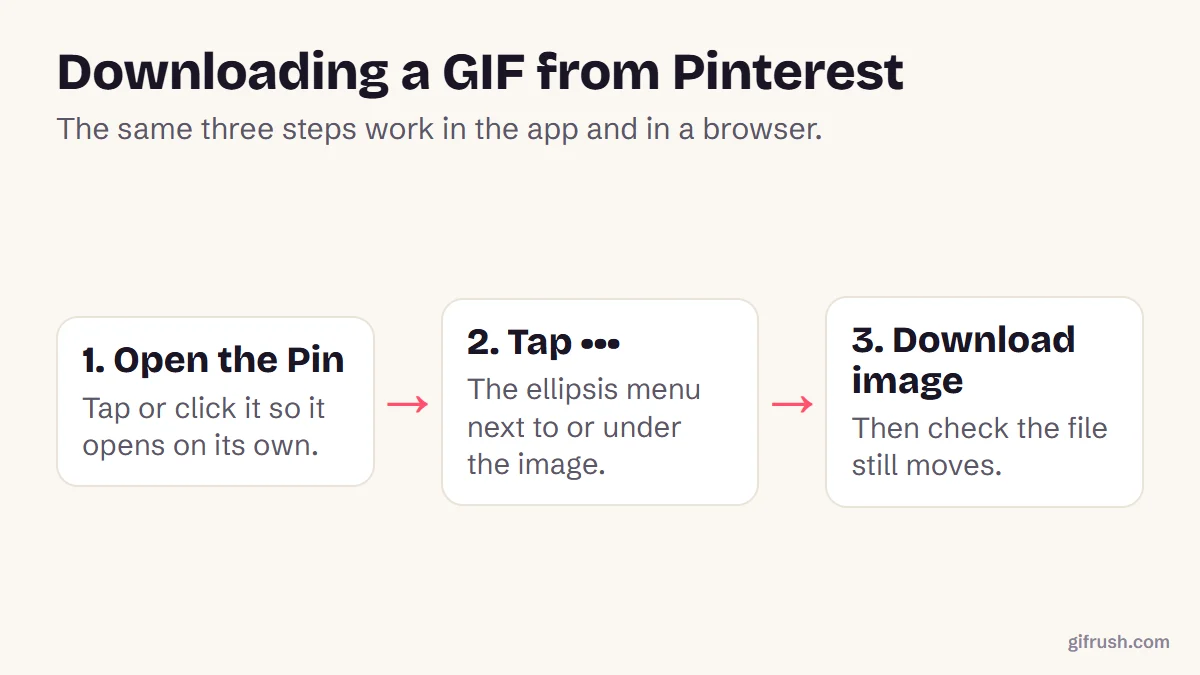
Pinterest has its own download option, described in its help article on downloading images. It works the same way for most GIF Pins:
Open the Pin
Tap or click the GIF so it opens on its own page, rather than downloading from the grid.
Open the ••• menu
In a browser, it’s next to the image. In the app, it’s under the Pin or at its top right, depending on your device.
Choose Download image
Browsers usually save to your Downloads folder. The app saves to your Gallery or Photos.
Check it moves
Open the file. On a computer, drag it into a browser window. On iPhone, look in the Animated album in Photos.
Why won’t my Pinterest GIF move?
A downloaded Pinterest GIF sometimes arrives as a still picture or doesn’t play, as Guiding Tech also notes. The fix is usually to go to the source:
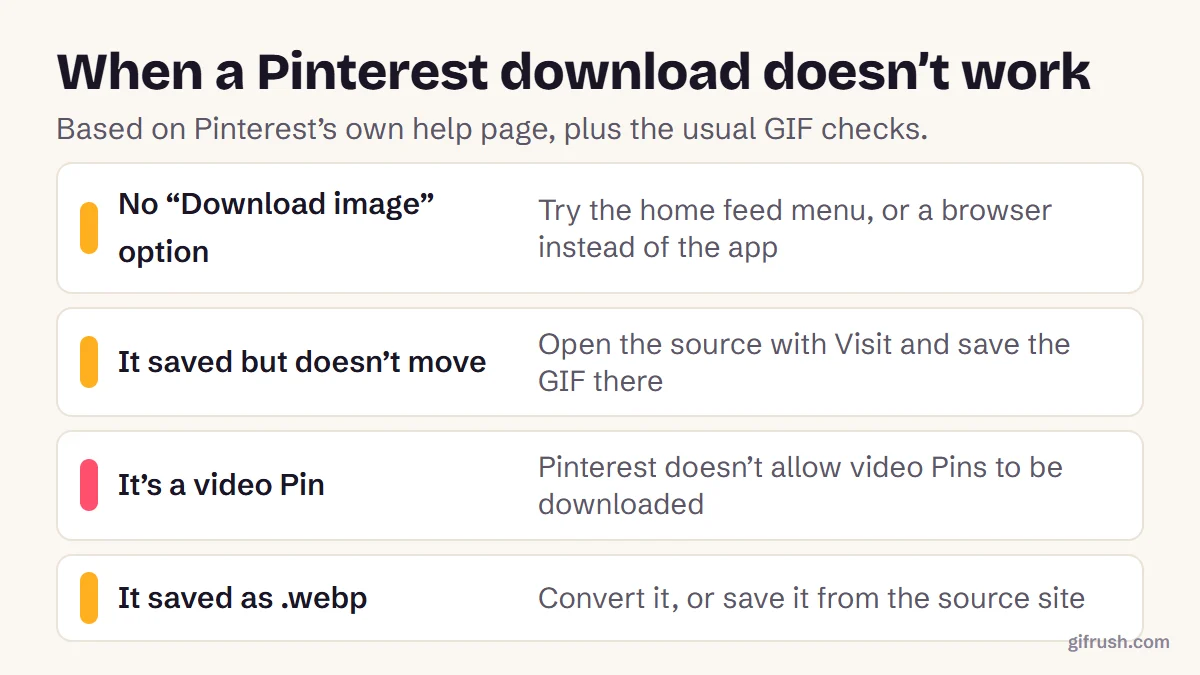
Tap Visit
This opens the website the Pin was saved from, where the original GIF usually lives.
Save it there
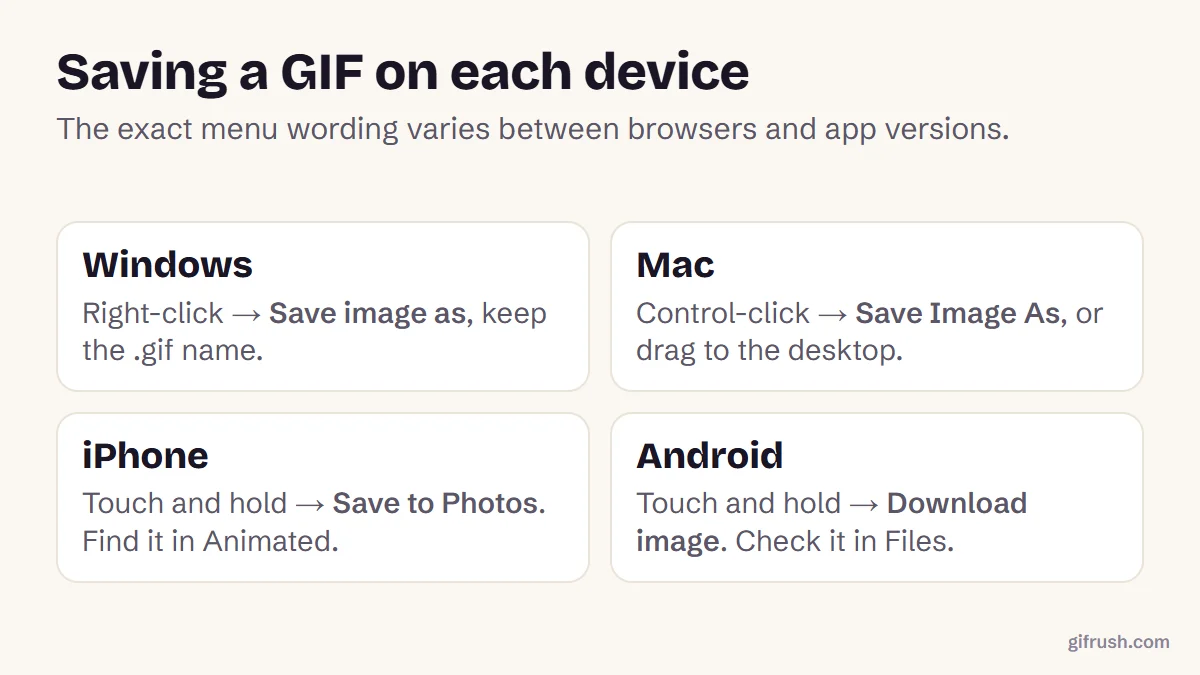
On a phone, touch and hold the GIF and choose Save or Download. On a computer, right-click and choose Save image as.
Check the file type
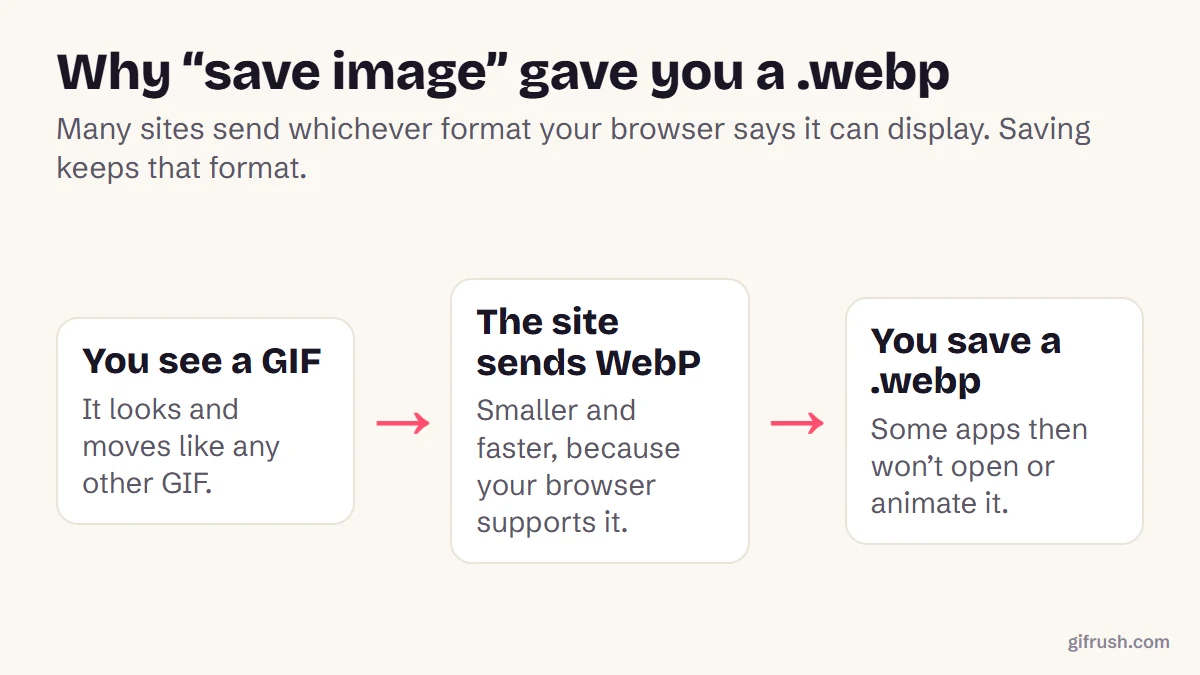
Make sure the name ends in .gif. If it ends in .webp, convert the WebP to GIF.
Still not sure whether the file is animated? Drop it into the GIF Tester, which reports how many frames it has. One frame means it’s a still.
What if there’s no Download option?
Pinterest says not every Pin can be downloaded. If you can’t see Download image, it suggests:
- Using the ••• menu on the Pin in your home feed instead of the open Pin.
- Trying a desktop or mobile browser instead of the app, or the other way round.
- If a download fails, reopening the app, checking your storage, and checking Pinterest has permission to save photos.
Video Pins can’t be downloaded at all, even your own. If you uploaded the video, use your original file instead. To turn it into a GIF, follow how to make a GIF from a video.
Can you reuse a GIF from Pinterest?
Downloading for your own reference is one thing. Reposting is another: the GIF usually belongs to whoever made it, and the Pin may not even be from the creator. Use Visit to find the original source, credit it, and ask permission for anything public or commercial.
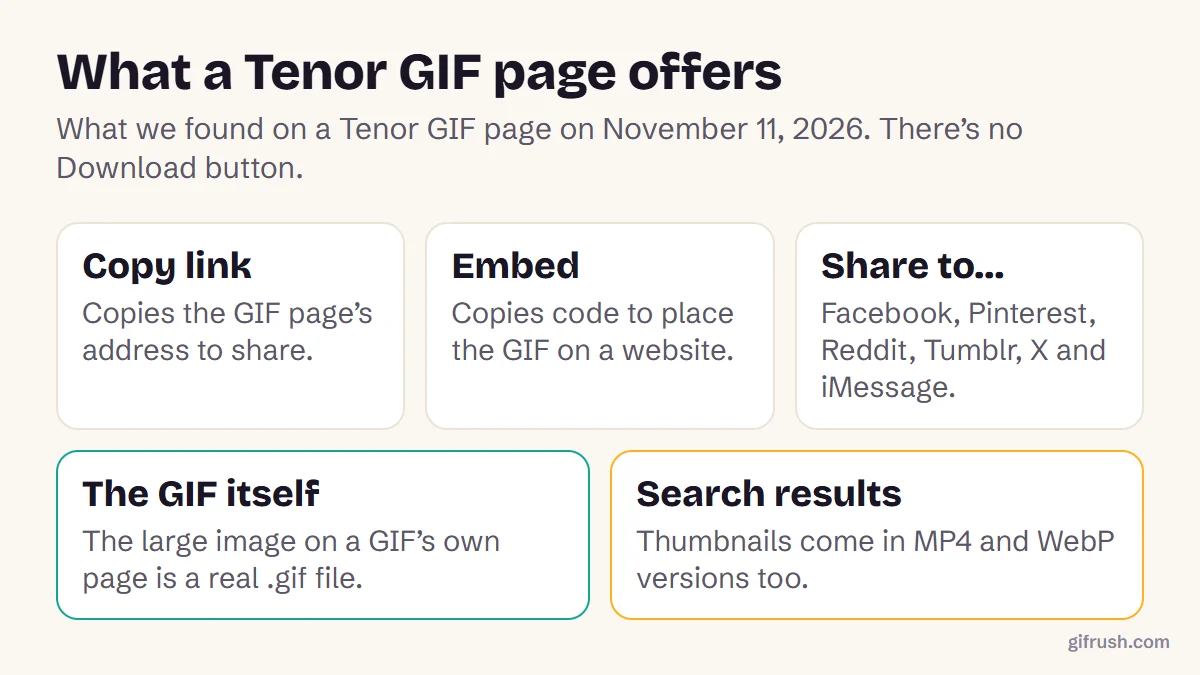
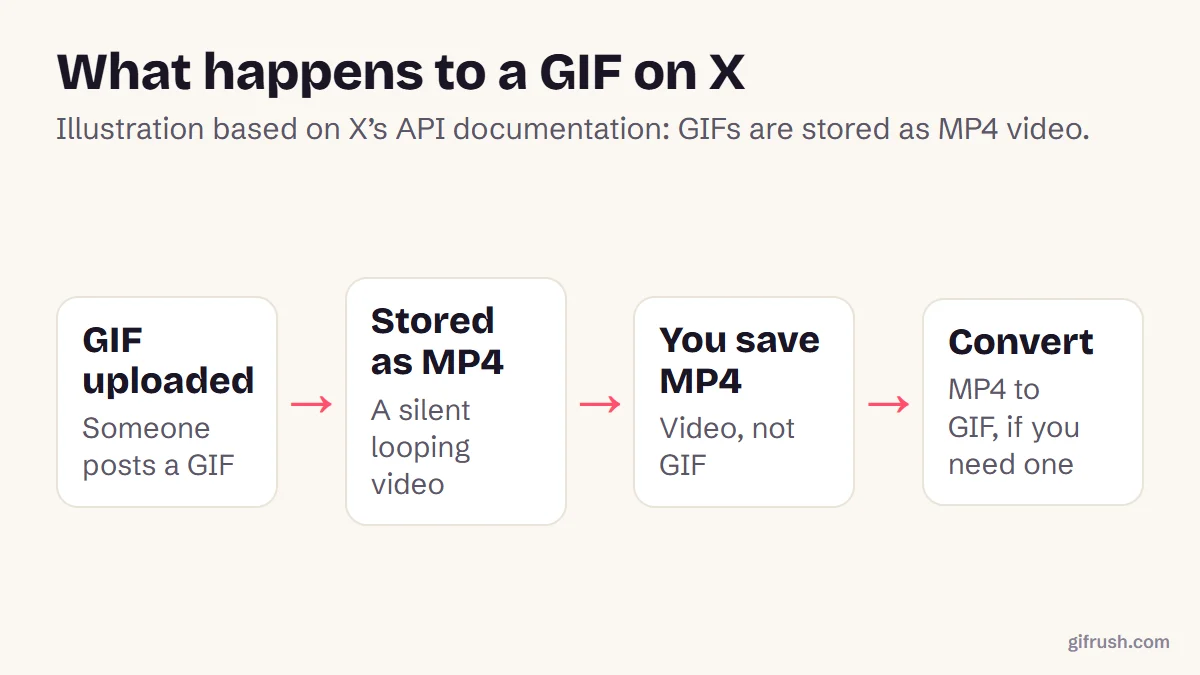
For saving GIFs from other places, see how to save a GIF that moves, how to download GIFs from Tenor and how to save a GIF from X.
Check a downloaded GIF really animates. The file is only read, never uploaded.Open GIF Tester
New to this topic? Start with our main guide: How to save and download a moving GIF
Frequently asked questions
How do I download a GIF from Pinterest?
Open the Pin, tap or click the ellipsis menu and choose Download image. Then check that the file ends in .gif and still moves.
Why does my Pinterest GIF not move after downloading?
Some downloads arrive as a still or won’t play. Tap Visit to open the original website and save the GIF from there, then check the file ends in .gif.
Can I download video Pins from Pinterest?
No. Pinterest says video Pins can’t be downloaded, including your own. Use the original video file if it’s yours.
Where do Pinterest downloads go?
Browser downloads usually go to your Downloads folder. In the app, images save to your Gallery or Photos.
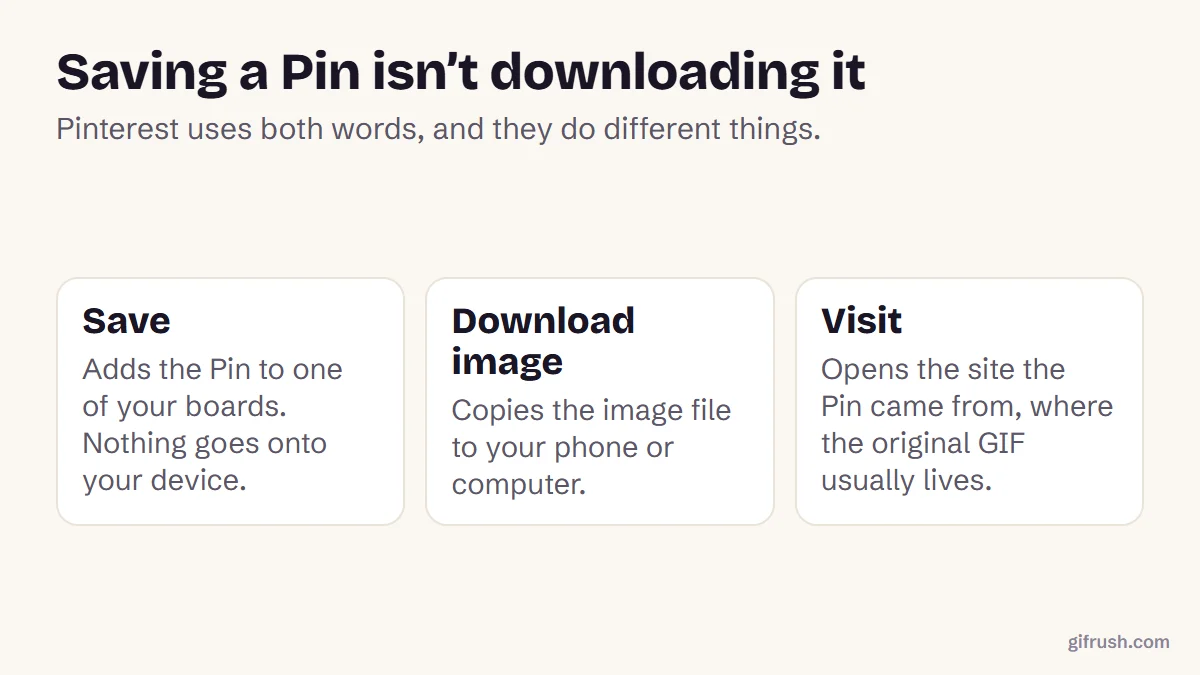
What is the difference between Save and Download on Pinterest?
Save adds a Pin to one of your boards without putting anything on your device. Download image copies the file to your phone or computer.
Sources
- Download an image (Pinterest Help Center)
- How to download GIFs from Pinterest (Guiding Tech)
Free tools for this
GIF Tester
Inspect any GIF: frames, delays, loop count, palettes, file size and platform checks.
Sticker to GIF
Convert Telegram (.tgs, .webm), WhatsApp (.webp) and APNG stickers into GIFs.
Video to GIF
Turn MP4, WebM or MOV clips into smooth looping GIFs. Trim, resize and set the frame rate.
Find more free tools for the same job in All GIF Tools and the GIF Converter.