GIF editing · 4 min read
How to convert a downloaded WebP file to GIF
Quick answer
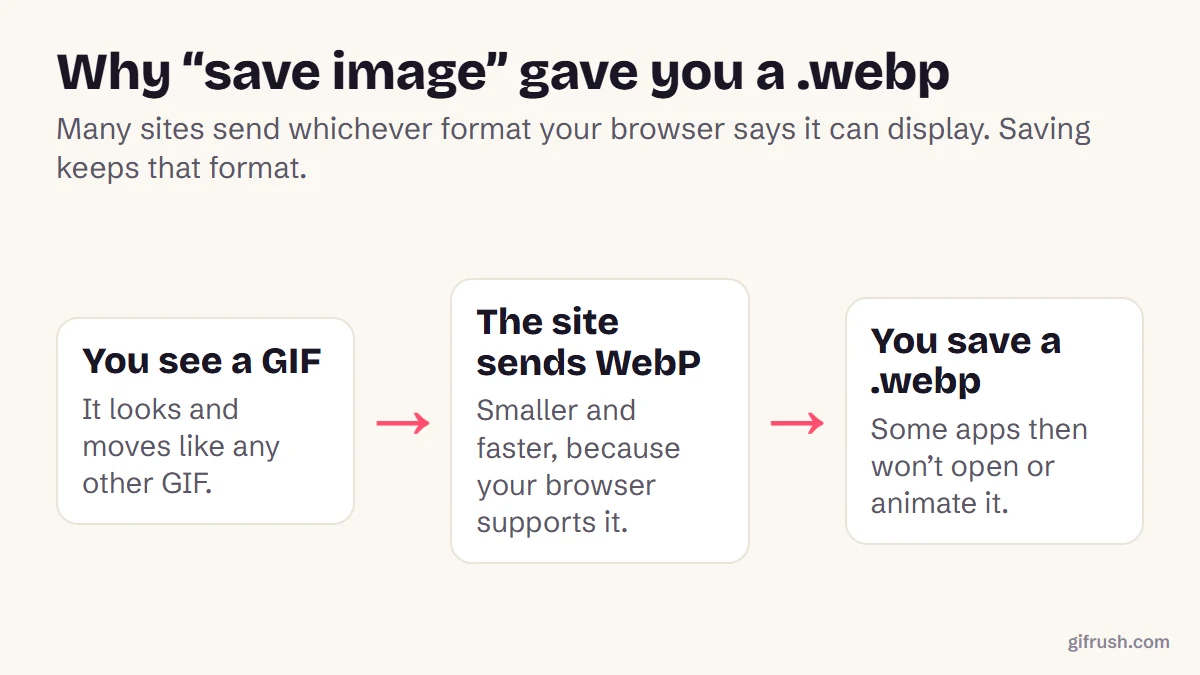
A GIF often saves as WebP because many websites send WebP to browsers that support it, and “Save image as” keeps whatever format arrived. Renaming the file doesn’t convert it. To get a real GIF, use the site’s own download option if it has one, or convert the WebP with a WebP to GIF tool.
Key takeaways
- Many sites send WebP to browsers that support it, even when the page shows a “GIF”.
- Renaming .webp to .gif doesn’t convert it. The data inside is still WebP.
- Look for the site’s own Download or Media option first.
- Otherwise, convert it: Sticker to GIF turns animated WebP into GIF, up to 512 px.
Why did my GIF download as WebP?
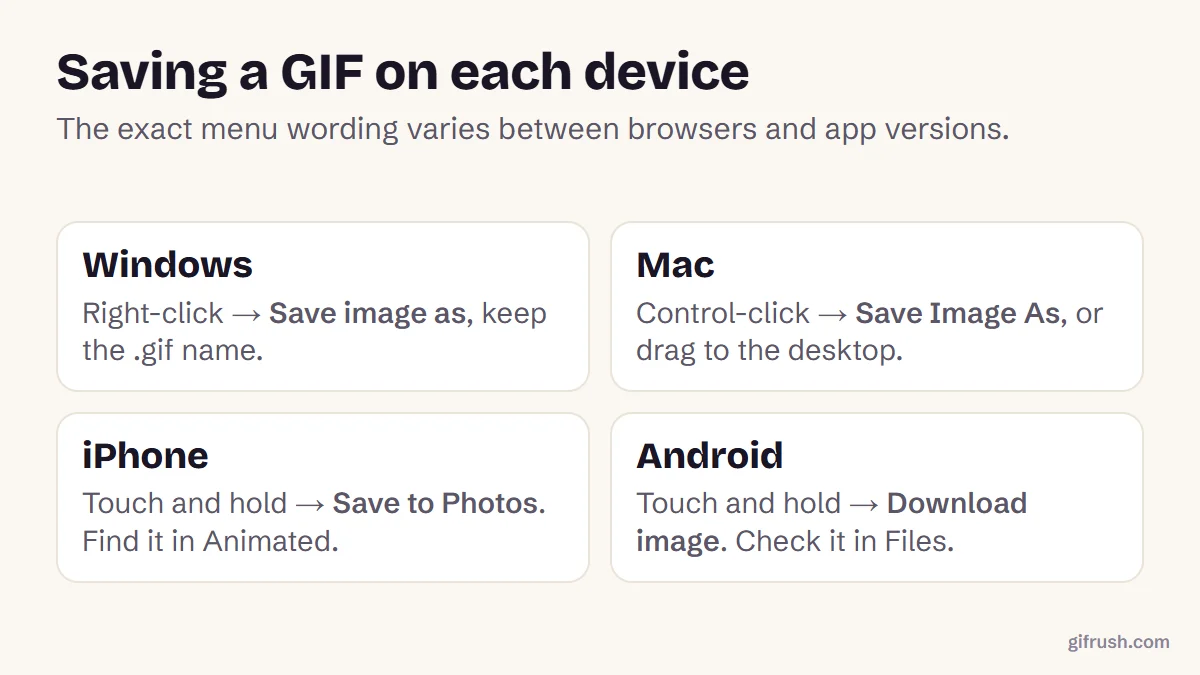
WebP is a newer image format that’s usually much smaller than GIF and supports animation. To save bandwidth, many websites and image delivery networks send WebP to browsers that say they can display it, even when the page calls the image a GIF. When you right-click and save, the browser saves the file it received.
Users of sites such as GIPHY have reported right-click saves arriving as WebP. We can’t say exactly how every site decides, but the effect is the same: a .webp file where you expected a .gif. Tenor does something similar in its search results, as we explain in how to download GIFs from Tenor, and Pinterest downloads can surprise you too: see downloading GIFs from Pinterest.
How to tell what kind of file you have
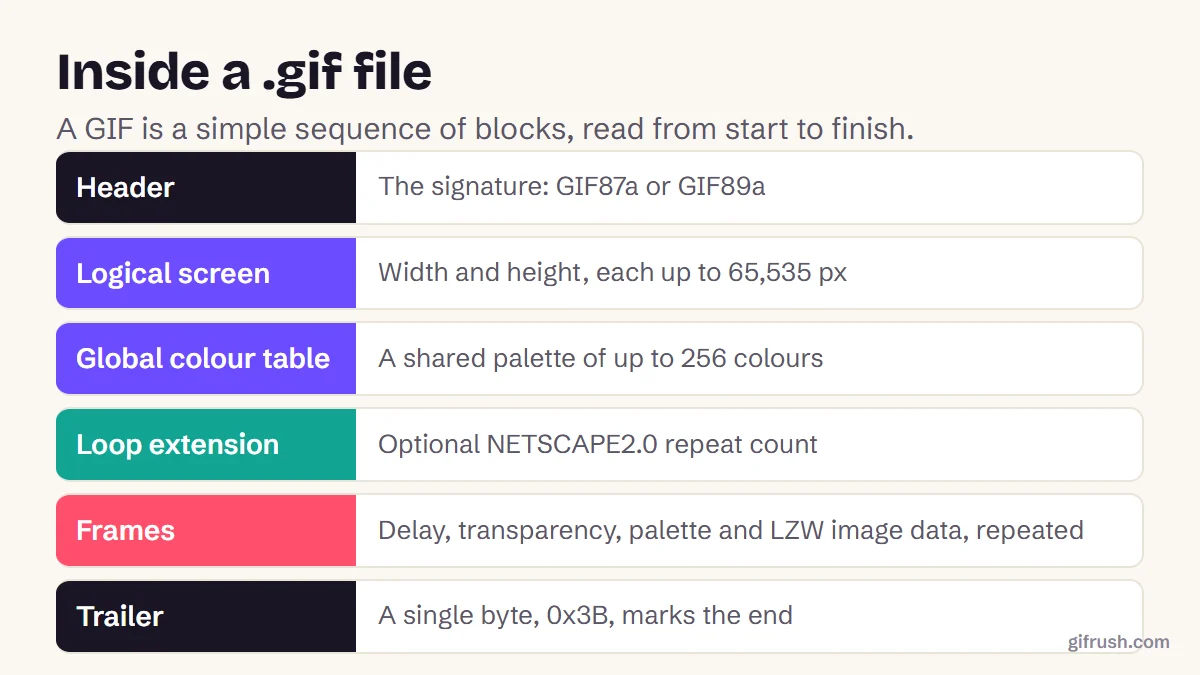
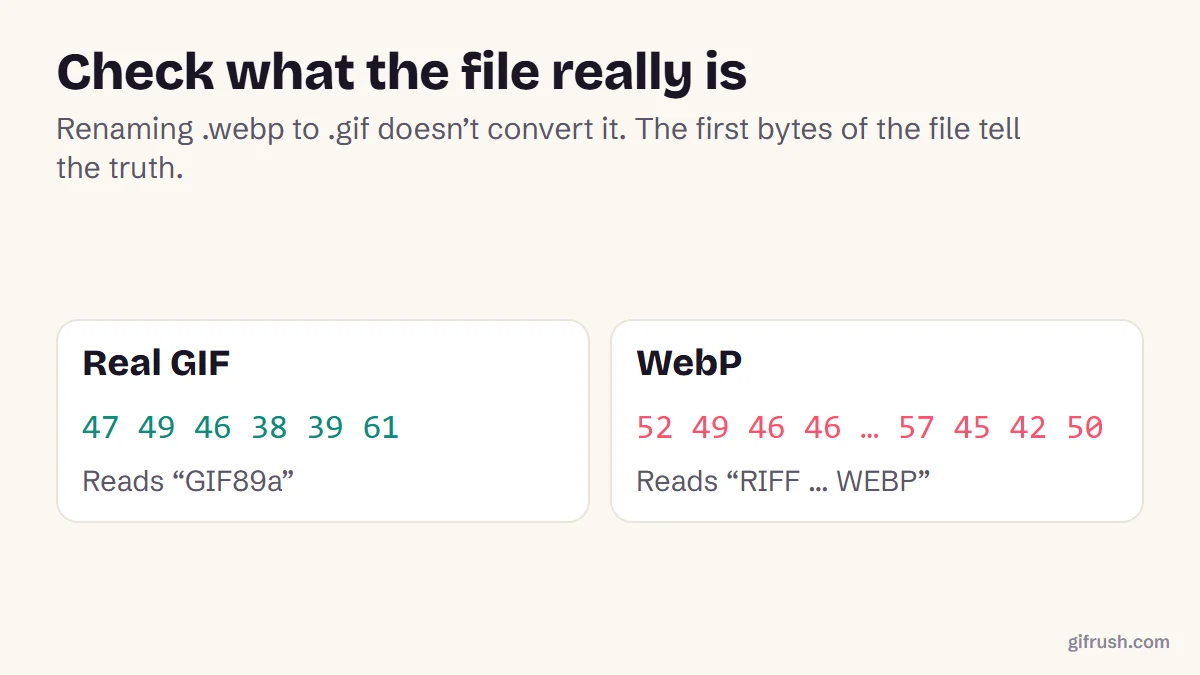
The file name is a clue, but the first bytes of the file are the proof. Every GIF starts with the letters GIF89a or GIF87a, and every WebP starts with RIFF and includes WEBP:
- On Windows, right-click the file, choose Properties, and look at Type of file.
- On a Mac, select it and press Command-I to see its Kind.
- Anywhere, our GIF Tester will say if a file isn’t a valid GIF.
How to convert WebP to GIF
Try the site’s download first
Many GIF sites have a Download or Media option that gives you the original .gif. That avoids converting at all.
Open Sticker to GIF
For an animated WebP, drop it into Sticker to GIF, which reads animated WebP files.
Choose the background and loop
Keep transparency, or pick a solid background colour. Set it to loop forever.
Convert and download
Convert it and save the .gif. The output is up to 512 px on its longest side.
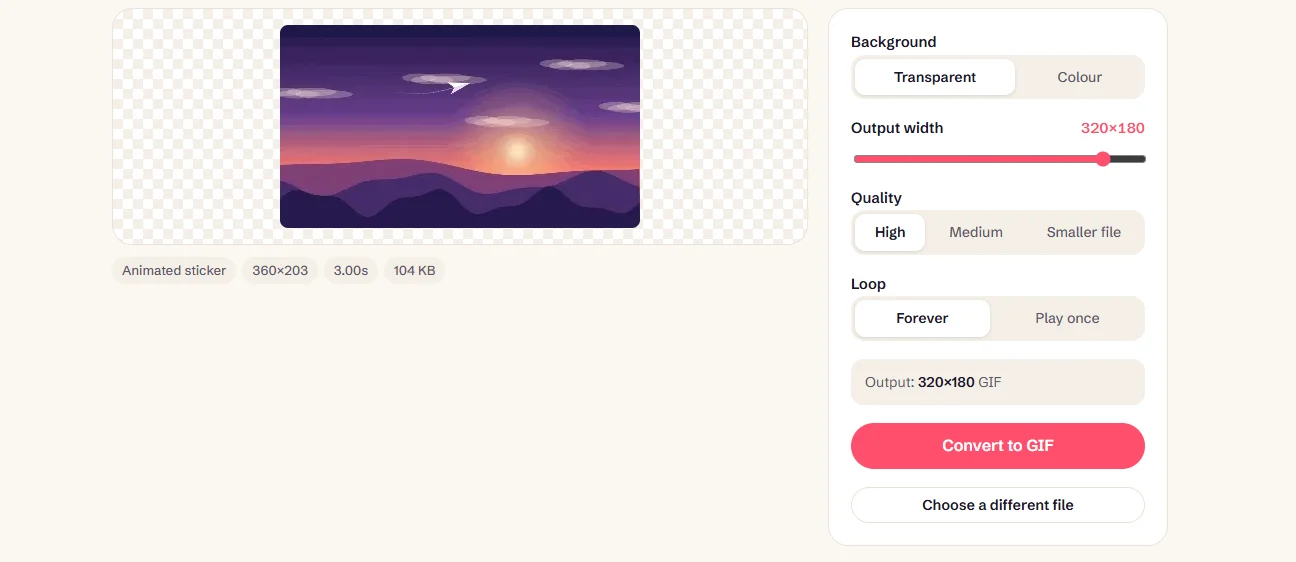
Convert an animated WebP to GIF. It runs in your browser, with no upload.Open Sticker to GIF
Do you even need a GIF?
Maybe not. Current browsers display animated WebP, and it’s usually smaller. Convert when an app, upload form or older program doesn’t accept WebP, or doesn’t animate it. For more on keeping GIFs as GIFs, see how to save a GIF, and for other format changes see how to edit a GIF.
New to this topic? Start with our main guide: How to edit a GIF after it is created
Frequently asked questions
Why does my GIF save as a WebP file?
Many websites send WebP to browsers that support it because it’s smaller, and saving keeps that format. The page may still call it a GIF.
Can I just rename a .webp file to .gif?
No. Renaming changes only the name. The data is still WebP, so apps expecting a GIF may refuse it or show nothing.
How do I convert an animated WebP to GIF?
Use a converter that reads animated WebP, such as GifRush Sticker to GIF. It keeps the animation and outputs a GIF up to 512 px.
Is WebP better than GIF?
For file size, usually yes, and it supports full transparency. GIF is still more widely accepted by apps and upload forms.
How do I download the original GIF instead?
Look for the site’s own Download, Media or Share option, which often provides the original .gif file.
Sources
- Saving GIFs from GIPHY now saves WebP (Mozilla Support)
- Save GIFs from any website (Digital Citizen)
- Graphics Interchange Format, Version 89a (W3C archive of the CompuServe specification)
Free tools for this
Sticker to GIF
Convert Telegram (.tgs, .webm), WhatsApp (.webp) and APNG stickers into GIFs.
GIF Tester
Inspect any GIF: frames, delays, loop count, palettes, file size and platform checks.
Images to GIF
Combine PNG, JPG, WebP or HEIC images into an animated GIF slideshow with custom timing.
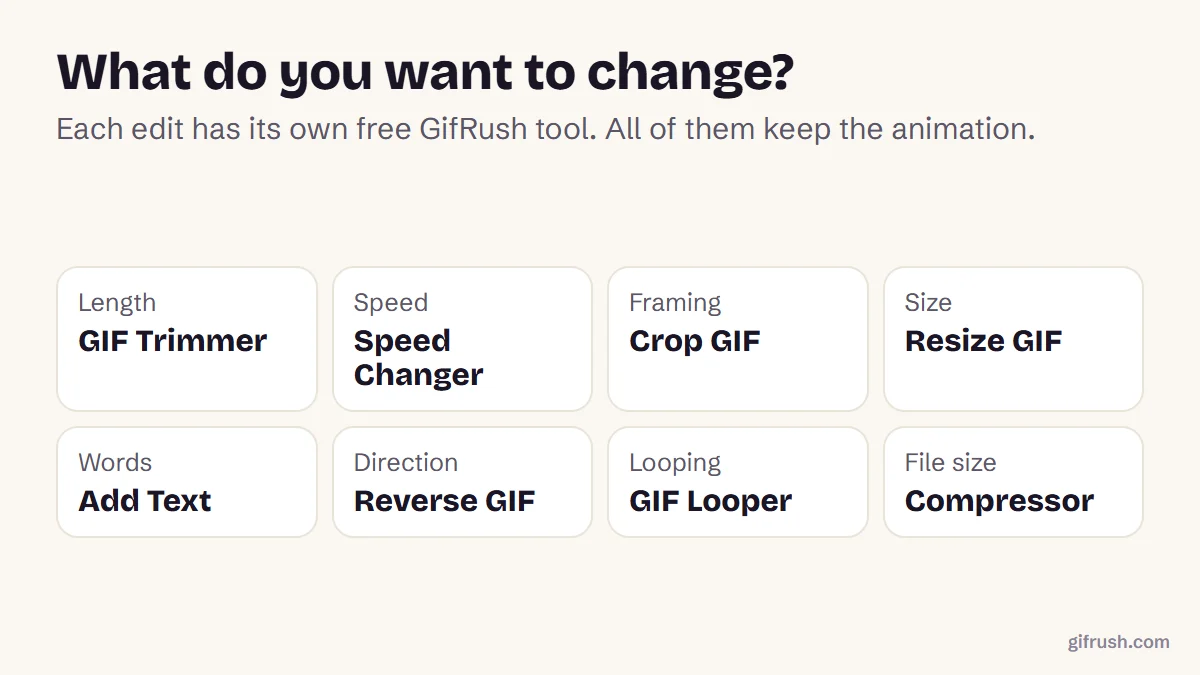
Find more free tools for the same job in the GIF Converter and All GIF Tools.