GIF editing · 4 min read
How to make a GIF autoplay on a Mac
Quick answer
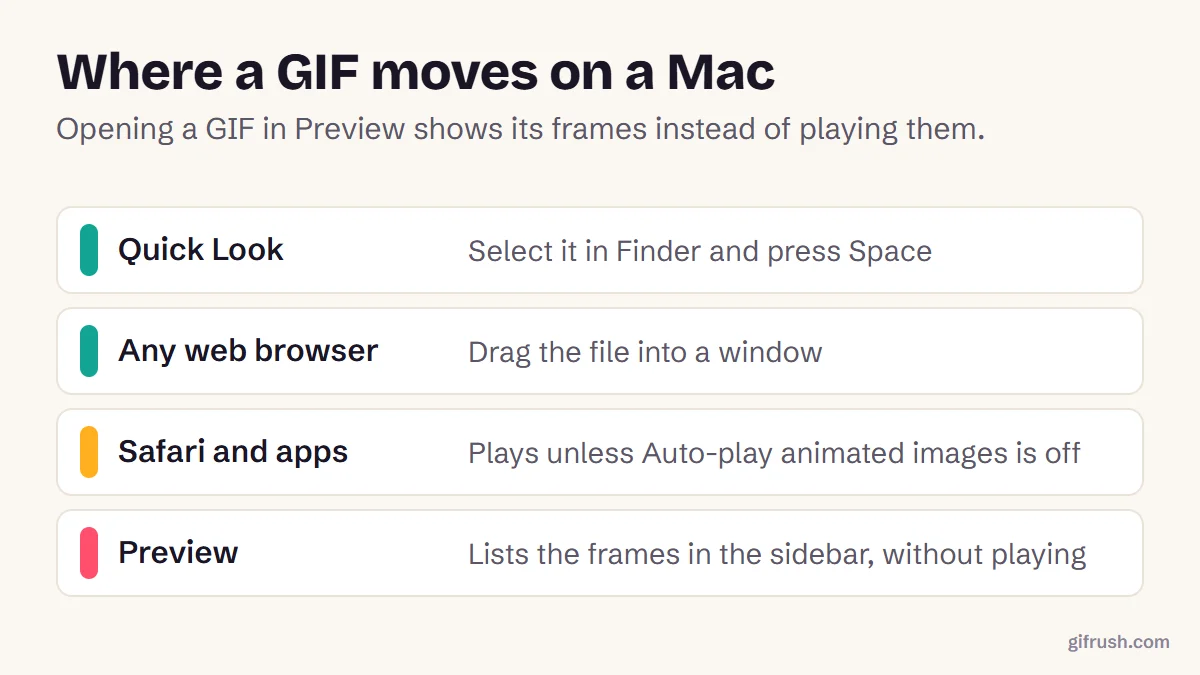
To play a GIF on a Mac, select it in Finder and press the Space bar to open Quick Look, or drag it into a web browser. Preview shows a GIF’s frames instead of playing it. If GIFs won’t play in Safari or apps, turn on Auto-play animated images in System Settings, Accessibility, Display.
Key takeaways
- Quick Look (select and press Space) plays a GIF instantly.
- Preview doesn’t play GIFs. It lists the frames in its sidebar.
- If GIFs are frozen everywhere, check Auto-play animated images in Accessibility settings.
- A GIF that plays once and stops needs its loop setting fixed.
How do you play a GIF on a Mac?
Find the GIF in Finder
Open the folder that contains it, such as Downloads.
Select it and press Space
This opens Quick Look, which plays the animation. Apple’s Preview guide suggests this, and notes you can press and hold Space if no preview appears.
Or drag it into a browser
Safari, Chrome and Firefox all play GIFs dropped into a window.
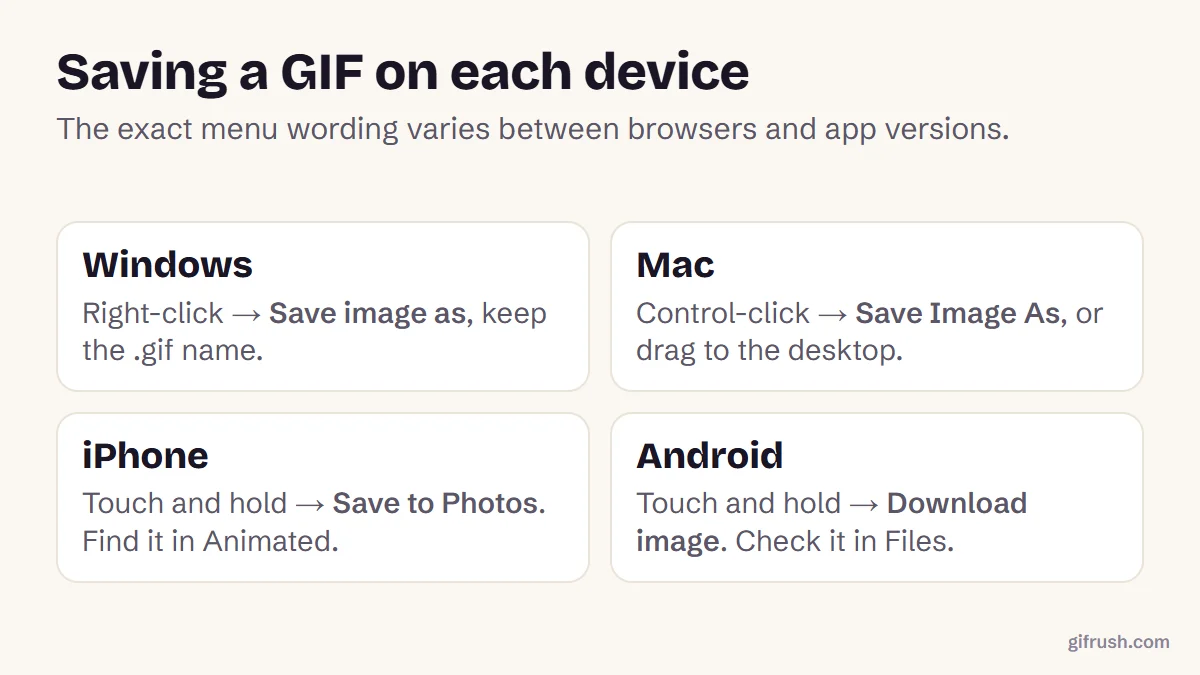
Double-clicking usually opens Preview, and Apple’s Preview guide explains that it shows an animated GIF’s frames in the sidebar. That’s handy for inspecting frames, but it doesn’t play the animation. To make Quick Look your habit, select and press Space instead.
Why aren’t GIFs autoplaying on my Mac?
Since macOS Sonoma, an accessibility setting can stop animated images playing automatically. It helps people who find motion distracting, but if it’s off, GIFs in Safari and some apps appear frozen until you interact with them.
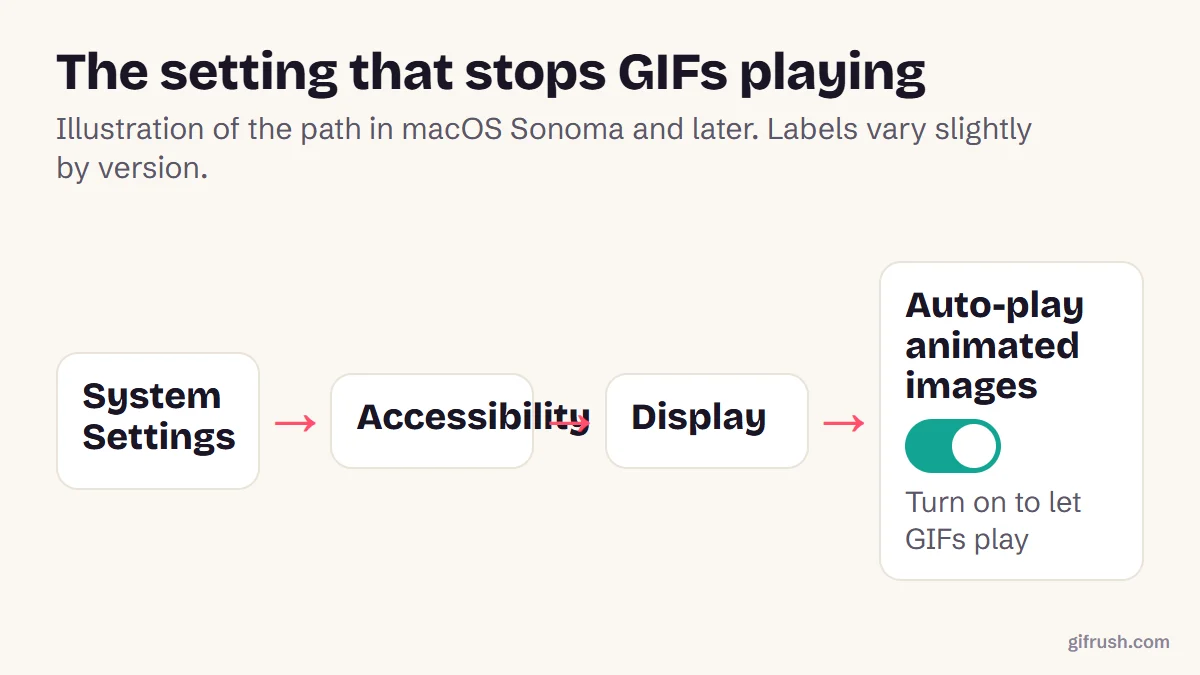
- Open the Apple menu and choose System Settings.
- Click Accessibility, then Display.
- Turn on Auto-play animated images.
Guides from AbilityNet and iDownloadBlog describe the same setting. Some users report the switch appearing to change back after an update, so check it again if GIFs stop playing.
Is it the Mac, the app or the file?
A quick test tells you where the problem is: drag the GIF into a browser window. If it plays there, the file is fine and the issue is the app or a setting. If it doesn’t, the file itself needs attention.
| What you see | Likely cause | Fix |
|---|---|---|
| Still in Preview, moves in Quick Look | Preview shows frames, by design | Use Quick Look or a browser |
| Still in Safari and other apps | Auto-play animated images is off | Turn the setting on |
| Moves, then stops | No loop setting | Fix it with Fix GIF or the GIF Looper |
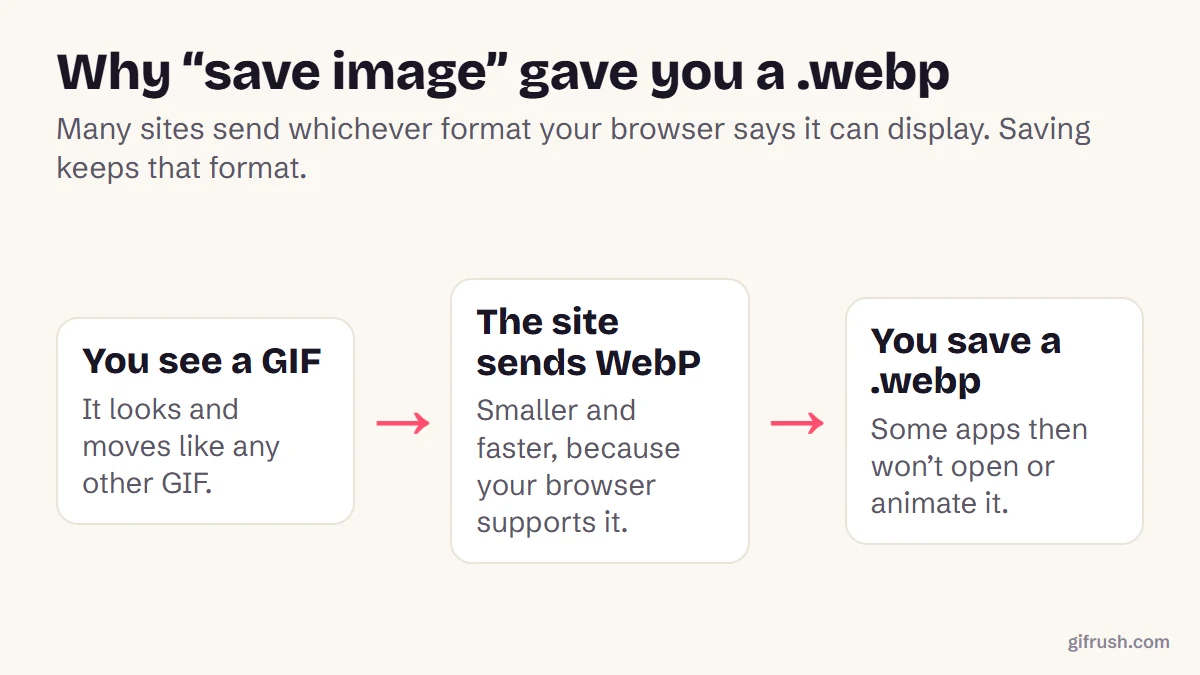
| Still everywhere, ends in .webp | It isn’t a GIF | Convert WebP to GIF |
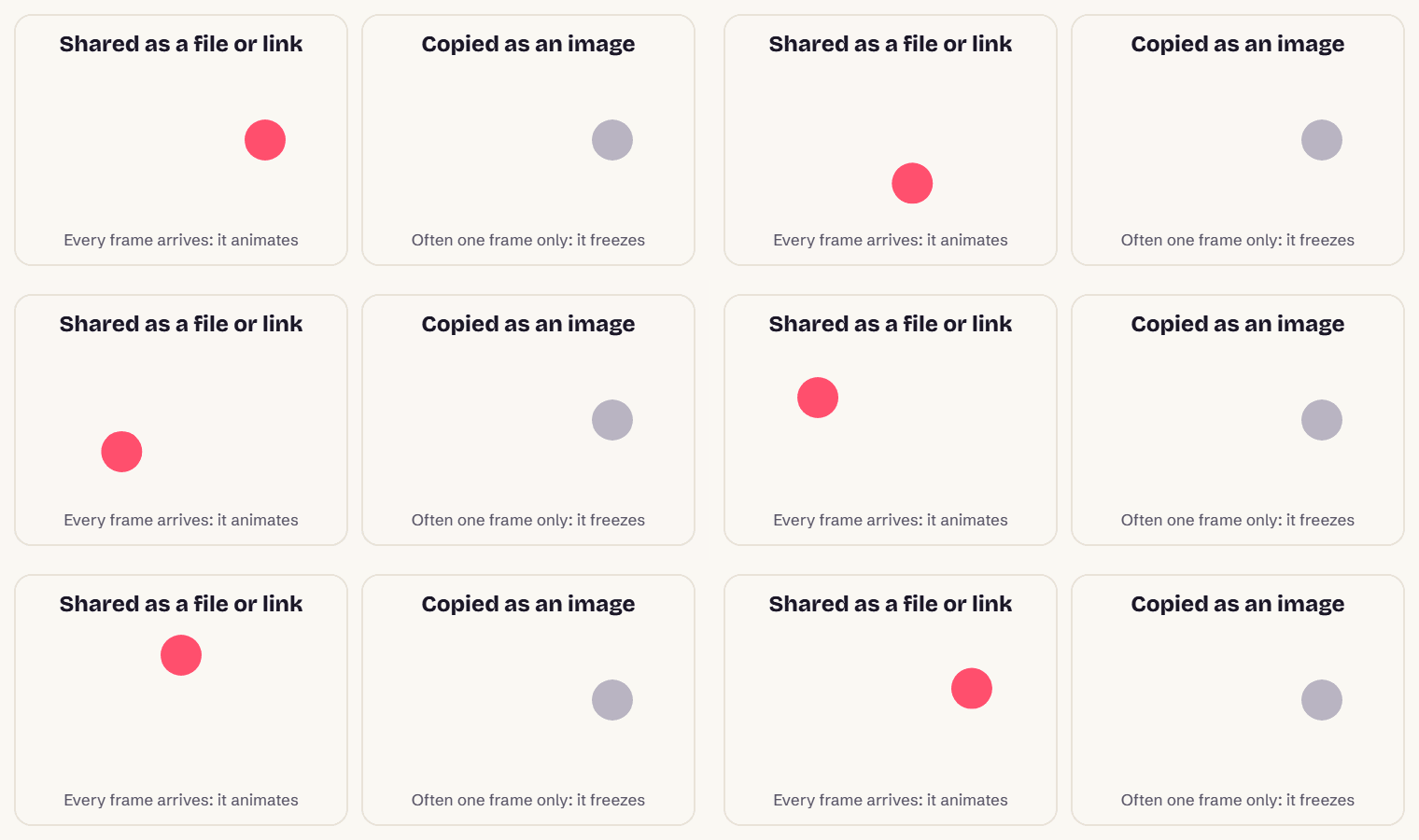
| Still everywhere, tiny file | A thumbnail was saved | Save the full GIF |
When the problem is the GIF itself
If a GIF moves briefly and then stops, it probably has no loop setting, so viewers play it once. Damaged files can also freeze partway. Our Fix GIF tool checks for both:
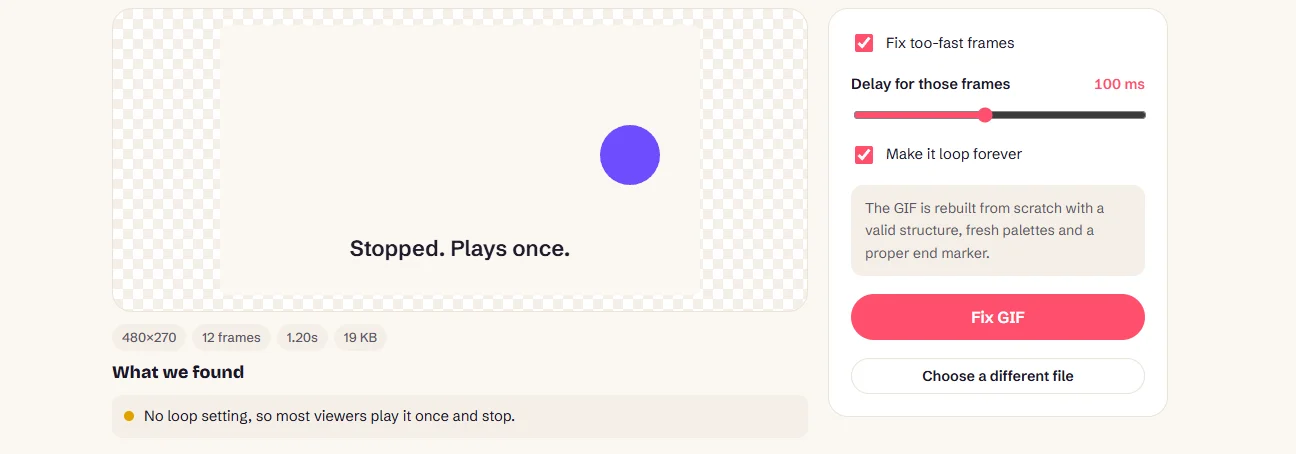
To change how many times a GIF loops, use the GIF Looper. And if it never moved at all, it may have been saved as a still or as WebP.
Check a GIF that won’t play. It finds missing loop settings, broken frames and too-fast timing.Open Fix GIF
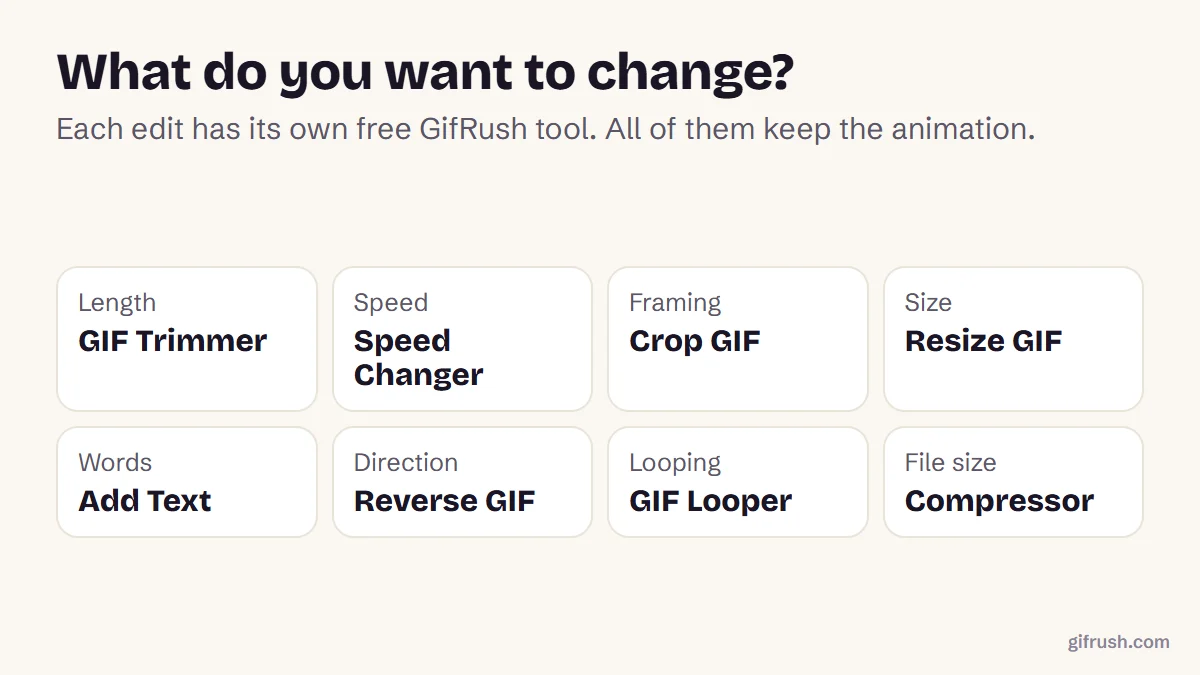
More ways to change a GIF are in how to edit a GIF.
New to this topic? Start with our main guide: How to edit a GIF after it is created
Frequently asked questions
How do I play a GIF on a Mac?
Select the GIF in Finder and press the Space bar to open Quick Look, which plays it. You can also drag it into any web browser.
Why doesn’t Preview play GIFs?
Preview shows an animated GIF’s frames in its sidebar rather than playing them. Use Quick Look or a browser to see the animation.
Why are GIFs not moving in Safari on my Mac?
Check System Settings, Accessibility, Display, and make sure Auto-play animated images is turned on. This setting exists in macOS Sonoma and later.
Why does my GIF play once and stop?
It probably has no loop setting. Use a tool such as GifRush Fix GIF or GIF Looper to set it to loop forever.
Can I make a GIF play automatically in Keynote or PowerPoint?
Presentation apps generally animate GIFs during a slideshow. If yours doesn’t, check the GIF loops forever and insert it from the file rather than pasting it.
Sources
Free tools for this
Fix GIF
Repair broken GIFs: recover truncated files, fix too-fast frames and missing loops.
GIF Looper
Make a GIF loop forever, play a set number of times, or once — plus a pause at the end.
Pause GIF
Play, pause and step through any GIF frame by frame, change speed and save any frame.
GIF Tester
Inspect any GIF: frames, delays, loop count, palettes, file size and platform checks.
Find more free tools for the same job in All GIF Tools and the GIF Editor.