Saving GIFs · 4 min read
How to copy and paste a moving GIF
Quick answer
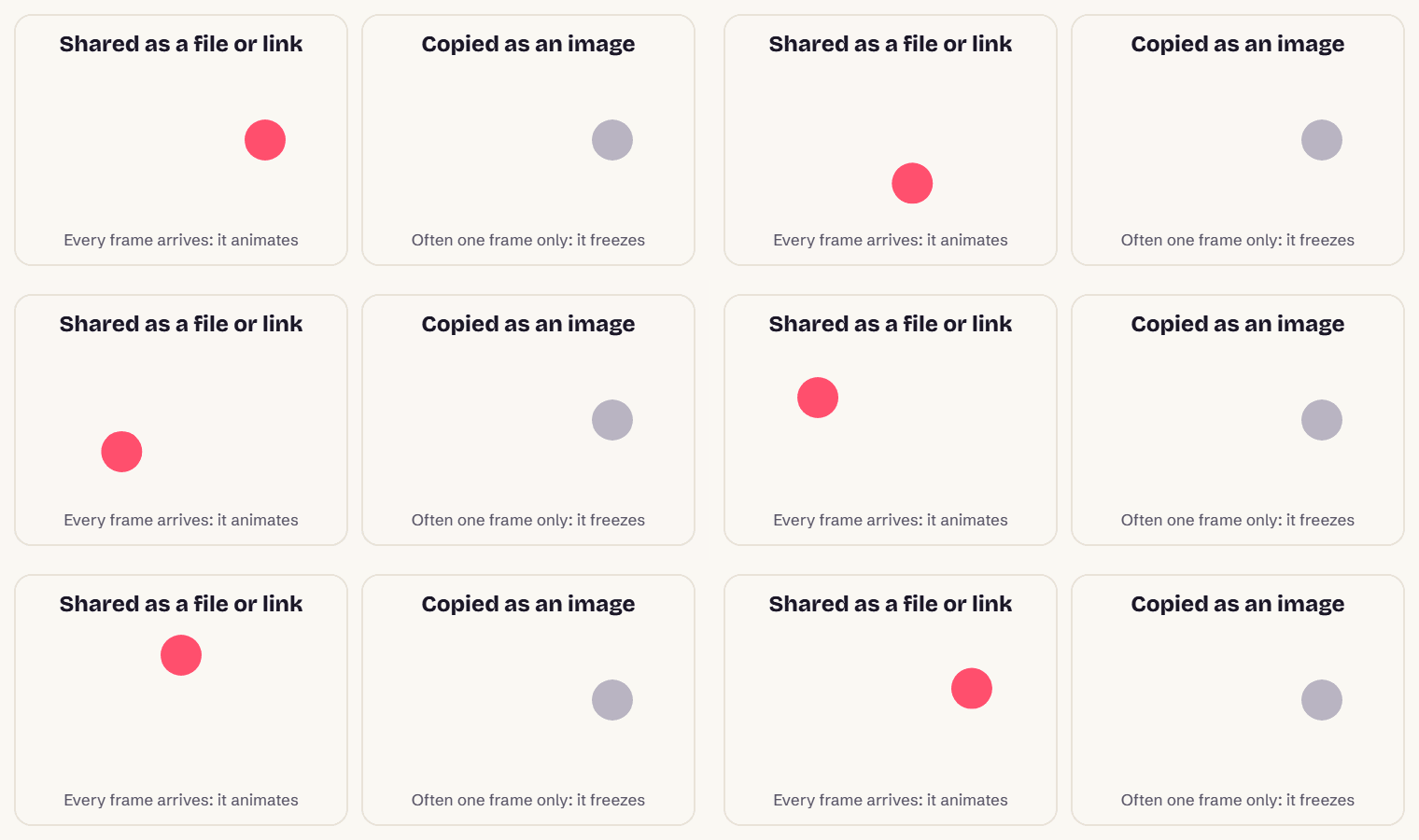
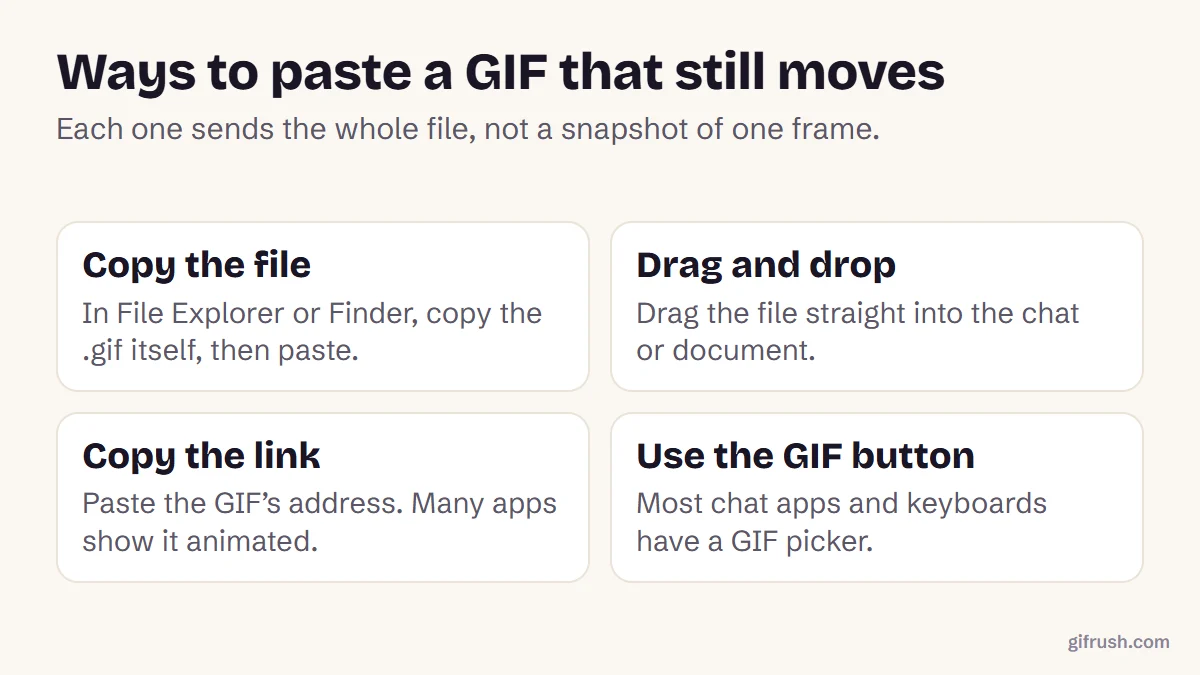
To paste a GIF that still moves, copy the file or its link rather than the image. In File Explorer or Finder, copy the .gif file and paste it, drag it into the app, or paste the GIF’s web address. Using “Copy image” in a browser usually copies a single frame, so the pasted GIF freezes.
Key takeaways
- “Copy image” in a browser usually copies one frame, not the whole GIF.
- Copy the file, drag and drop it, or paste its link to keep it animated.
- Built-in GIF pickers in chat apps and keyboards avoid the problem completely.
- If the app shows a still after pasting, upload the file with the attachment button instead.
Why does a pasted GIF stop moving?
Because the clipboard rarely holds the GIF file itself. When you right-click a GIF in a browser and choose Copy image, the browser typically places a single picture on the clipboard: the frame it was showing. Users have documented this for years.
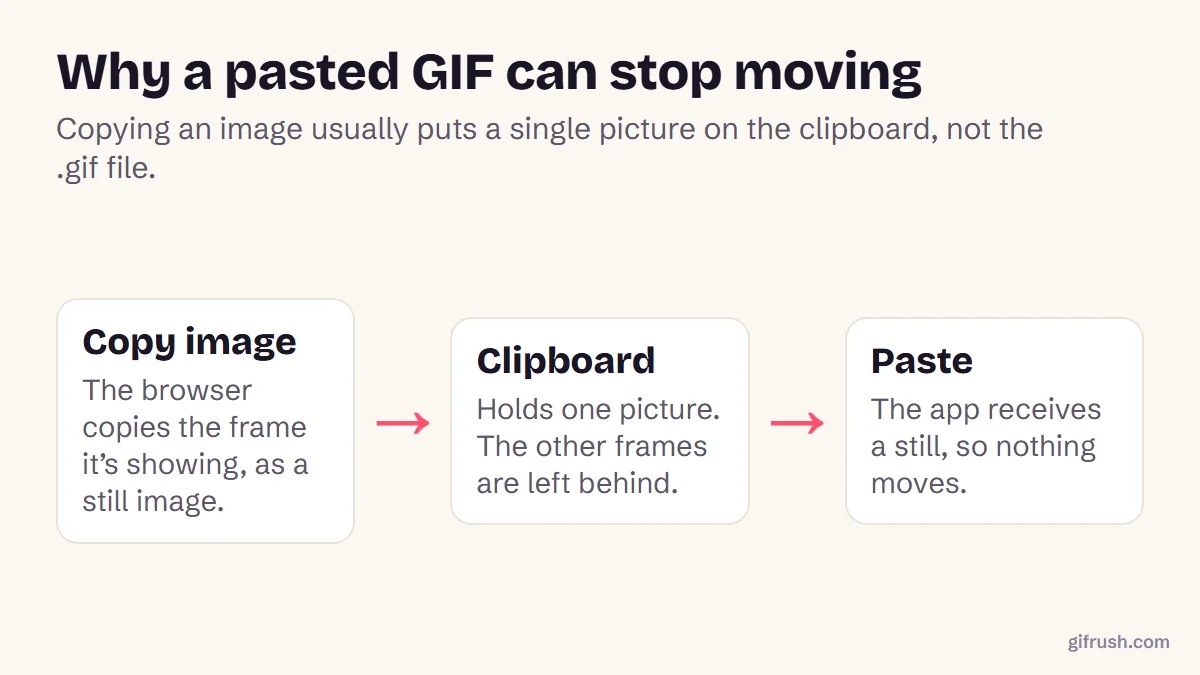
The receiving app can only paste what it’s given. So the fix is to give it the whole file, or a link to it.
How to copy and paste a GIF so it still animates
Save the GIF first
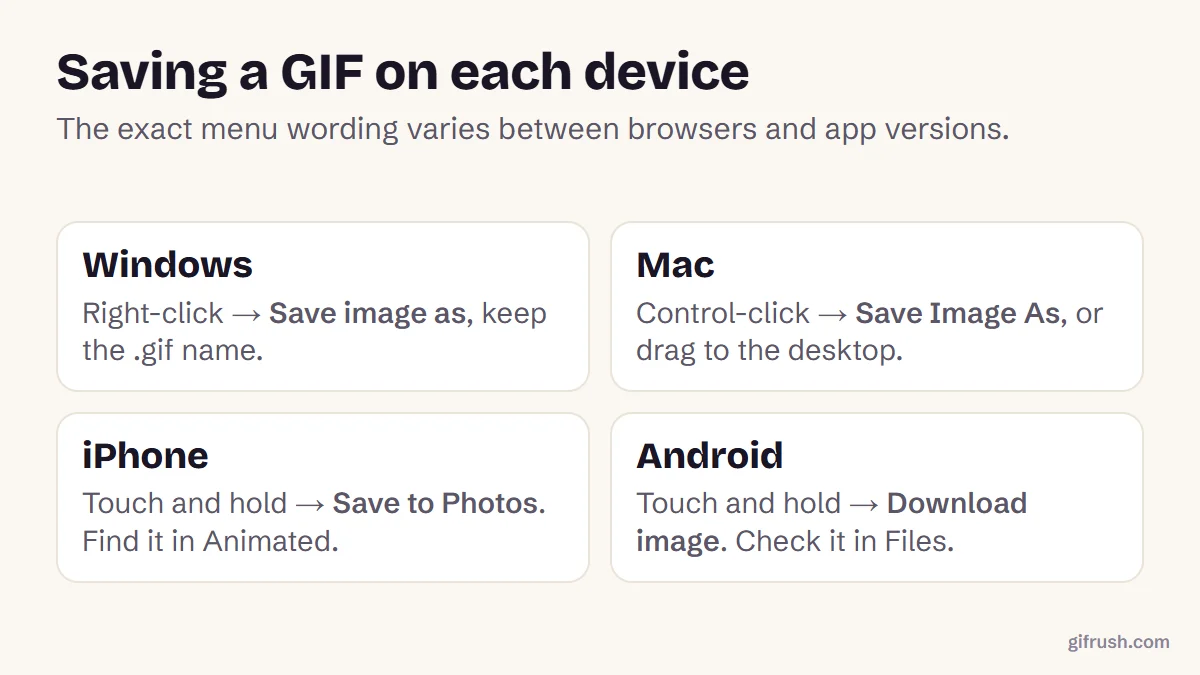
If it’s on a web page, save it as a file and check it ends in .gif.
Copy the file, not the picture
In File Explorer on Windows or Finder on a Mac, select the .gif file and press Ctrl+C or Command+C.
Paste into the app
Click into the message box or document and press Ctrl+V or Command+V. Apps that accept files attach it as a GIF.
Or drag it in
Dragging the file from your desktop into the window does the same thing, and works in apps that ignore pasted files.
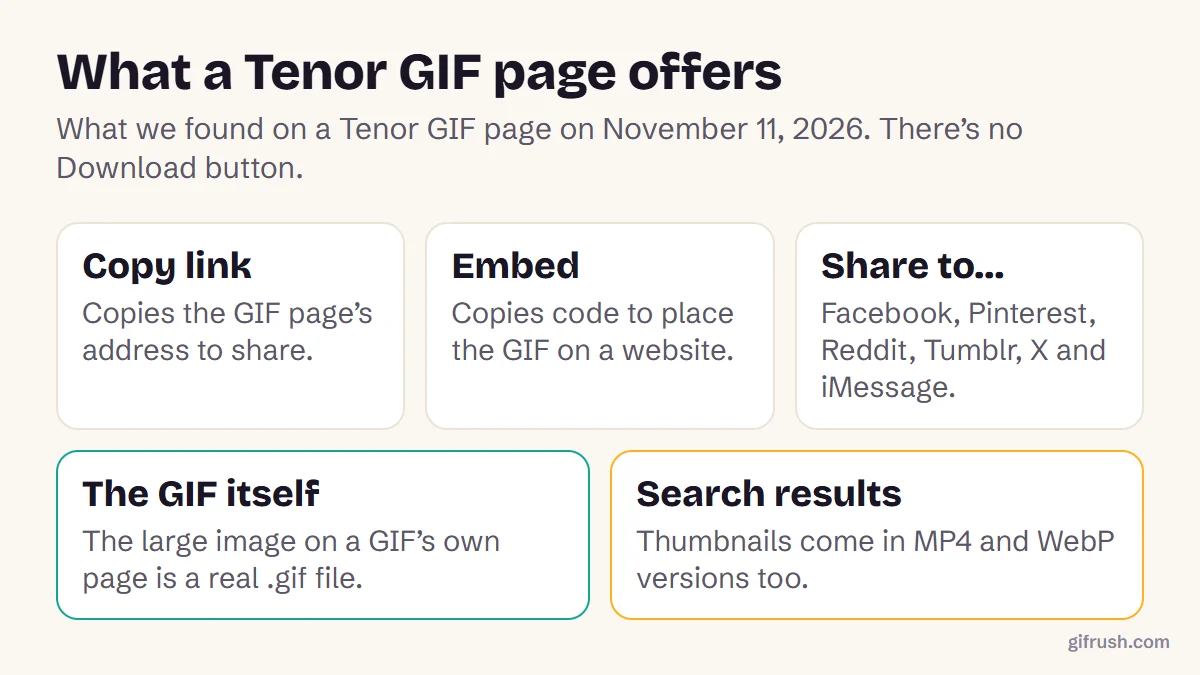
Pasting the GIF’s link is the other reliable option. Many chat apps and social sites turn a GIF link into an animated preview automatically. On phones, use the Share button instead of Copy where possible, because it sends the file to the other app.
GIFs in documents, slides and email
Office apps, slide software and email editors vary. Many of them animate a GIF inserted as a picture from a file, even if a pasted copy freezes. If pasting gives you a still, use the app’s Insert or Attach option and choose the .gif file. If it still doesn’t move, check that the GIF loops forever with the GIF Tester, because a GIF set to play once looks frozen after a few seconds.
Still pasting a still image?
| What you see | Likely cause | Try |
|---|---|---|
| It never moves | Only one frame was copied | Copy the file or link instead |
| It moves, then stops | It’s set to play once | Loop it with the GIF Looper |
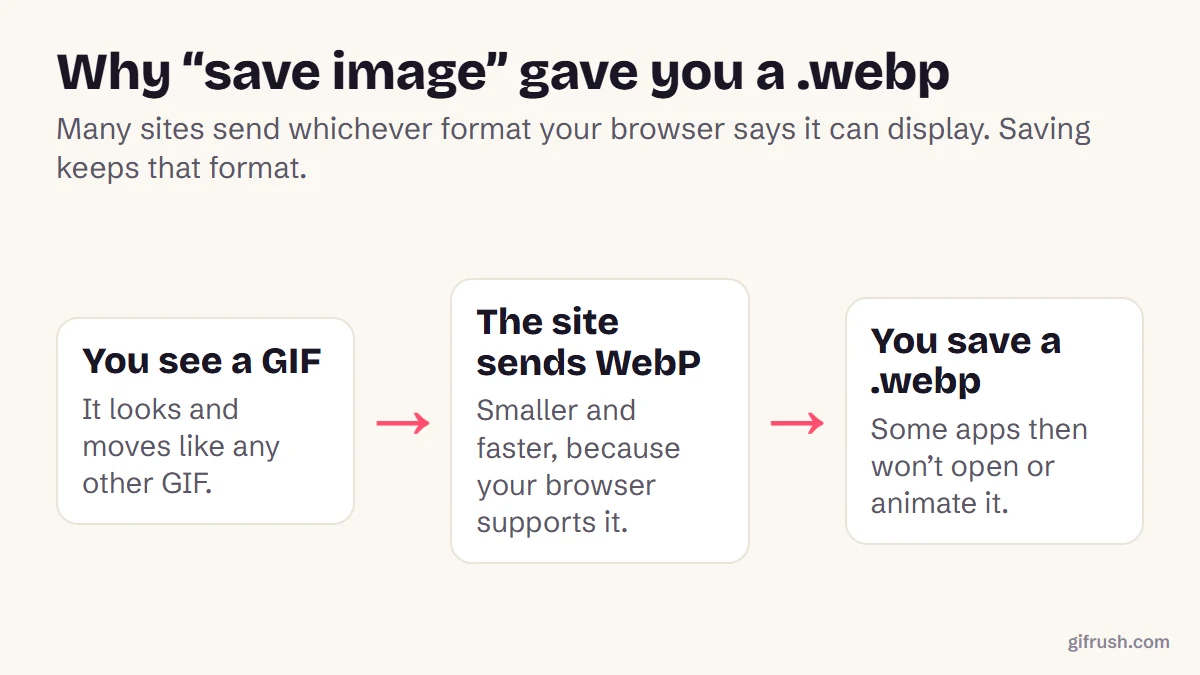
| The file ends in .webp | The site served WebP | Convert WebP to GIF |
| The app rejects it | The file is too large | Make it smaller |
Not sure the file itself animates? Test it: frame count, duration and loop setting, in seconds.Open GIF Tester
New to this topic? Start with our main guide: How to save and download a moving GIF
Frequently asked questions
How do I copy and paste a GIF?
Copy the .gif file itself in File Explorer or Finder, then paste it into the app. Pasting the GIF’s link also works in many apps. Avoid Copy image in a browser, which often copies a single frame.
Why does my GIF not move when I paste it?
Copying an image from a browser usually places one still frame on the clipboard rather than the whole GIF. Paste the file or its link instead.
How do I paste a GIF into a text message?
Use the GIF button in your keyboard or messaging app, or share the saved GIF file from your gallery or Files app.
Can I copy a GIF on my phone?
Some apps support it, but results vary. Sharing the GIF file or its link with the Share button is more reliable than copying it.
How do I put a GIF in a document?
Use the document app’s Insert picture option and choose the .gif file. Many apps animate GIFs inserted from a file even when a pasted copy stays still.
Sources
- Pasting animated GIF inserts as static GIF (Discourse Meta)
Free tools for this
GIF Tester
Inspect any GIF: frames, delays, loop count, palettes, file size and platform checks.
GIF Looper
Make a GIF loop forever, play a set number of times, or once — plus a pause at the end.
GIF Compressor
Reduce GIF file size with fewer colours, lossy frame diffing, frame dropping and scaling.
Find more free tools for the same job in All GIF Tools and the GIF Editor.