Saving GIFs · 4 min read
How to save and download a moving GIF
Quick answer
To save a GIF, right-click it on a computer and choose Save image as, or touch and hold it on a phone and choose Save or Download. Check that the file ends in .gif and still moves. Screenshots, thumbnails and sites that serve MP4 or WebP are why many “saved GIFs” end up still.
Key takeaways
- Use Save image as on a computer, and touch and hold on a phone.
- A saved GIF that won’t move is usually a screenshot, a thumbnail, a video or a WebP file.
- On iPhone, saved GIFs appear in the Animated album in Photos.
- Check the result: the file should end in .gif and have more than one frame.
How do you save a GIF on a computer?
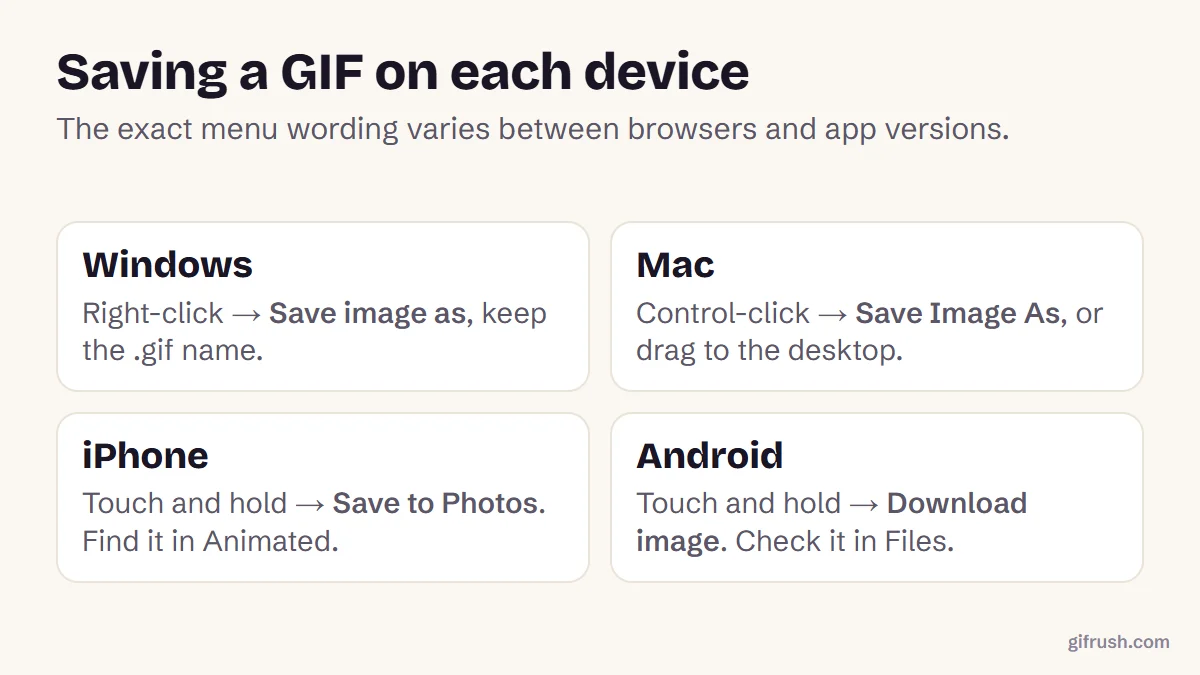
Open the GIF on its own
If you can, click the GIF so it opens at full size. Saving from a grid often gives you a small preview instead.
Right-click it
On a Mac, Control-click or click with two fingers on the trackpad.
Choose “Save image as”
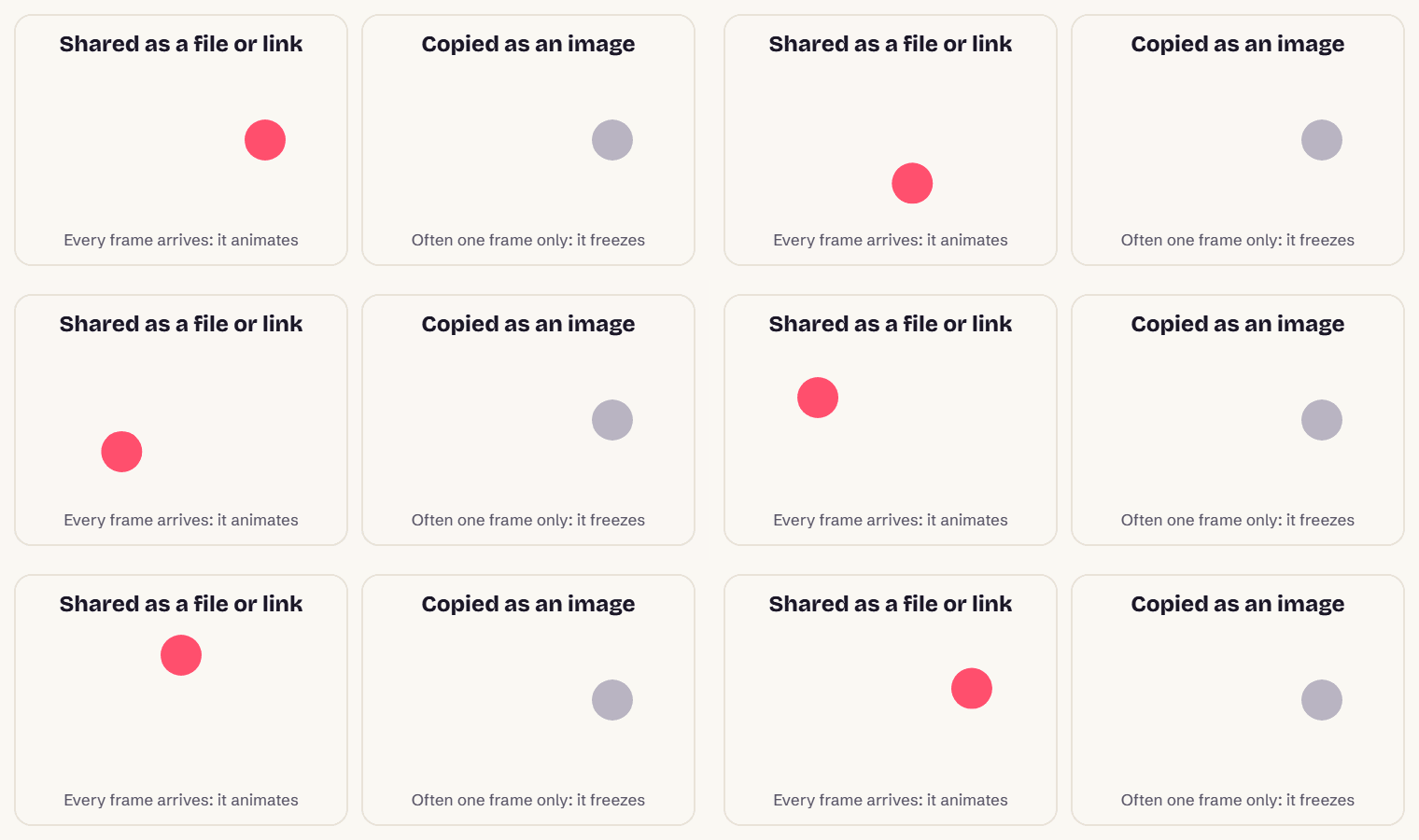
The wording varies slightly between browsers. Don’t choose “Copy image”, which usually copies only one frame.
Keep the .gif ending
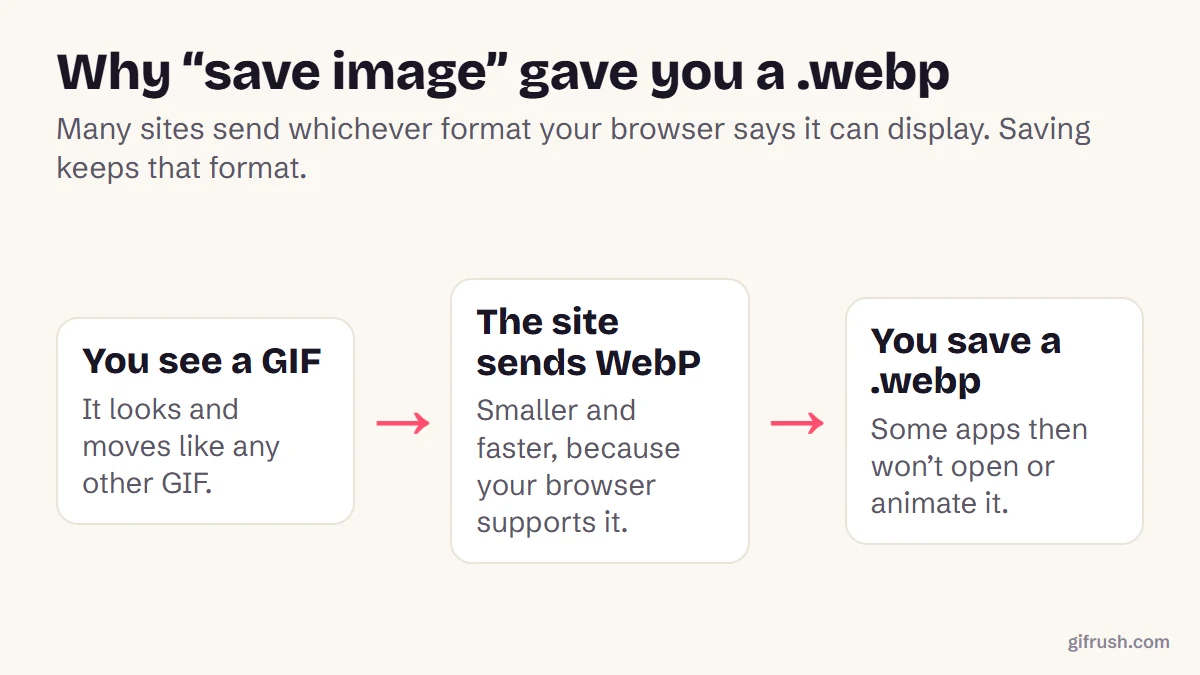
Check the file name ends in .gif before you save. If it ends in .webp or .mp4, the site sent a different format.
Dragging a GIF from a browser window to your desktop works in most browsers too, and saves the same file. Some sites need extra steps: see our guides for Pinterest and Tenor.
How do you save a GIF on a phone?
On iPhone, touch and hold the GIF and choose Save to Photos, or Add to Photos in some apps. GIFs saved this way keep their animation and appear in the Photos app’s Animated album, under Media Types. In Messages, Apple’s #images GIFs can also be saved from the conversation.
On Android, touch and hold the GIF in your browser and choose Download image. It goes to your Downloads folder, and gallery apps such as Google Photos play it. Menu names vary by phone maker and browser.
Why did my saved GIF stop moving?
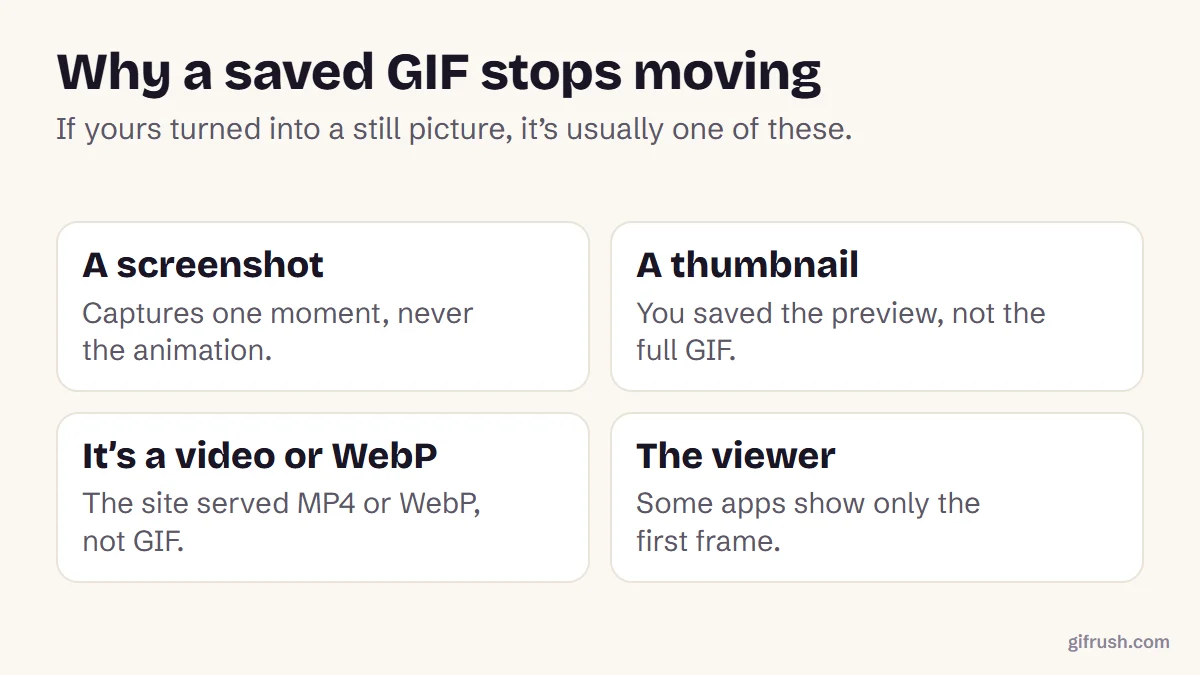
| What happened | How to tell | What to do |
|---|---|---|
| You saved a thumbnail | The file is small, both in pixels and in KB | Open the GIF full size first, then save |
| The site sent WebP | The file ends in .webp | See how to convert WebP to GIF |
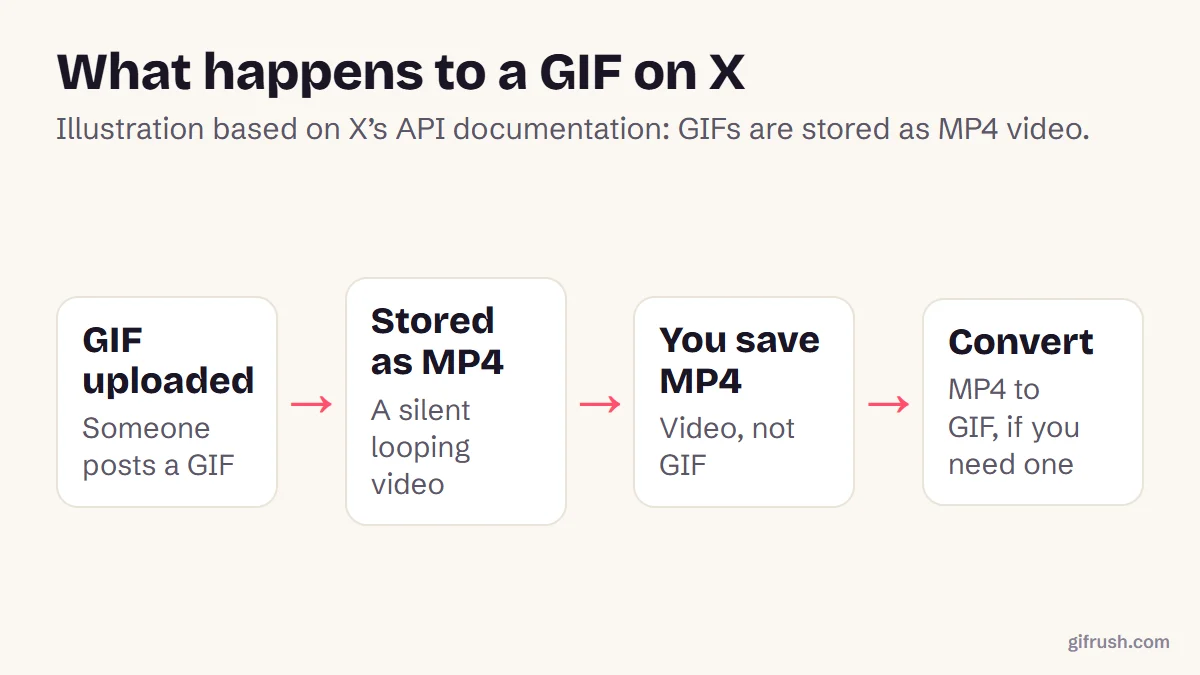
| The site sent a video | The file ends in .mp4, common on X | See how to save a GIF from X |
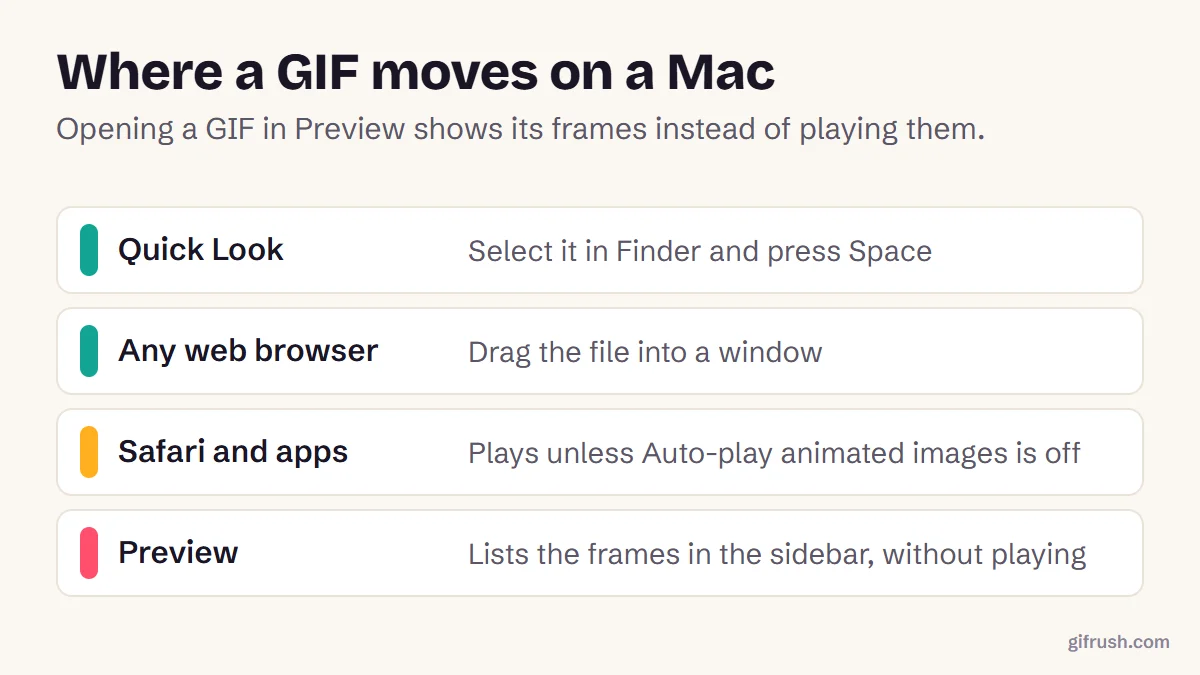
| Your viewer shows one frame | It moves in a browser but not in your app | Open it in a browser, or see GIFs on a Mac |
| It only plays once | It moves, then stops | Set it to loop with the GIF Looper |
How to check a saved GIF really moves
Drag the file into any browser window. If it animates there, the file is fine and your other app is the problem. For a definite answer, our GIF Tester reads the file and reports its frame count, duration and loop setting:
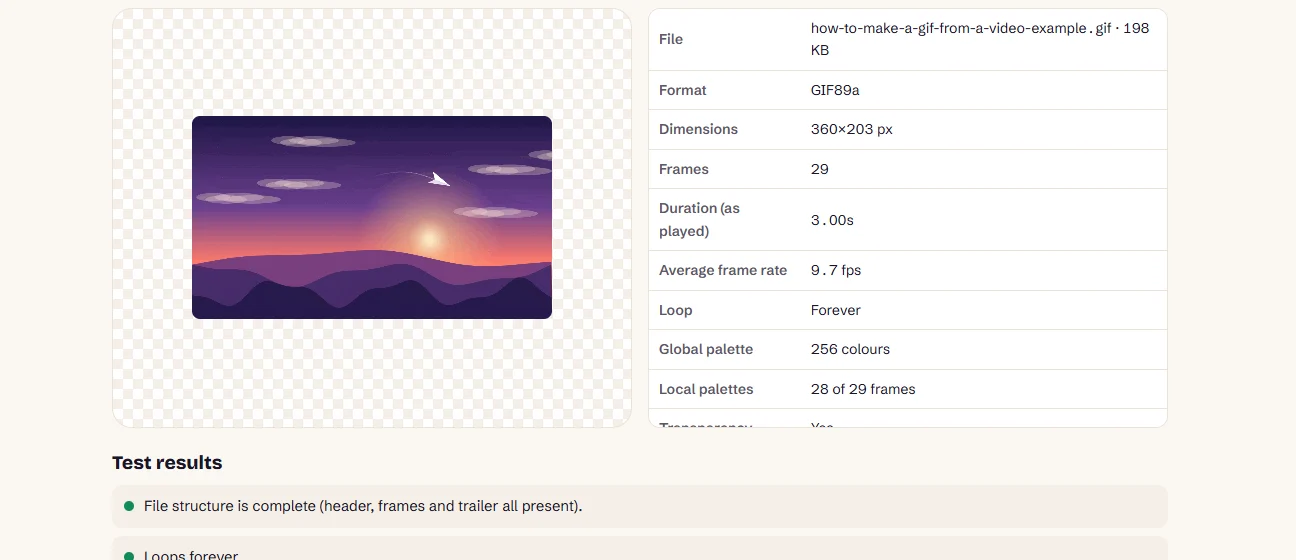
Check any GIF you’ve saved. The file is only read, never changed or uploaded.Open GIF Tester
More guides to saving and sharing GIFs
This is the main guide in our series on saving GIFs. For specific situations:
- How to save a GIF from X (Twitter)
- How to copy and paste a GIF that animates
- How to convert a downloaded WebP file to GIF
- How to download a GIF from Pinterest
- How to download GIFs from Tenor
One more thing to keep in mind: saving a GIF for yourself is different from reusing it. Many reaction GIFs come from films and shows, so the content can still be protected by copyright.
Frequently asked questions
How do I save a GIF?
On a computer, right-click the GIF and choose Save image as. On a phone, touch and hold the GIF and choose Save to Photos or Download image.
Why does my GIF not move after saving?
The usual causes are a screenshot, a saved thumbnail, a site that sent MP4 or WebP instead of GIF, or an app that shows only the first frame. Open the file in a browser to check.
Where do saved GIFs go on iPhone?
GIFs saved to Photos appear in your library and in the Animated album, under Media Types in the Albums view.
How do I save a GIF as a GIF and not a video?
Check the file name ends in .gif before you save. If the site only offers MP4, save that and convert it with an MP4 to GIF tool.
Is it legal to save GIFs?
Saving a GIF to view yourself is generally treated differently from republishing it. The content of many GIFs is protected by copyright, so get permission before reusing someone else’s work publicly or commercially.
Sources
- Send and save GIFs in Messages on iPhone (Apple Support)
- Pasting animated GIF inserts as static GIF (Discourse Meta)
Free tools for this
GIF Tester
Inspect any GIF: frames, delays, loop count, palettes, file size and platform checks.
GIF Looper
Make a GIF loop forever, play a set number of times, or once — plus a pause at the end.
MP4 to GIF
Convert MP4 videos from your phone or camera into high-quality animated GIFs.
Sticker to GIF
Convert Telegram (.tgs, .webm), WhatsApp (.webp) and APNG stickers into GIFs.
Find more free tools for the same job in All GIF Tools, the GIF Editor and the GIF Converter.