Saving GIFs · 4 min read
How to download GIFs from Tenor
Quick answer
Tenor has no Download button. To save a GIF, open it on its own page at tenor.com, then right-click the large GIF and choose Save image as, or on a phone, touch and hold it and save. Saving from the search results can give you an MP4 or WebP instead. Use Copy link if you only want to share it.
Key takeaways
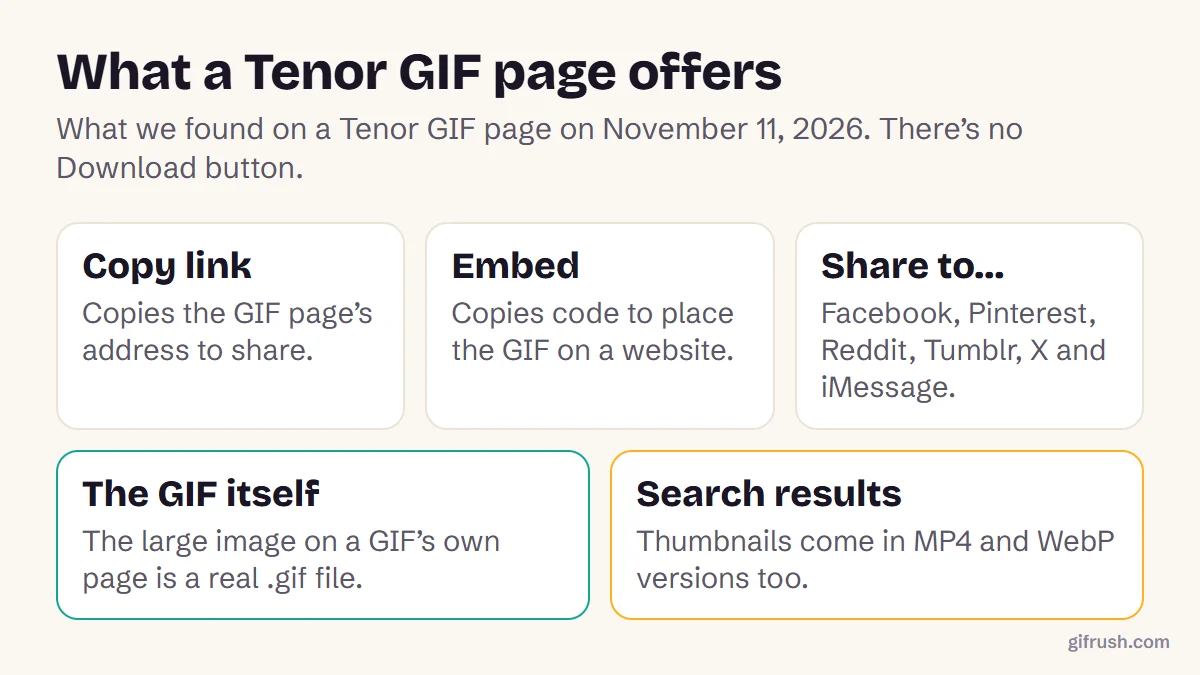
- Tenor pages offer Copy link, Embed and Share, but no Download button, as of November 2026.
- Open the GIF’s own page first: the large image there is a real .gif file.
- Search results can serve MP4 or WebP versions, which is why some saves aren’t GIFs.
- Tenor’s website still works, but Google shut down its API for other apps on June 30, 2026.
How do you download a GIF from Tenor?
We checked a Tenor GIF page on November 11, 2026. It offers Copy link, Embed and buttons to share to Facebook, Pinterest, Reddit, Tumblr, X and iMessage, but no Download button. The large image on the page, though, is an ordinary .gif file, so you can save it like any other image.
Open the GIF’s own page
On tenor.com, click the GIF in the search results. Its address will look like tenor.com/view/…
Save the large GIF
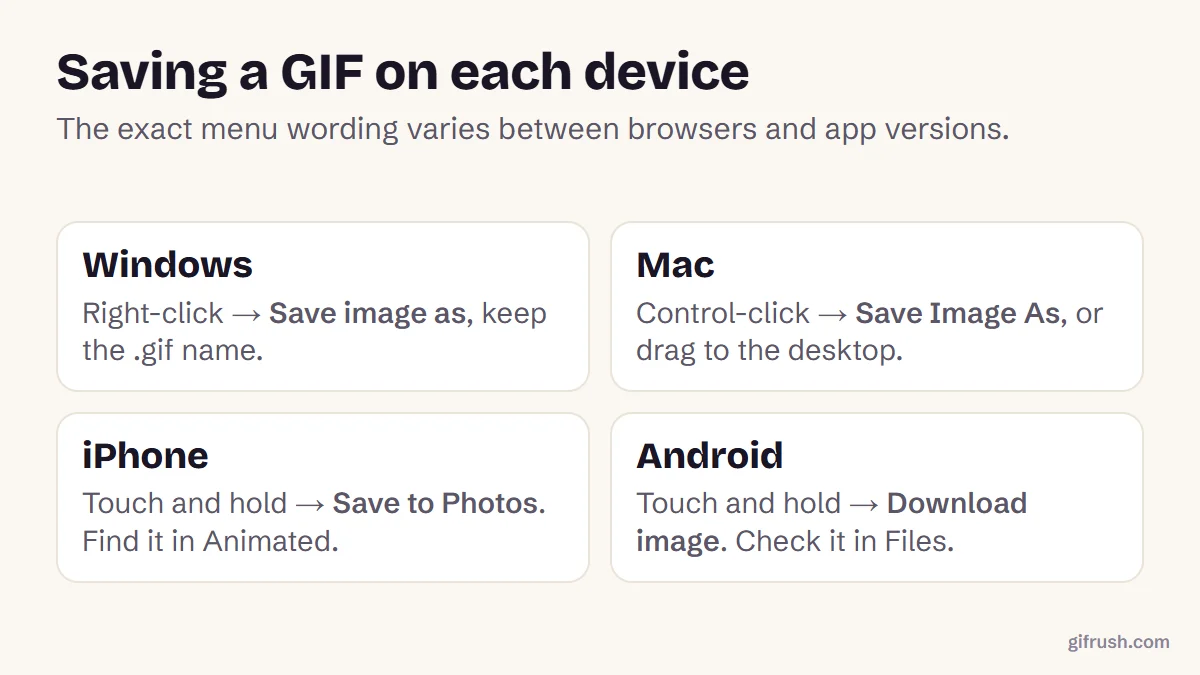
On a computer, right-click it and choose Save image as. On a phone, touch and hold it and choose Save or Download image.
Check the file name
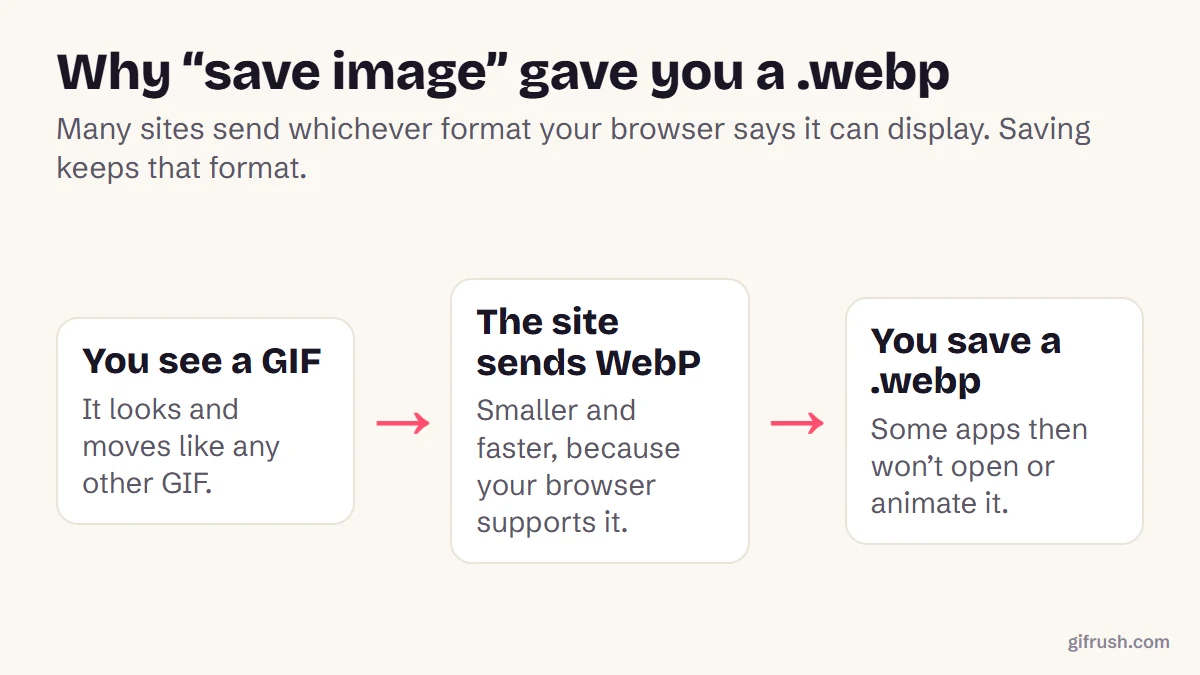
It should end in .gif. If it ends in .mp4 or .webp, you probably saved a version from the search results.
Check it moves
Open it in a browser or your photo app. The GIF Tester can confirm it has more than one frame.
Why did my Tenor GIF save as an MP4 or WebP?
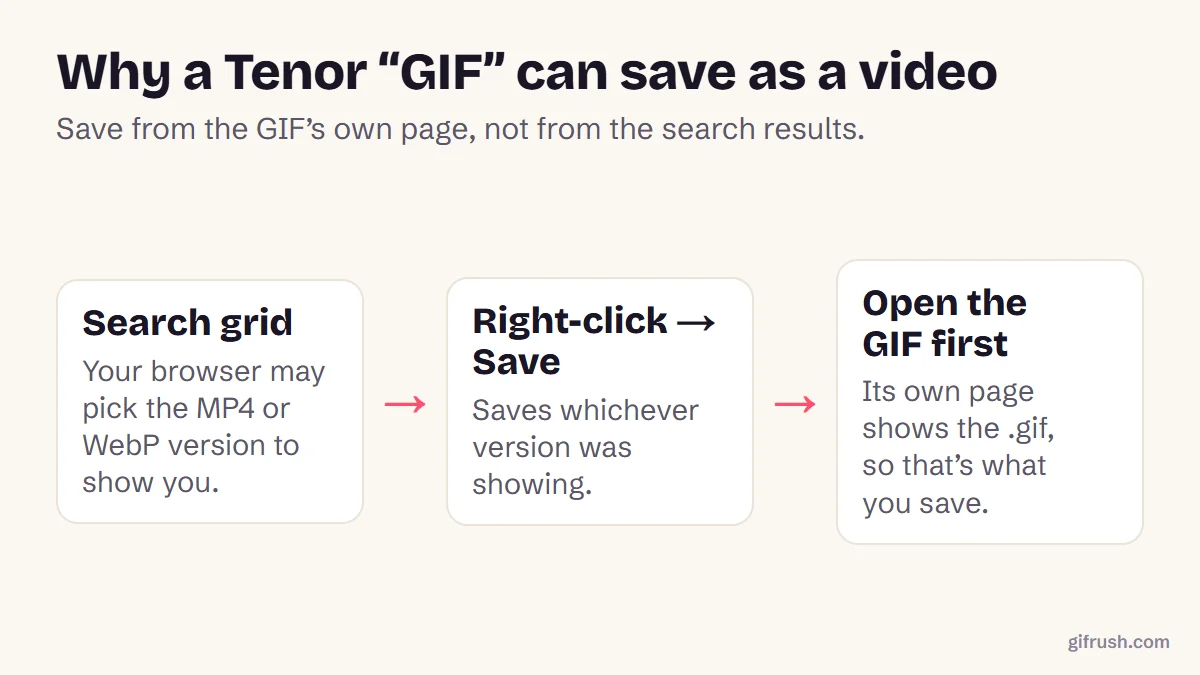
Tenor keeps several versions of each GIF. On the search results we checked, thumbnails included MP4 and WebP versions as well as GIF, and your browser picks one to show. Right-click a thumbnail and you save whichever version it chose.
| You saved | What it is | What to do |
|---|---|---|
| .gif | A real GIF | Nothing. Use it anywhere GIFs work. |
| .mp4 | A short silent video | Convert it with MP4 to GIF, or go back and save from the GIF page. |
| .webp | An animated WebP image | Convert it, as explained in WebP to GIF. |
What happened to Tenor GIFs in Discord, X and WhatsApp?
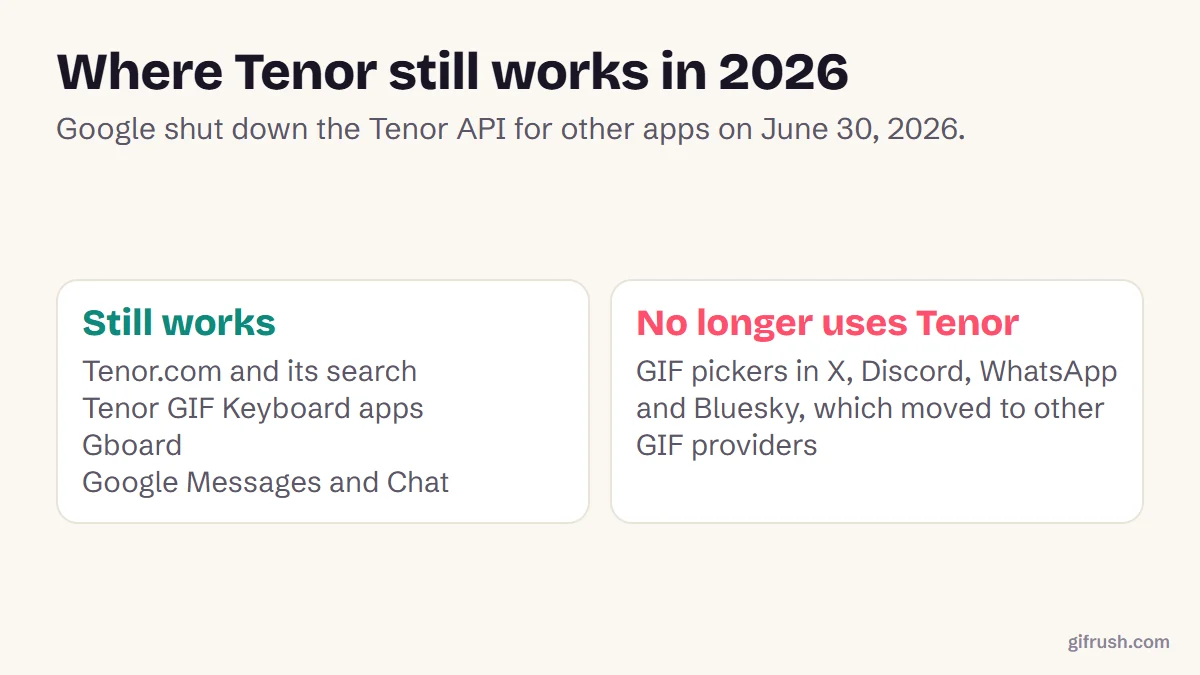
Many apps used to search Tenor through its API, the service that lets other apps fetch Tenor GIFs. Google stopped issuing new API keys in January 2026 and shut the API down on June 30, 2026. GIF pickers in apps such as X, Discord, WhatsApp and Bluesky moved to other providers.
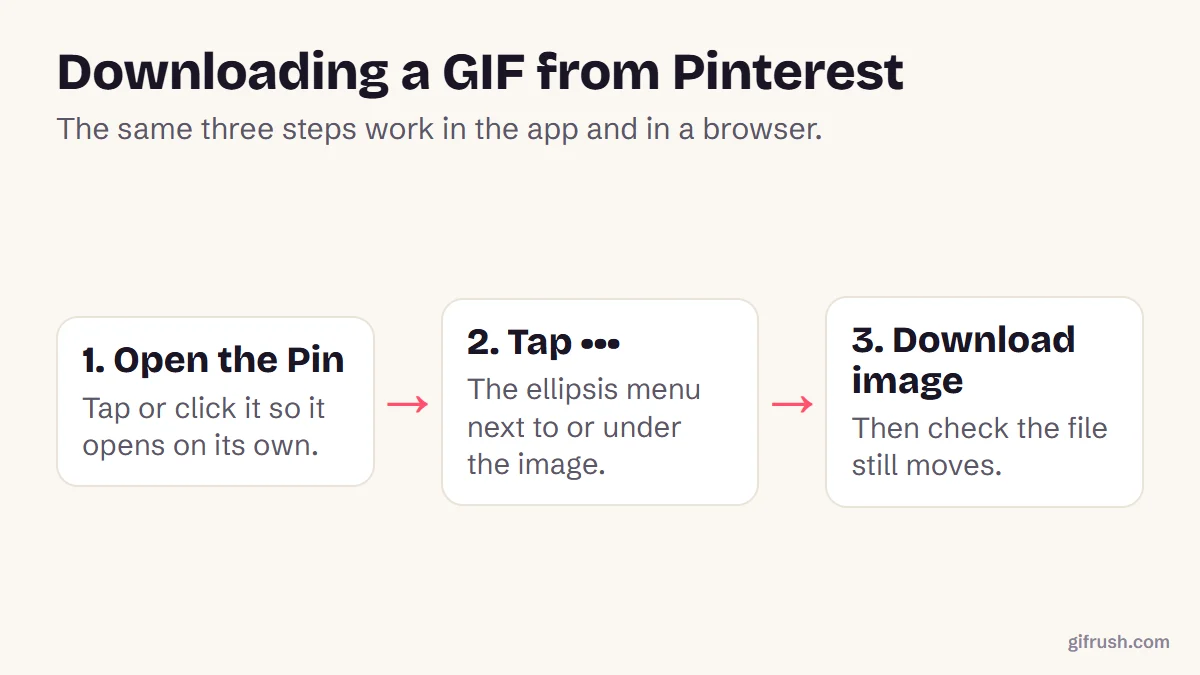
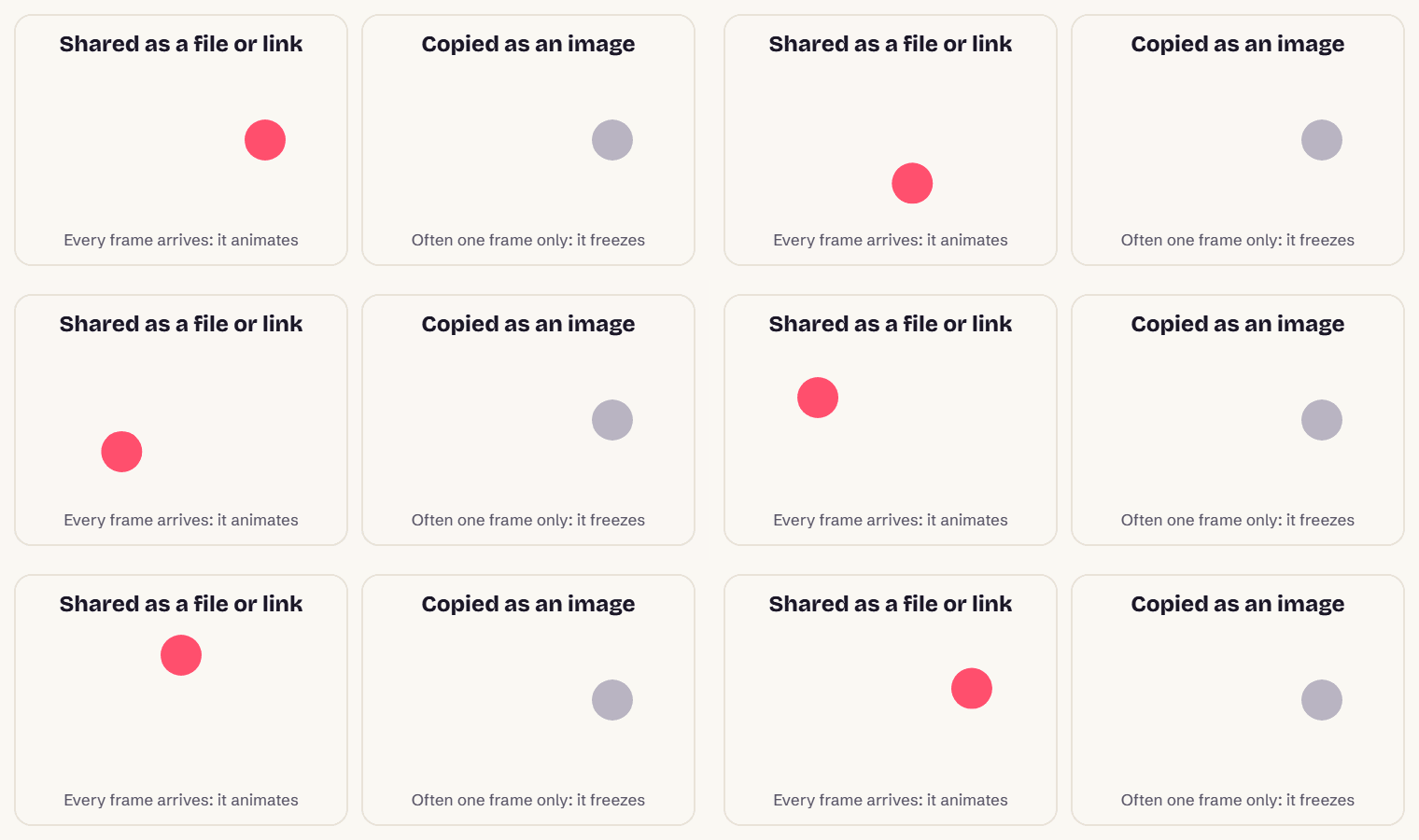
So if your favourite GIF vanished from an app’s picker, you can usually still find it on tenor.com, save it with the steps above, and send it as a file. Our guide to saving a GIF that moves covers sending saved GIFs, and Pinterest downloads work in a similar way.
Saved an MP4 from Tenor? Turn it back into a GIF in your browser, with no upload.Open MP4 to GIF
New to this topic? Start with our main guide: How to save and download a moving GIF
Frequently asked questions
How do I download a GIF from Tenor?
Open the GIF on its own page at tenor.com, then right-click the large GIF and choose Save image as. On a phone, touch and hold it and choose Save. There is no Download button.
Why does my Tenor GIF download as an MP4?
Tenor keeps MP4 and WebP versions of its GIFs and uses them in places like search results. Save from the GIF’s own page to get the .gif, or convert the MP4 to GIF.
Does Tenor still work in 2026?
Yes. The Tenor website, the GIF Keyboard apps and Gboard still work. Google shut down the Tenor API for other apps on June 30, 2026.
Why can’t I find Tenor GIFs in Discord or WhatsApp?
Those apps used Tenor’s API, which Google shut down on June 30, 2026, so their GIF pickers moved to other providers. You can still save GIFs from tenor.com and send them as files.
Can I use Tenor GIFs anywhere?
Sharing a link or sending a GIF in a chat is the normal use. Many Tenor GIFs come from films, TV or other creators, so ask permission before using one publicly or commercially.
Sources
- Google discontinues the Tenor API (9to5Google, June 30, 2026)
- Tenor (website) (Wikipedia)
- Google kills yet another API (PC Gamer)
Free tools for this
MP4 to GIF
Convert MP4 videos from your phone or camera into high-quality animated GIFs.
GIF Tester
Inspect any GIF: frames, delays, loop count, palettes, file size and platform checks.
Sticker to GIF
Convert Telegram (.tgs, .webm), WhatsApp (.webp) and APNG stickers into GIFs.
Find more free tools for the same job in the GIF Converter and All GIF Tools.