GIF editing · 4 min read
How to make a GIF smaller than 10 MB
Quick answer
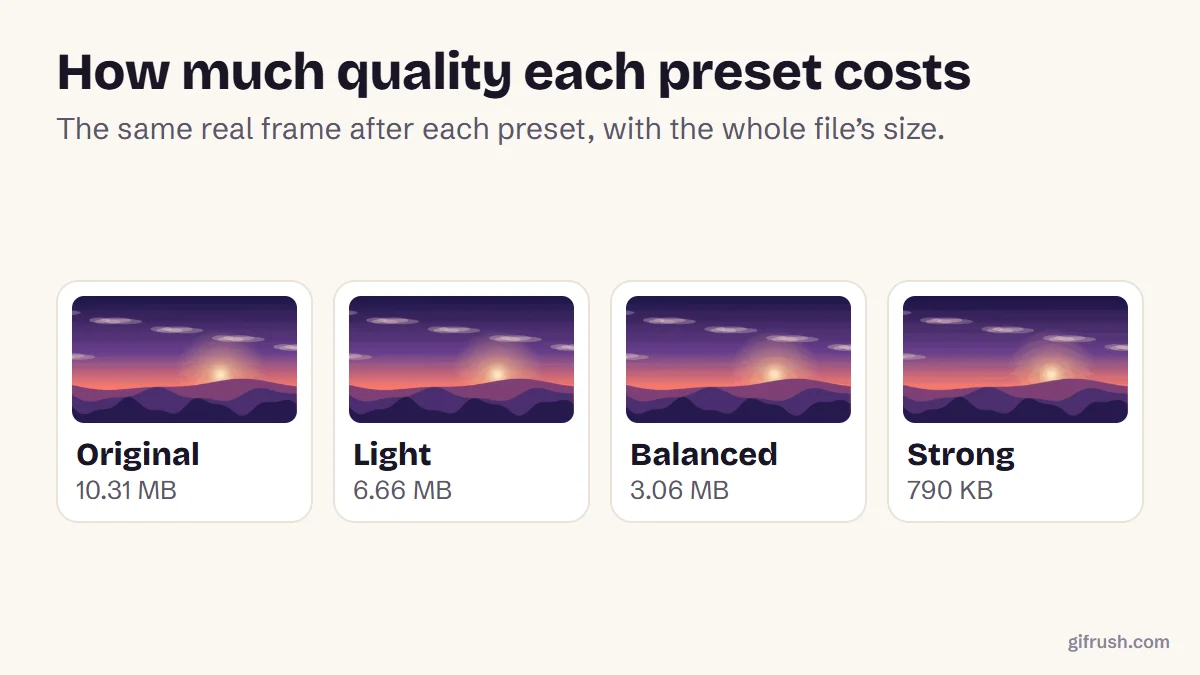
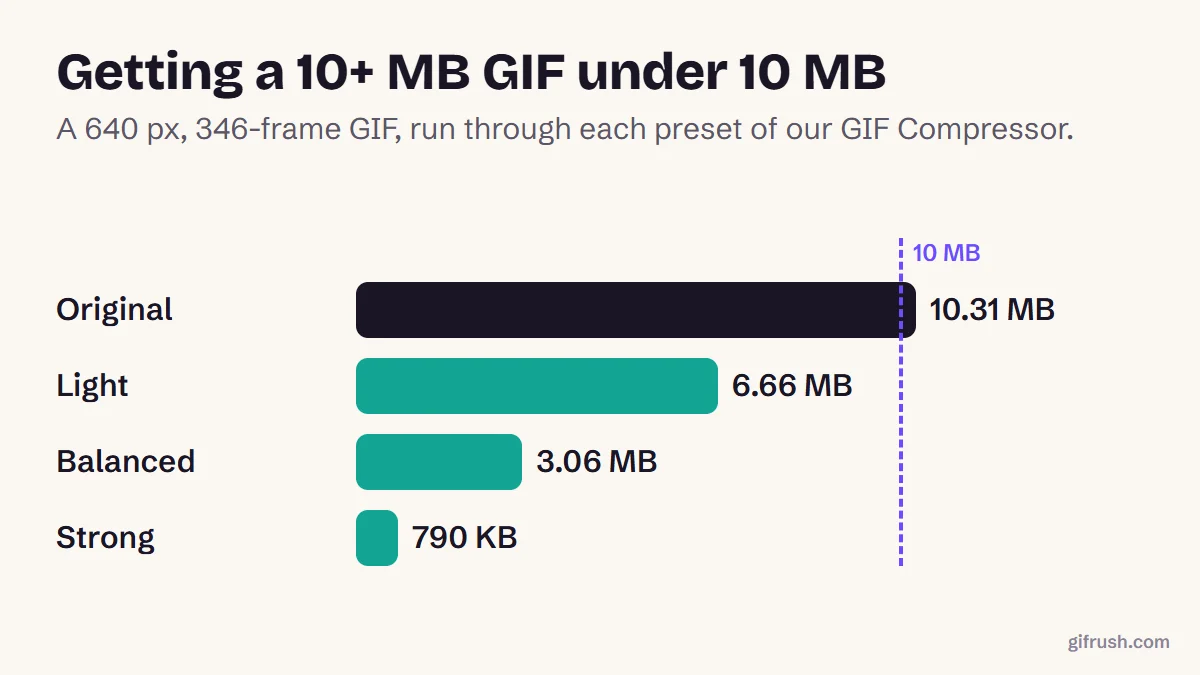
To get a GIF under 10 MB, shorten it first, then lower the frame rate, reduce the width and use fewer colours. A compressor can do the last three in one step: in our test, a 10.31 MB GIF dropped to 6.66 MB on a light setting and 3.06 MB on a balanced one.
Key takeaways
- In our test, even the lightest compression took a 10.31 MB GIF well under 10 MB, to 6.66 MB.
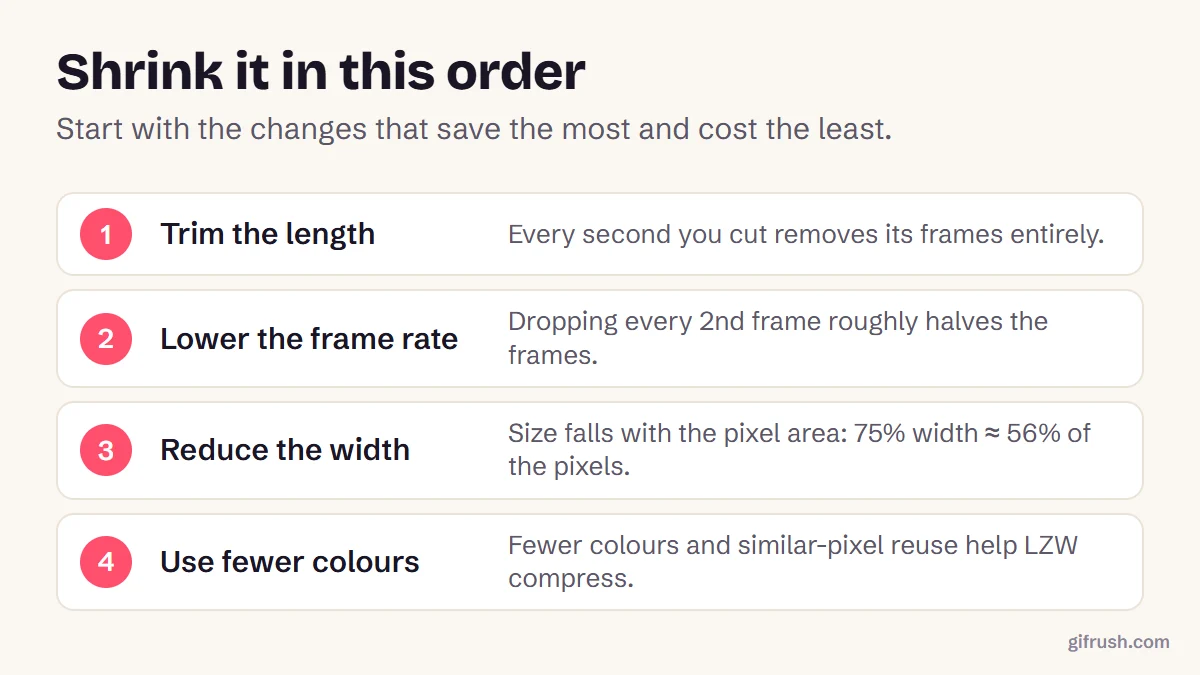
- Length is the biggest lever. Each second you cut removes all of its frames.
- Dropping every second frame and using fewer colours are the next most effective.
- Many apps accept far more than 10 MB of video, so MP4 is often the better fix.
How do you get a GIF under 10 MB?
Check how far over you are
Open the file in the GIF Tester to see its size, frame count and dimensions. A GIF at 11 MB needs a light touch; one at 40 MB needs real cuts.
Trim anything you don’t need
Use the GIF Trimmer to cut slow starts and endings. Halving the length roughly halves the size.
Compress
Open the GIF Compressor and try Light first. If it’s still too big, try Balanced, then Strong.
Check the result
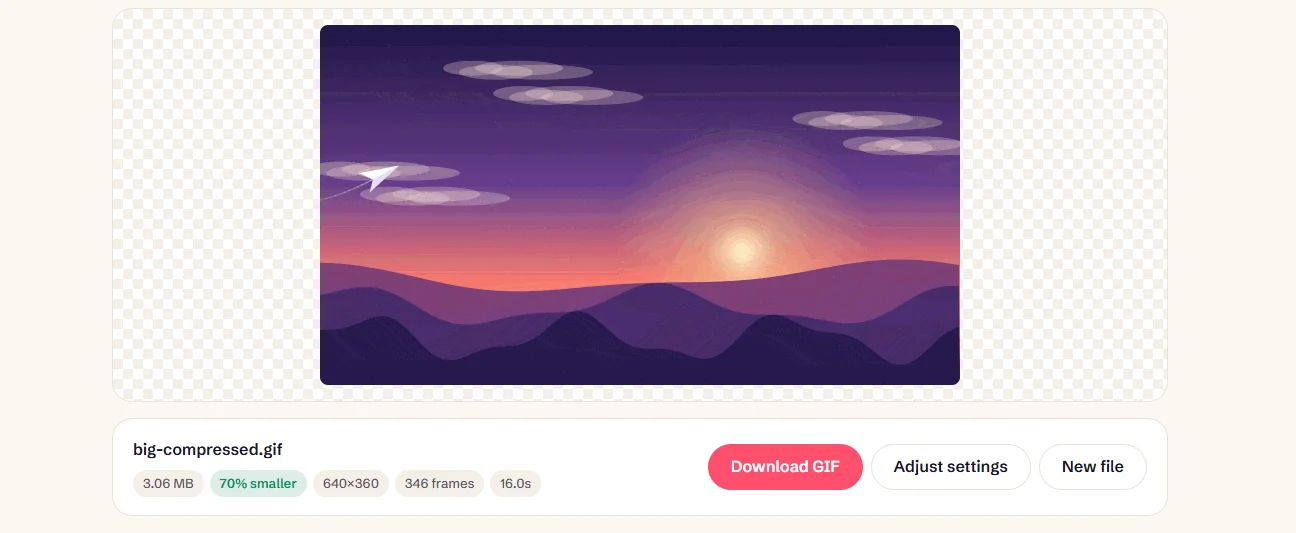
The compressor shows the new size and how much you saved. Download it once it’s under your limit.
What reduces GIF size the most?
| Preset | Colours | Frames | Scale | Our 10.31 MB GIF became |
|---|---|---|---|---|
| Light | 256 | All | 100% | 6.66 MB (35% smaller) |
| Balanced | 128 | All | 100% | 3.06 MB (70% smaller) |
| Strong | 64 | Every 2nd | 75% | 790 KB (93% smaller) |
Light also reuses pixels that barely change between frames, which is why it saves a third of the size without touching the colours. If a preset overshoots, choose Custom and adjust one setting at a time.
How long can a GIF be and still fit in 10 MB?
It depends on the settings. From our own measurements of the same test footage:
| Settings | Measured rate | About this long in 10 MB |
|---|---|---|
| 640 px, 25 fps, High quality | 660 KB per second | 15 seconds |
| 480 px, 12 fps, High quality | 244 KB per second | 40 seconds |
Footage with lots of movement or grain uses more, and screen recordings use far less. Our guide to how long a GIF can be has the full measurements, and the longest GIF ever made shows what happens with no limit at all.
Where does the 10 MB limit come from?
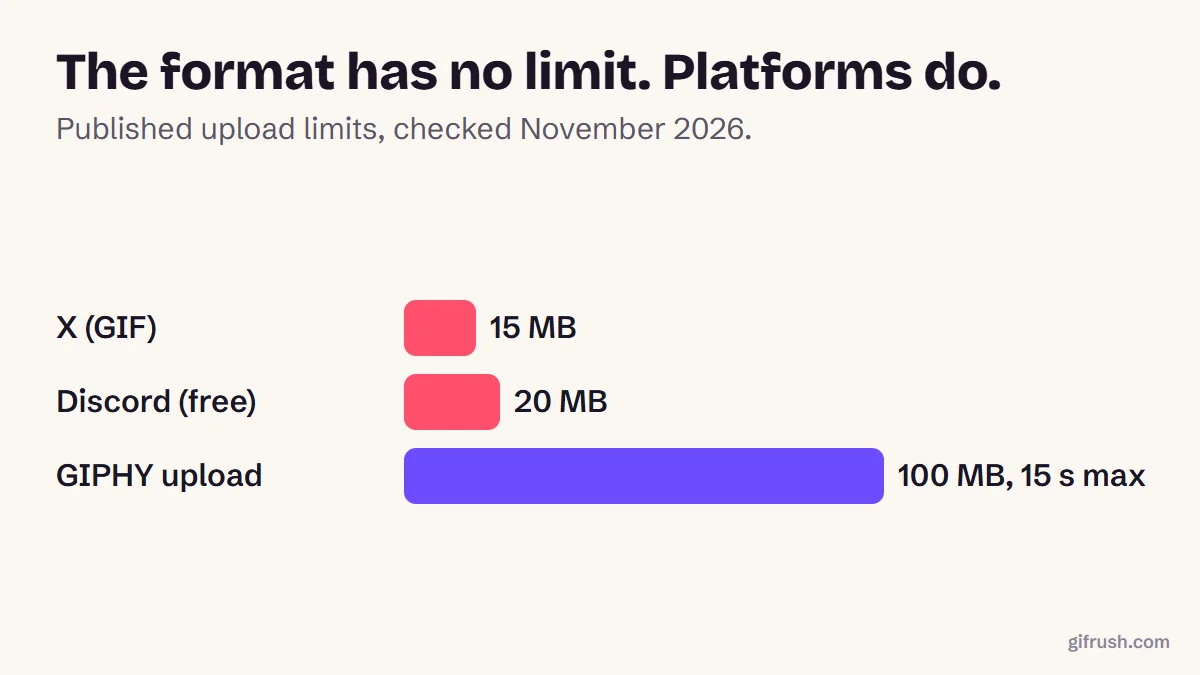
It’s a common cap on upload forms, chat apps and email attachments. Discord’s free uploads were limited to 10 MB until it raised the limit to 20 MB in August 2026, so many people still aim for 10. GIPHY accepts more, but recommends 8 MB or less.
Shrink your GIF now. It shows the size saved before you download, and nothing is uploaded.Open GIF Compressor
For more on the trade-offs, read how to compress a GIF without ruining it.
New to this topic? Start with our main guide: How to edit a GIF after it is created
Frequently asked questions
How do I make a GIF under 10 MB?
Trim it, then compress it. In our test, the Light preset of GifRush’s GIF Compressor reduced a 10.31 MB GIF to 6.66 MB, and Balanced reduced it to 3.06 MB.
What makes a GIF file so large?
Every frame stores its own image data, so length, frame rate and dimensions multiply together. GIF’s 1980s compression also handles motion and grain poorly.
Will compressing a GIF to 10 MB reduce its quality?
Light compression is usually hard to notice. Stronger settings remove colours, frames or pixels, so check the result before you post it.
How long can a GIF be in 10 MB?
In our tests, about 15 seconds at 640 px and 25 fps, or about 40 seconds at 480 px and 12 fps. Busy footage fits less.
What is Discord’s GIF size limit?
Discord’s File Attachments FAQ says free uploads rose from 10 MB to 20 MB in August 2026, with larger limits for Nitro subscribers.
Sources
- File Attachments FAQ (Discord Support)
- GIF Creation Best Practices (GIPHY Support)
Free tools for this
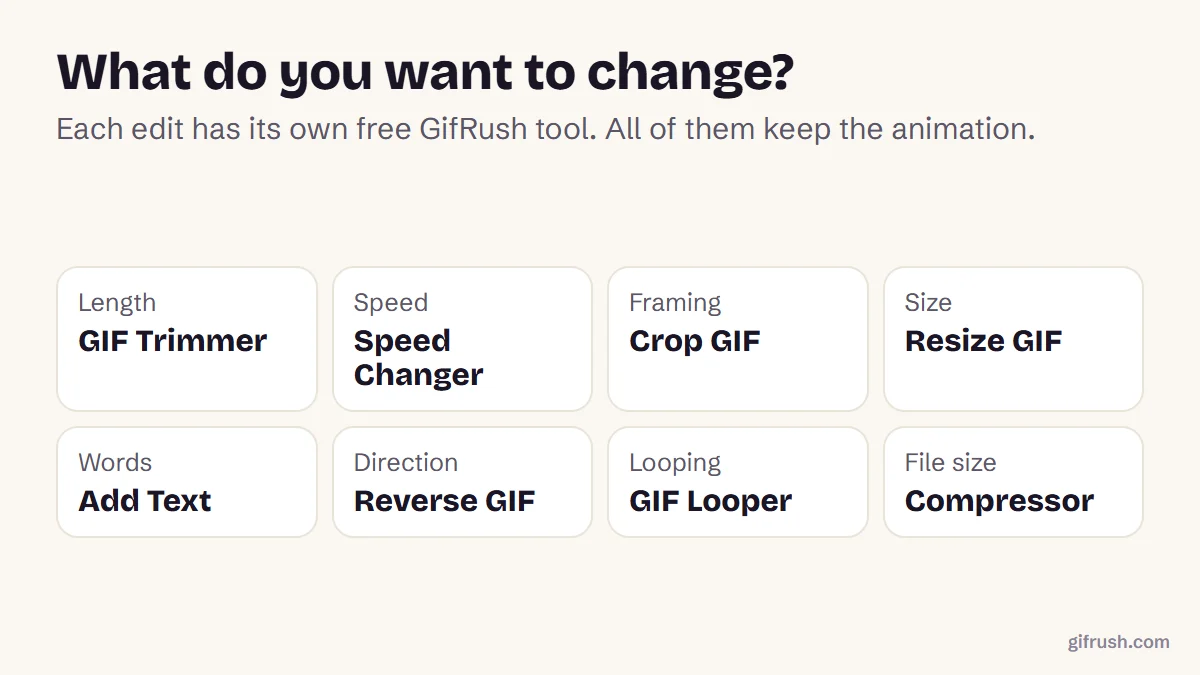
GIF Compressor
Reduce GIF file size with fewer colours, lossy frame diffing, frame dropping and scaling.
GIF Trimmer
Cut frames from the start or end of a GIF to keep only the part you want.
GIF Resizer
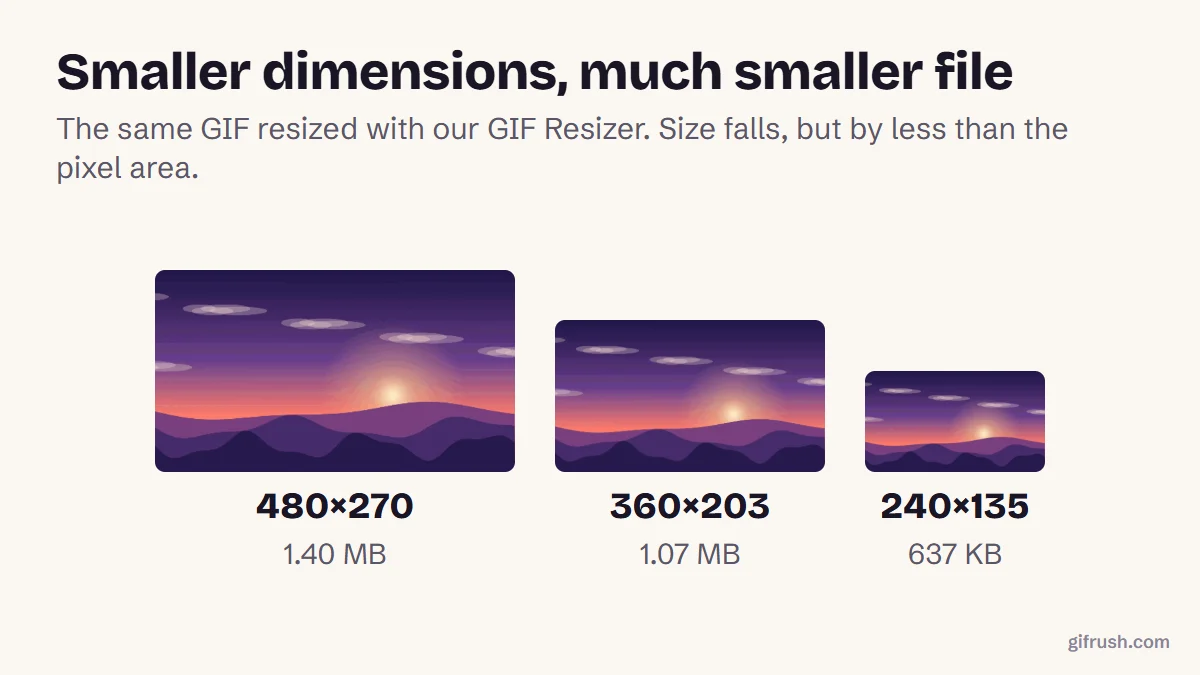
Scale an animated GIF to an exact width and height, or by percentage, keeping every frame.
GIF Tester
Inspect any GIF: frames, delays, loop count, palettes, file size and platform checks.
Find more free tools for the same job in All GIF Tools and the GIF Editor.