Saving GIFs · 4 min read
How to save a GIF from X (Twitter)
Quick answer
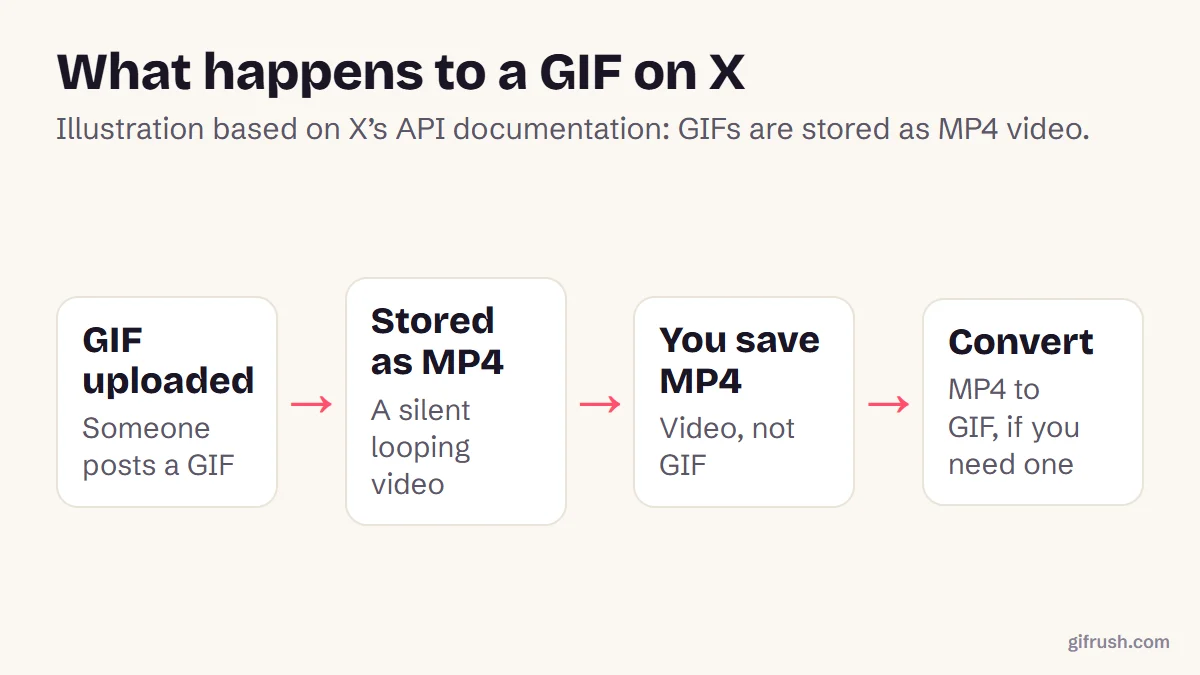
X doesn’t store GIFs as GIF files. It converts them to short, silent MP4 videos, and it doesn’t offer a download button for them. To keep one for personal use, bookmark the post or find the original GIF. For your own posts, convert the MP4 to GIF with an MP4 to GIF tool.
Key takeaways
- GIFs on X are stored as MP4 video, which is why you can’t save a .gif directly.
- For personal use, bookmarking or copying the link is the simplest option.
- Your own posts are easy: use your original file, or convert the MP4 back to GIF.
- Be wary of third-party downloader sites, and ask permission before reusing someone else’s GIF.
Why can’t you save a GIF from X directly?
Because by the time you see it, it isn’t a GIF file any more. X’s own developer documentation lists GIFs as an “animated_gif” media type, and its examples show that the playable file is an MP4 video. Video is far smaller than GIF, so the post loads faster.
That conversion is the reason “Save image as” doesn’t appear, or saves the wrong thing. X doesn’t provide a download button for these clips.
How to keep a GIF from X for personal use
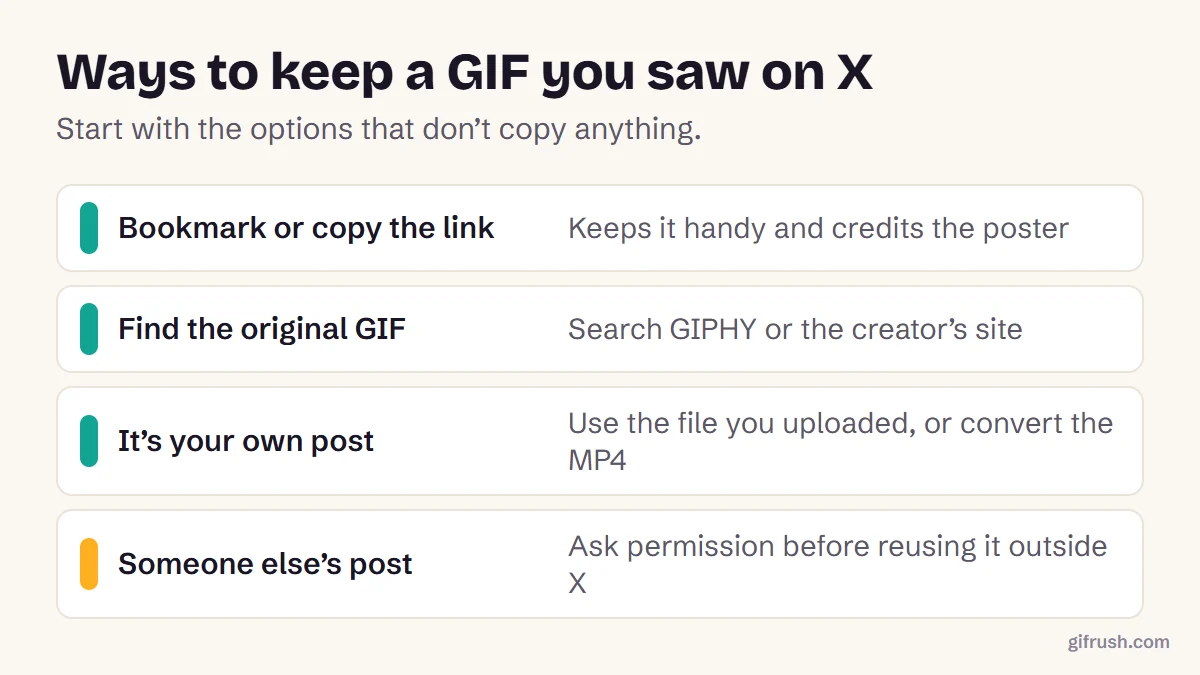
- Bookmark it. If you just want to see it again, X’s bookmarks keep it a tap away.
- Copy the link. Sharing the post’s link shows the GIF animated in most chat apps, and credits the poster.
- Find the original. Popular reaction GIFs usually come from GIPHY or a creator’s own page, where a real GIF file is available.
How to get a GIF back from your own X post
If you posted it, the simplest answer is the file you uploaded. If you only have the MP4, for example from an archive of your account, convert it back:
Open MP4 to GIF
Drop the MP4 into our MP4 to GIF converter. It runs in your browser, with no upload.
Select the clip
Most GIFs from X are short, so you’ll often keep the whole thing. Trim it if there’s a pause at the end.
Match the original
Choose 12–15 fps and a width of 480 px or less. Bigger settings won’t restore detail the original lacked.
Convert and download
Press Convert to GIF, check the size, and download your GIF.
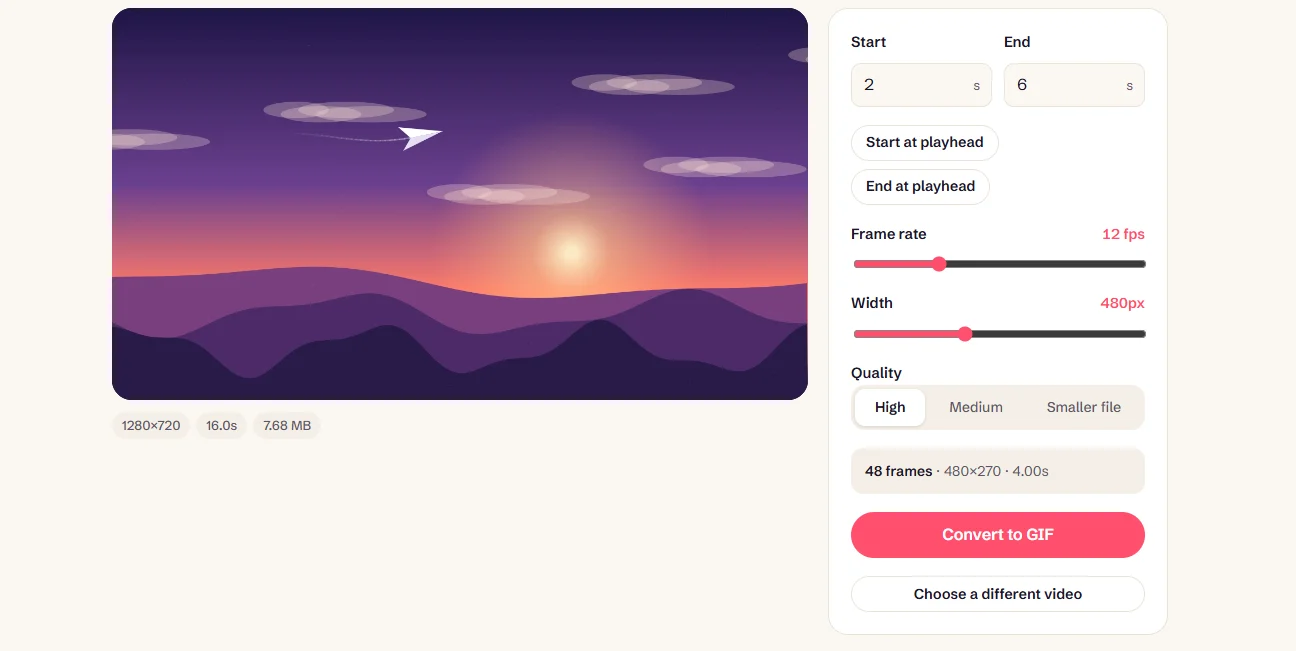
Our full guide to converting MP4 to GIF explains the size and quality trade-offs. Going the other way, X accepts GIF uploads up to 15 MB, and converting a GIF to MP4 first often uploads faster.
Turn your MP4 back into a GIF, privately and for free.Open MP4 to GIF
Can you reuse a GIF from someone else’s post?
Being able to see a GIF doesn’t mean you can republish it. The poster may not own the footage either, since reaction GIFs often come from films and TV. Linking or quote-posting keeps you on safe ground. For anything else, especially commercial use, ask the creator. More on keeping GIFs in how to save and download a moving GIF.
New to this topic? Start with our main guide: How to save and download a moving GIF
Frequently asked questions
How do I save a GIF from Twitter?
X stores GIFs as MP4 videos and doesn’t offer a download button. Bookmark the post or copy its link, find the original GIF elsewhere, or for your own posts, convert the MP4 back to GIF.
Why does a Twitter GIF save as MP4?
X converts uploaded GIFs into short MP4 videos because video files are much smaller. Its developer documentation describes these as animated_gif media delivered as MP4.
How do I turn a Twitter MP4 into a GIF?
Open an MP4 to GIF converter, add the file, select the part you want, set the frame rate and width, then convert and download.
Can I save GIFs from X on my phone?
X doesn’t provide a save option for GIFs in its apps. You can bookmark the post or share its link instead.
Is it legal to download GIFs from X?
It depends on what you do with them. Keeping a link for yourself is fine, but republishing someone else’s content can infringe copyright, so ask permission for any public or commercial reuse.
Sources
- Media object (animated_gif type and MP4 variants) (X Developer Platform)
- Extended entities object (X Developer Platform)
- Media best practices (X Developer Platform)
Free tools for this
MP4 to GIF
Convert MP4 videos from your phone or camera into high-quality animated GIFs.
Video to GIF
Turn MP4, WebM or MOV clips into smooth looping GIFs. Trim, resize and set the frame rate.
GIF to MP4
Convert an animated GIF to an MP4 video that’s much smaller and plays everywhere.
Find more free tools for the same job in the GIF Converter.